This report provides a detailed breakdown of authentication activity performed by end users within the selected time period, including total authentication counts and a per-method breakdown such as password, OTP over SMS, and OTP over email.
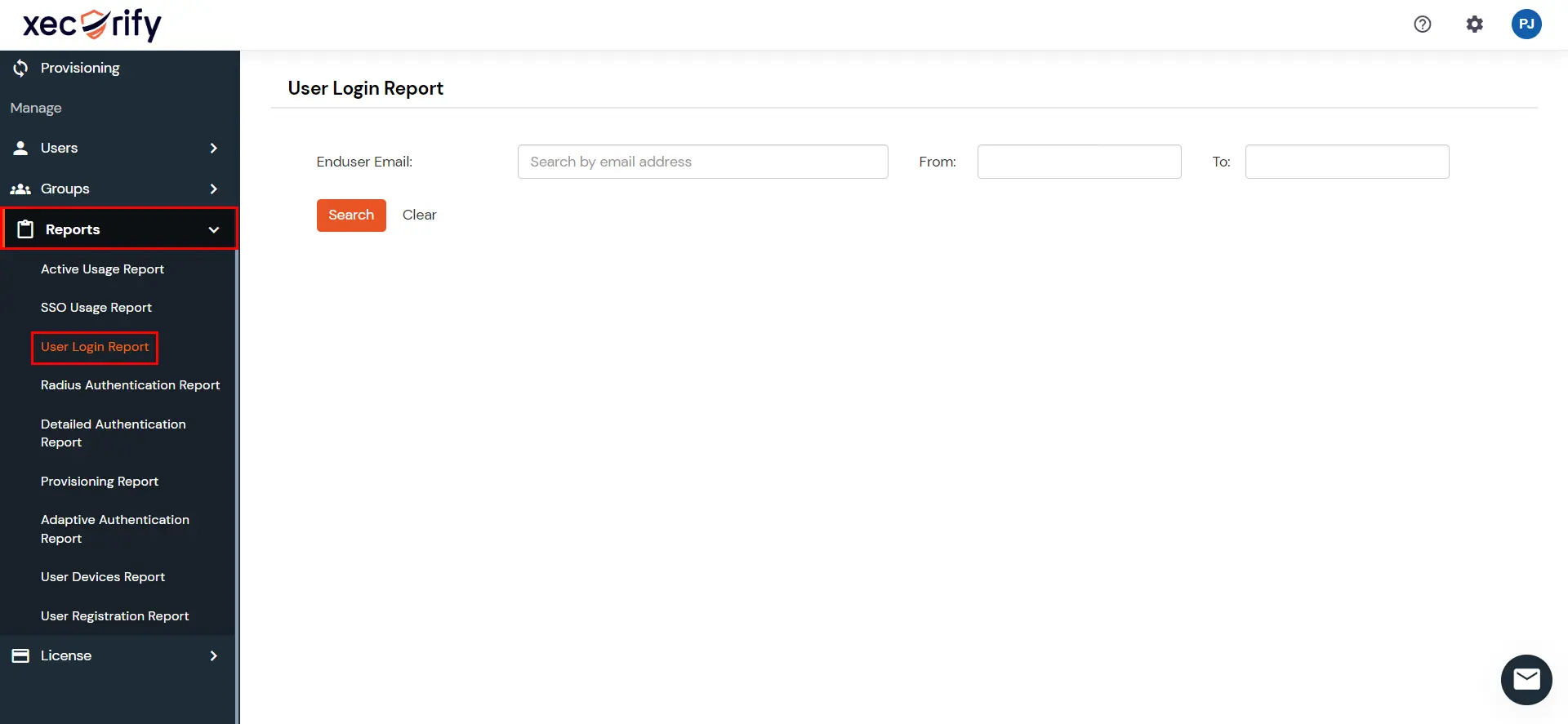
Go to Reports >> search for User Login Report and click on it.
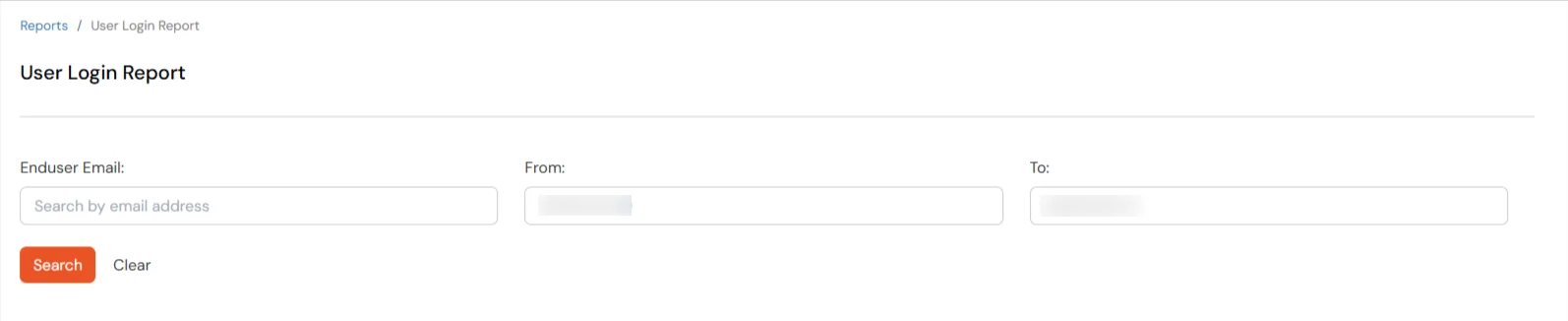
You can filter the report using any of the following fields:
Filter
Description
End User Email
Email address of the end user
From and To Date
Start and end dates for the report
Click on Search to view results. Leave End User Email blank to include all users within the selected date range.
Click on Clear to reset the filters.
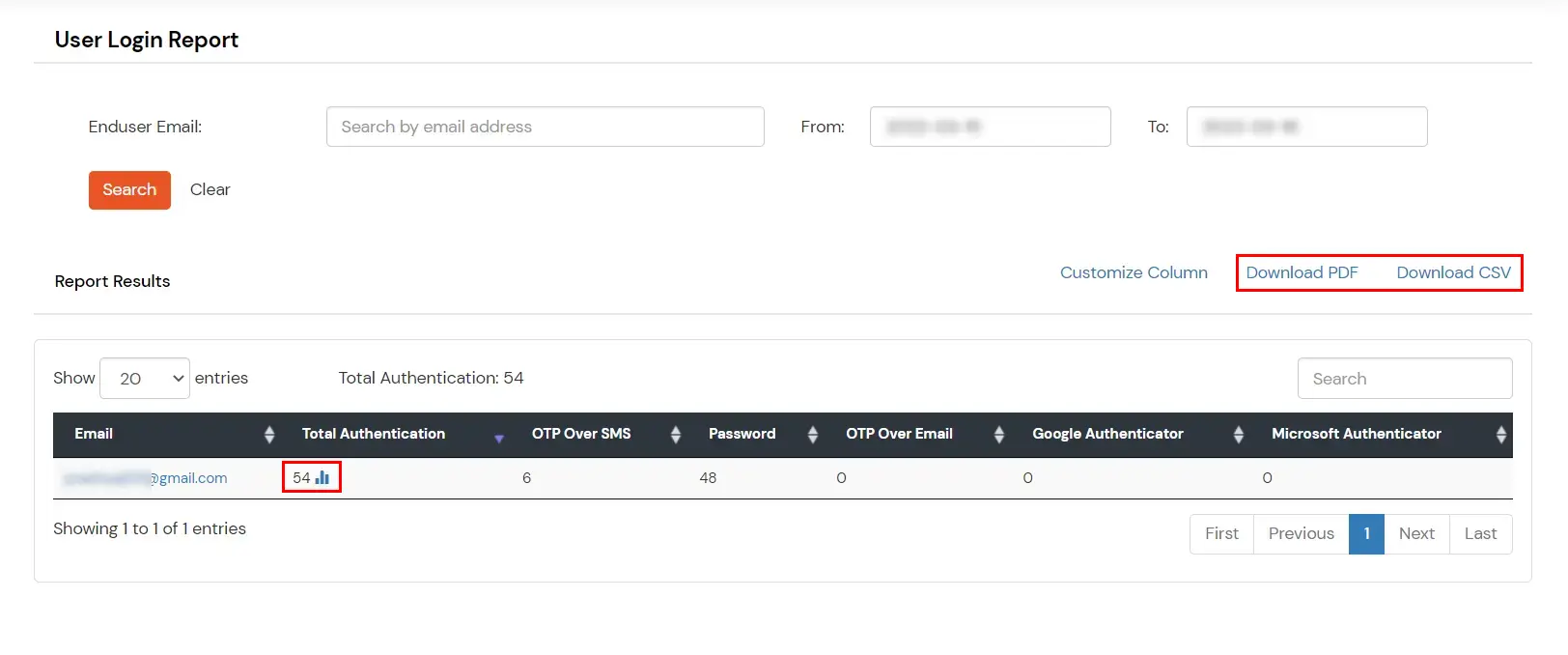
The report displays the total authentication count for each end user, with a breakdown by authentication method.
Click on Customize Column to view additional attributes in the report results.
You can also export the report in PDF or CSV format by clicking the respective buttons at the top-right of the reports section.
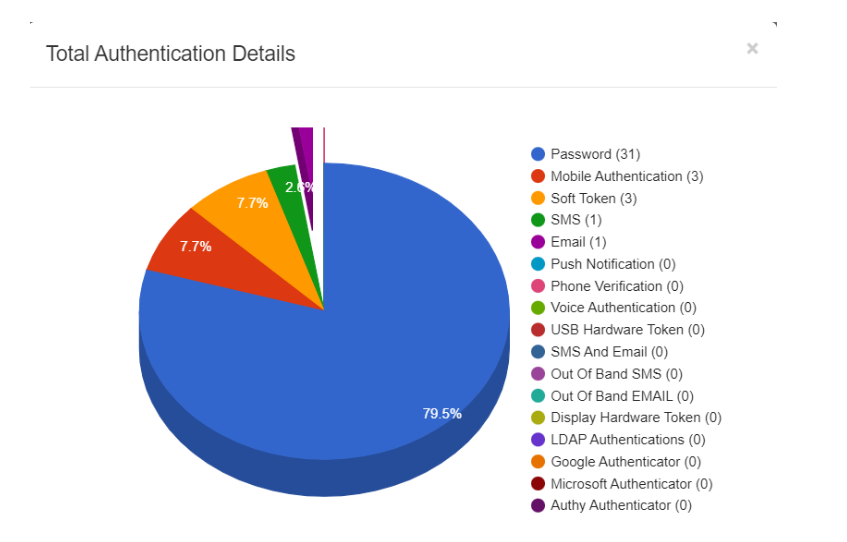
Click the Bar Chart icon next to a user's email address to view a graphical breakdown of their authentications.