Hello there!
Need Help? We are right here!

Need Help? We are right here!
Search Results:
×
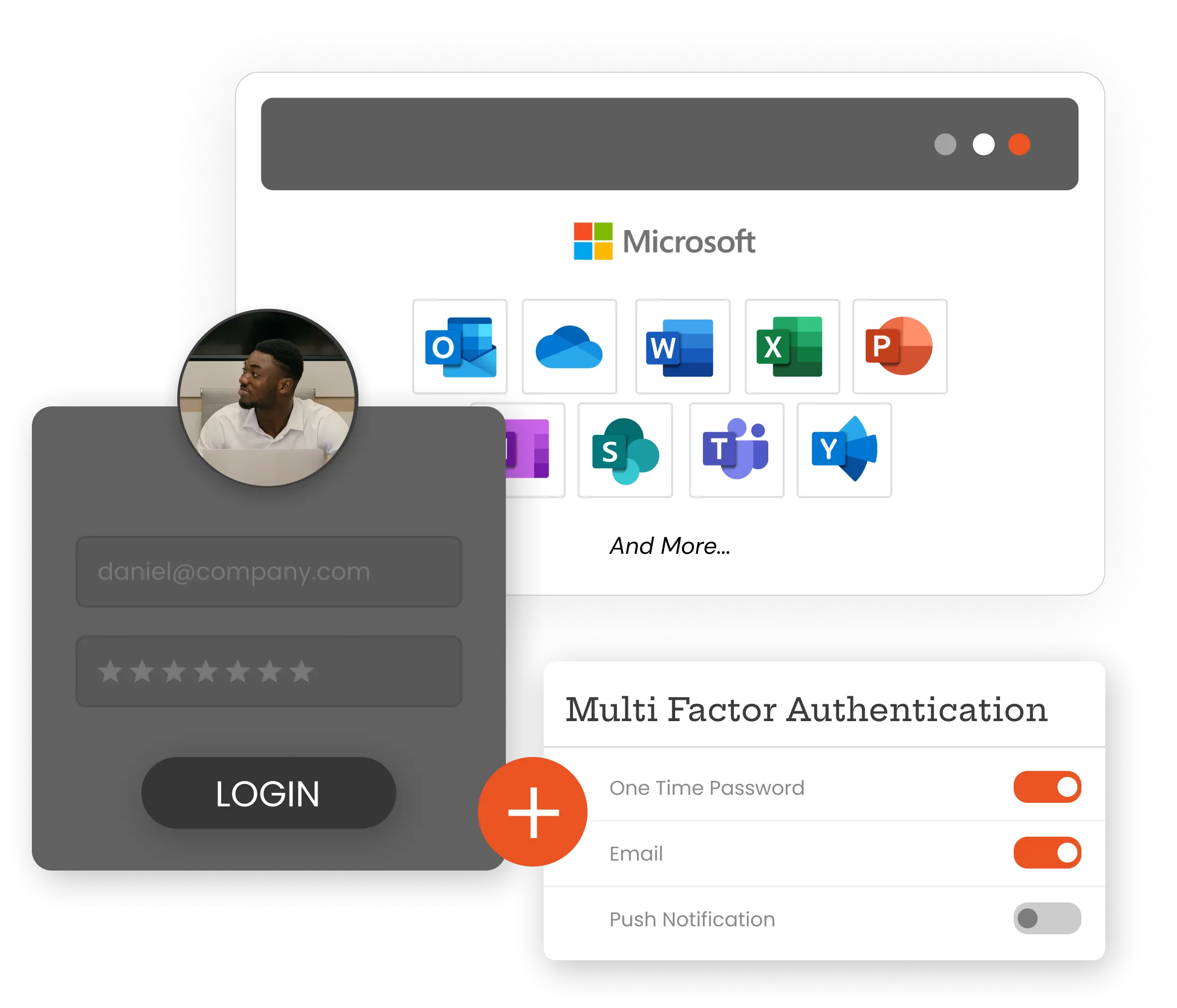
Automate provisioning, authenticate with MFA, and simplify license management with miniOrange IAM.

Enable secure Single Sign-On for Microsoft 365 using SAML and WS-Federation. Connect Active Directory, OpenLDAP, or the miniOrange directory to deliver frictionless authentication experience.

Enable seamless auto-login to Outlook, Teams, and SharePoint from domain-joined machines using Integrated Windows Authentication, delivering passwordless intranet access.

Orchestrate Azure AD lifecycle from miniOrange with automated user updates, group management, role mapping, and real-time synchronization across connected directories and applications.

Secure Microsoft 365 using 15+ authentication methods, including OTP, push, passkeys, biometrics, hardware tokens, and authenticator apps with risk-based verification.

Automate provisioning with attribute-based policies, trigger license assignment during onboarding, and reclaim licenses on offboarding, reducing overhead cost.

Enforce adaptive access using device context, IP, geolocation, risk score, and time-based policies to dynamically allow or block Microsoft 365 authentication attempts.

Enable MFA and device approval for OWA desktop access, ensuring only trusted, compliant devices can securely access Microsoft 365 accounts.
Prevent credential misuse and unauthorized logins with layered authentication guarding every Microsoft 365 entry point.
Ensure safe access to mail, files, and teamwork spaces without exposing data to unmanaged devices or risky locations.
Instantly remove access when users leave or roles change to reduce insider and lateral movement risks.
Track sign-ins, enforce controls, and respond faster to suspicious activity across all Microsoft 365 services.
 Office 365 SSO
Office 365 MFA
Office 365 SSO
Office 365 MFA
 OWA SSO (On-Premises)
OWA MFA (Exchange Server)
OWA SSO (On-Premises)
OWA MFA (Exchange Server)
 SharePoint Cloud
SharePoint On-Premise
SharePoint Cloud
SharePoint On-Premise
 Microsoft Teams
 Outlook
 OneDrive SSO
OneDrive MFA
OneDrive SSO
OneDrive MFA
 PowerBI
ADFS MFA
PowerBI
ADFS MFA
Streamlined Office 365 App Setup
Open the Provisioning Apps section and select Office 365 from the app list to start configuring automated user, group, and license lifecycle management.
Enter a recognizable application name and provide your Microsoft 365 Tenant ID. Complete the authorization to establish a secure connection between miniOrange and your Microsoft 365 environment.
Map miniOrange identity attributes with the corresponding Microsoft 365 attributes to ensure accurate user creation, profile updates, role changes, and access consistency across directories.
Choose the provisioning objects you want to automate: users, groups, and license assignment. Define policies to assign the right licenses and access based on roles, departments, or other identity attributes.
Import users or groups from your directory to instantly provision accounts in Microsoft 365. Run a sync to apply configurations and complete the setup for automated lifecycle management.



I can't speak highly enough regarding miniOrange, I am totally satisfied with the process and results in every regard.
5.0

Awesome tech service, Awesome product. Overall Awesome people. This solution is very simple and easy to implement
5.0