Hello there!
Need Help? We are right here!

Need Help? We are right here!
Search Results:
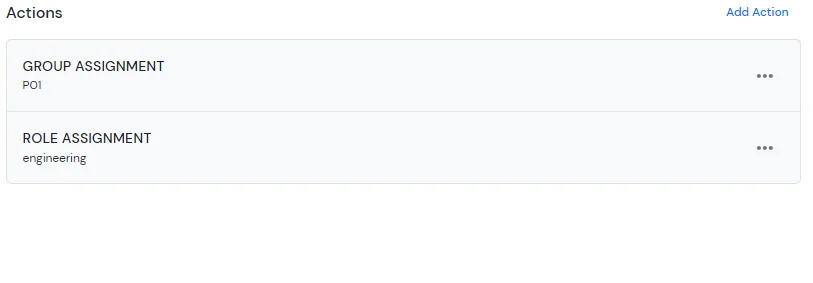
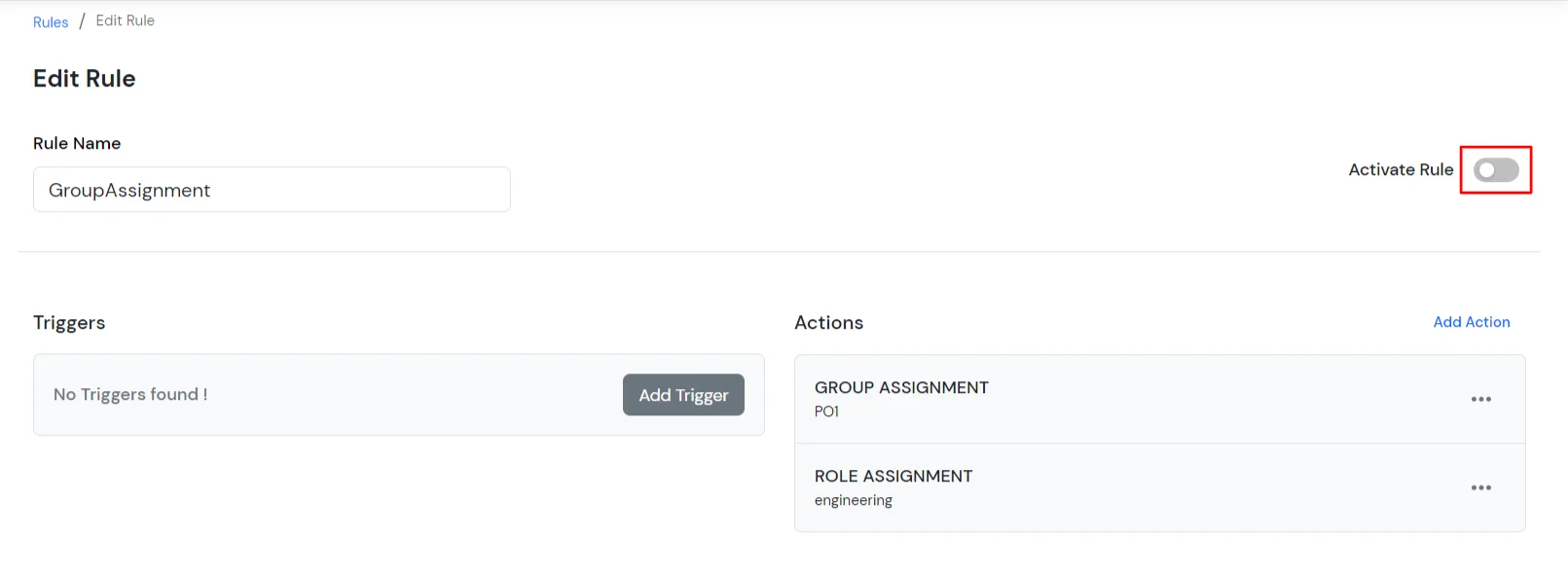
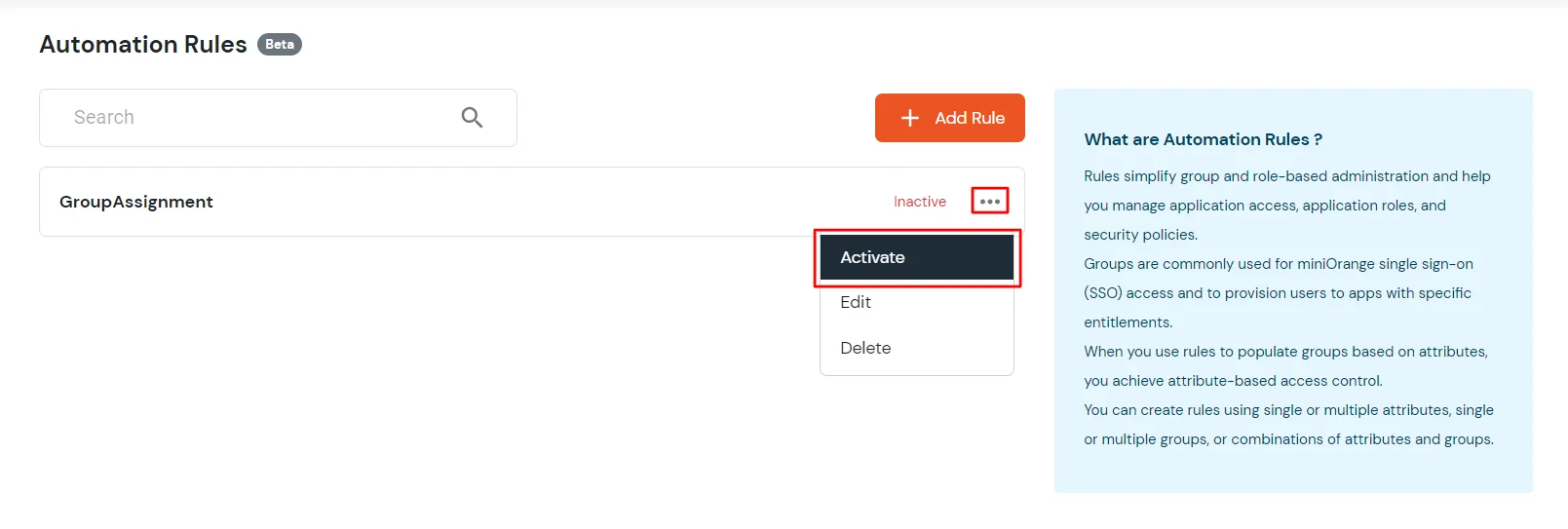
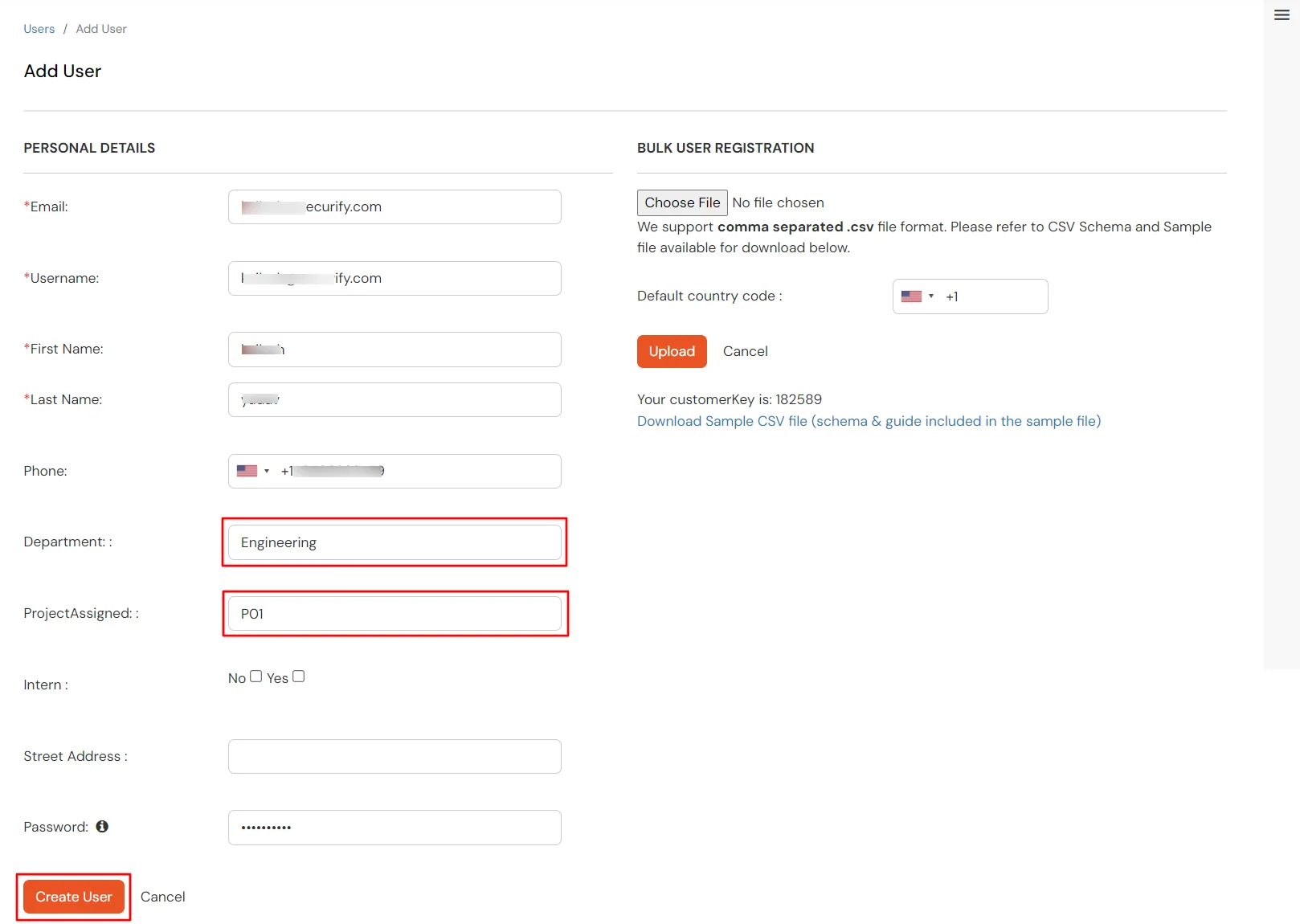
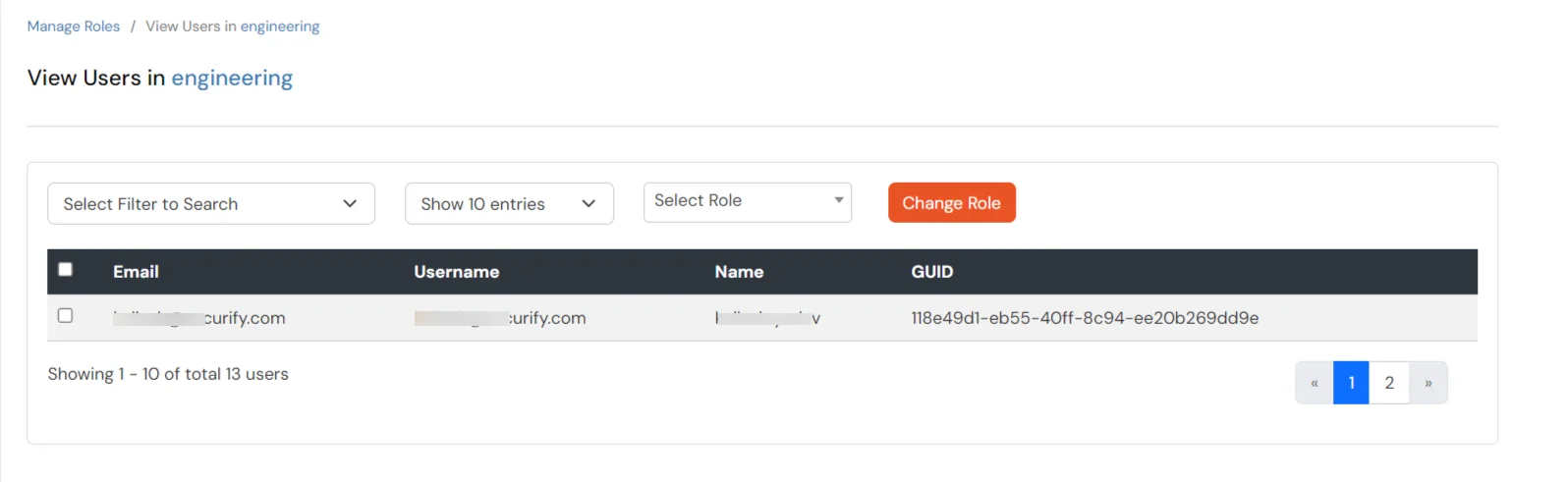
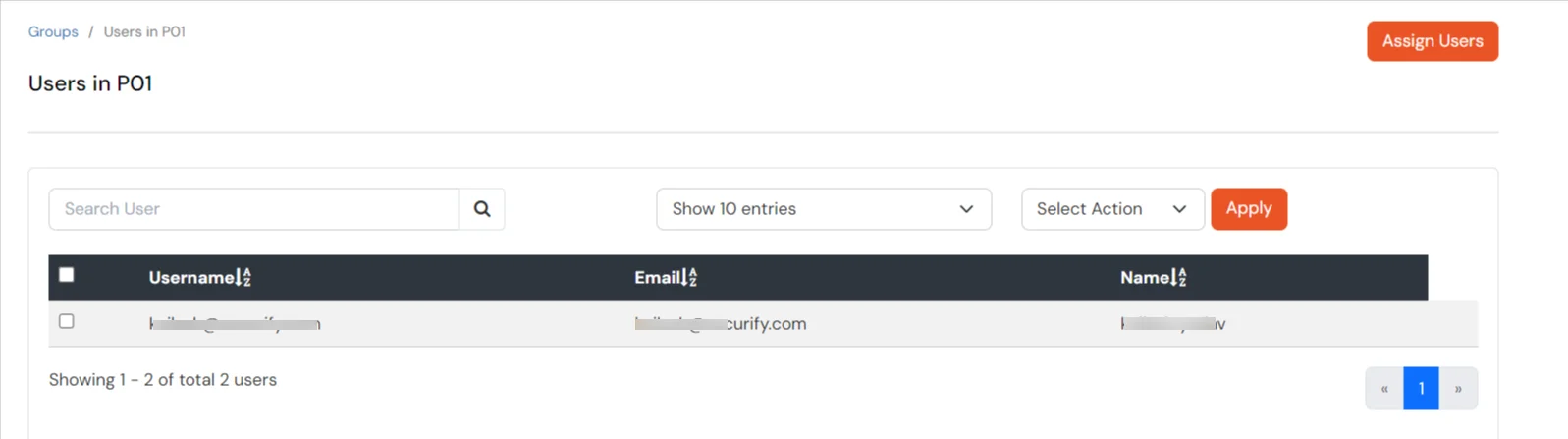
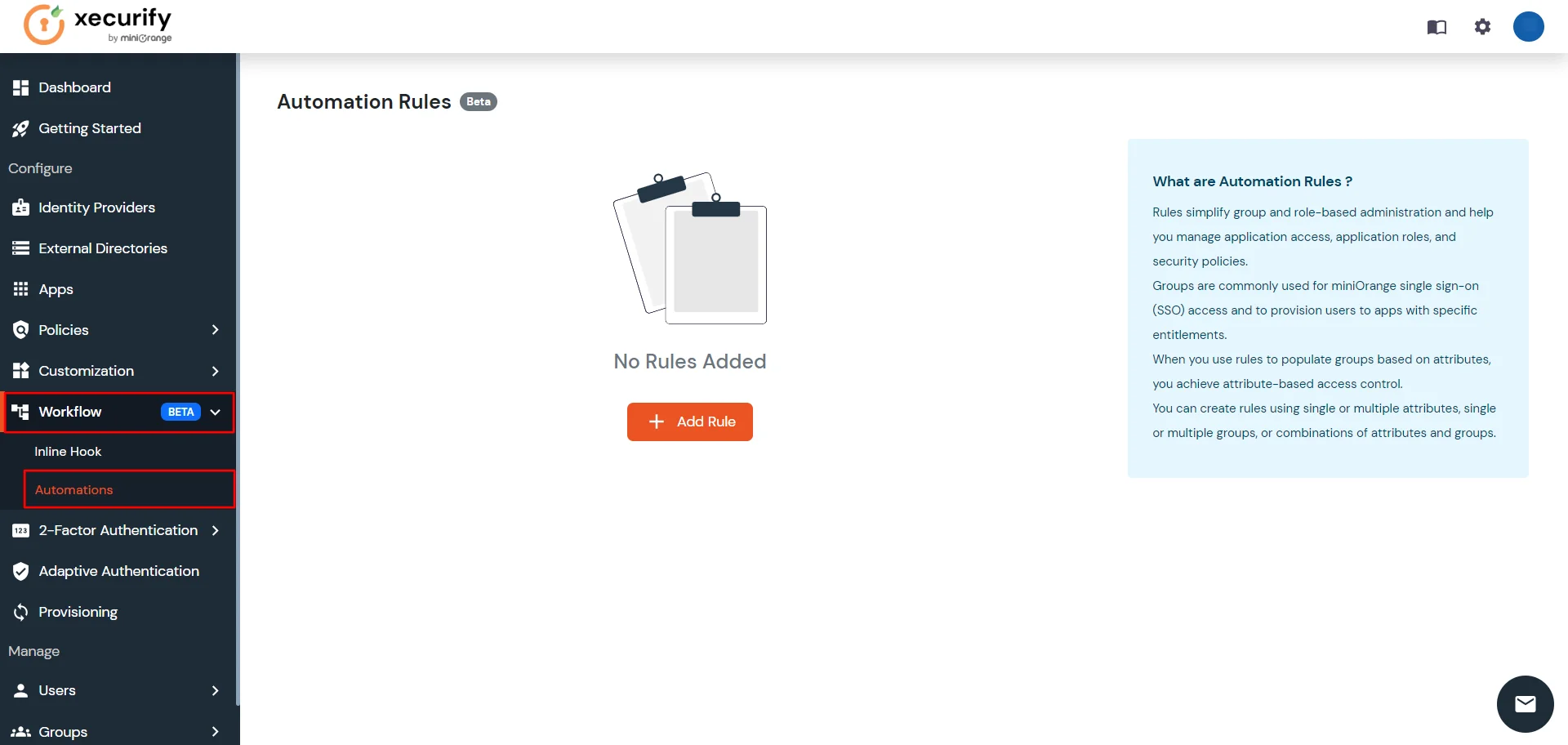
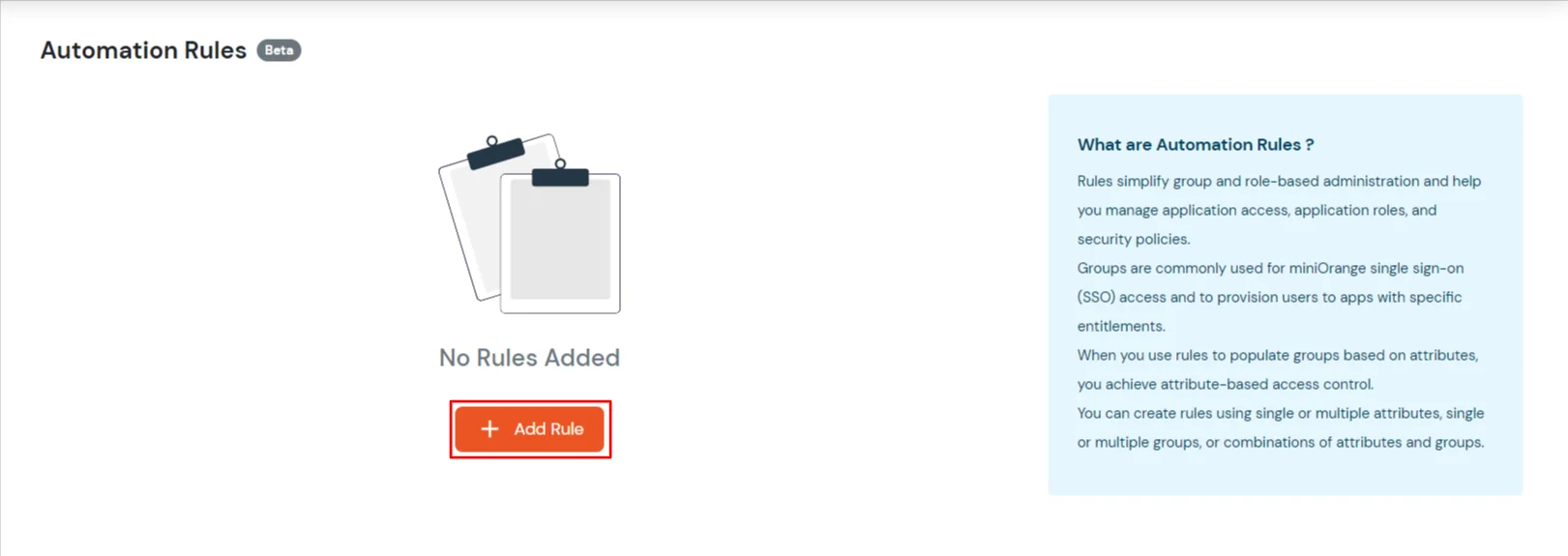
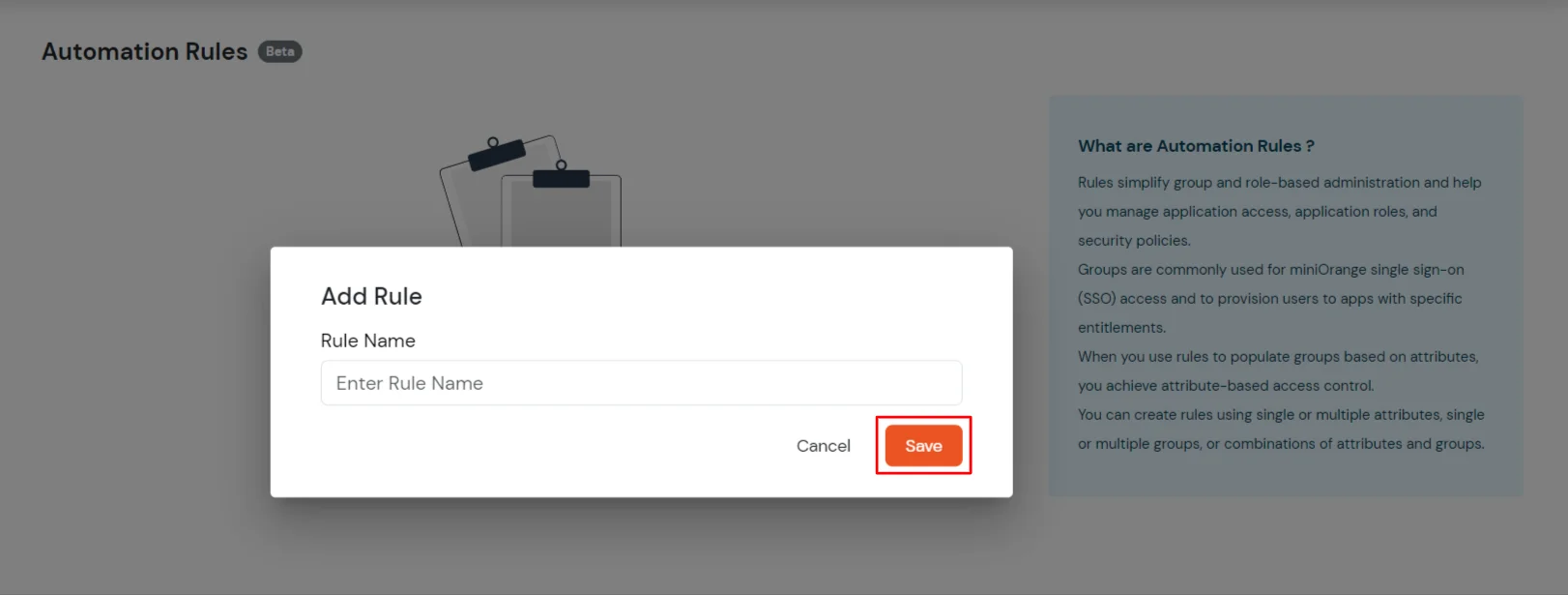
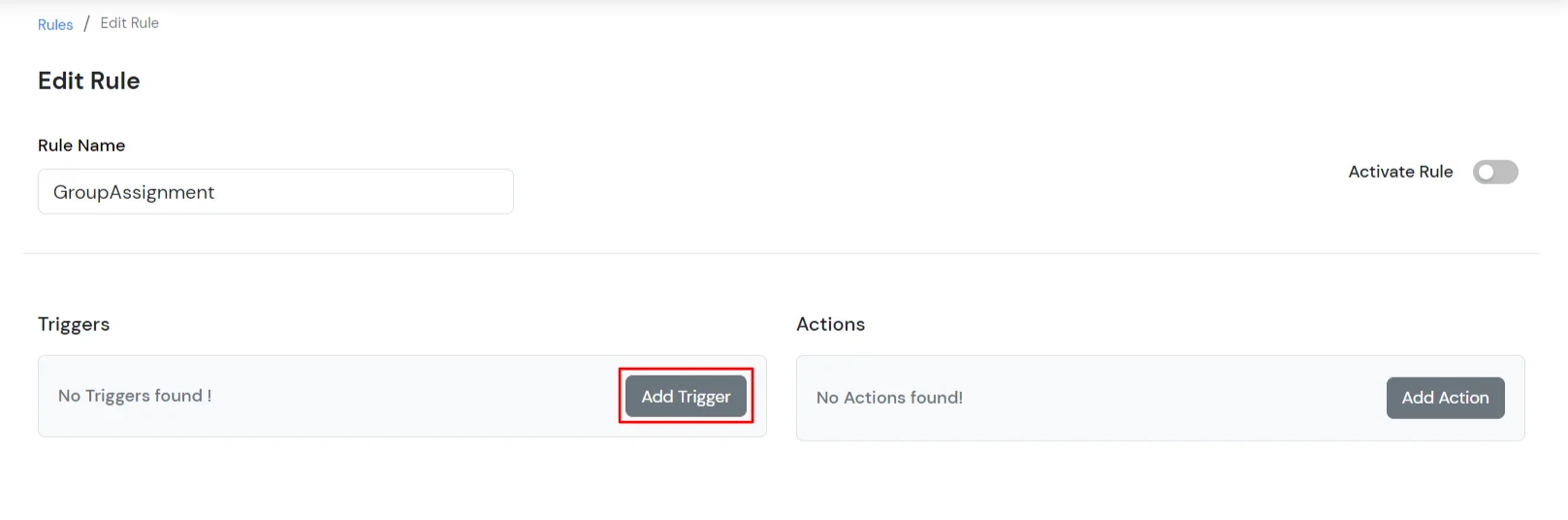
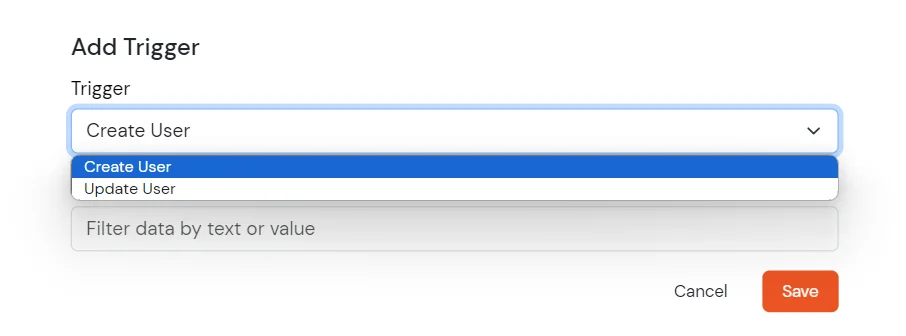
×Administrators define rules based on user attributes and events. These rules specify the conditions under which certain actions should be taken. For example, a rule might specify that any user with the department attribute set to "Sales" should be added to the "Sales Team" group.

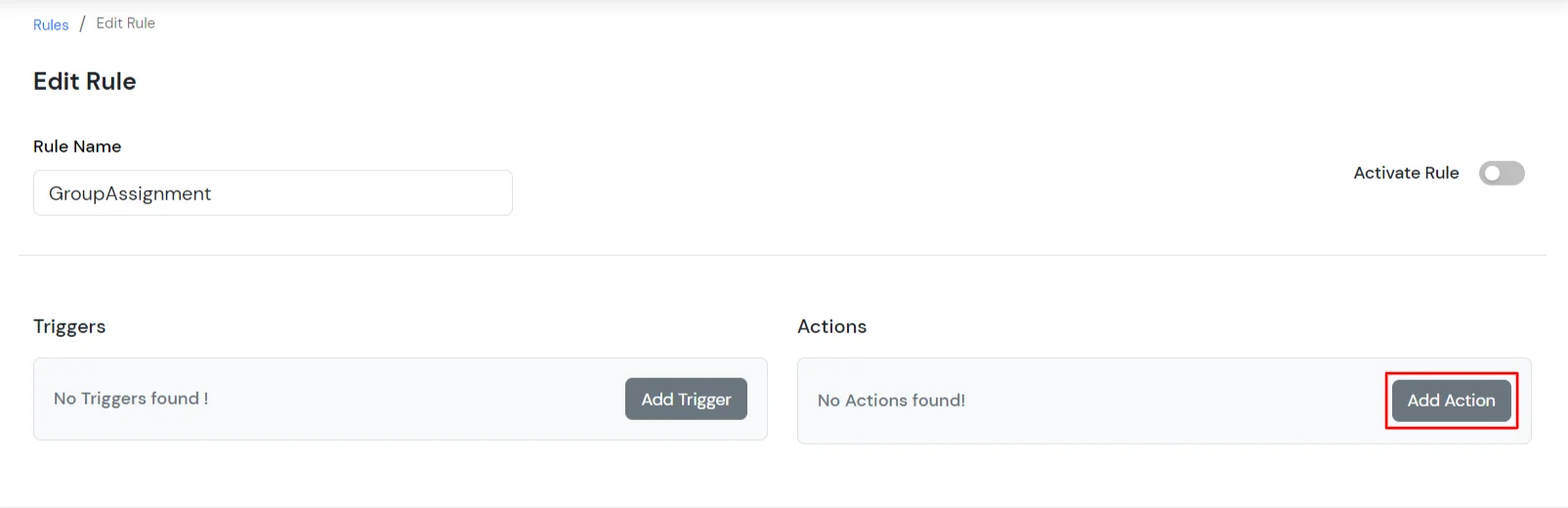
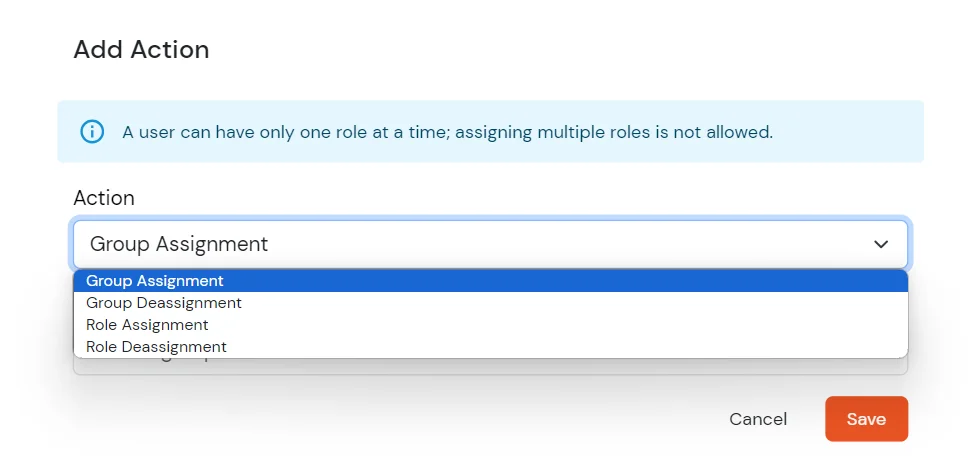
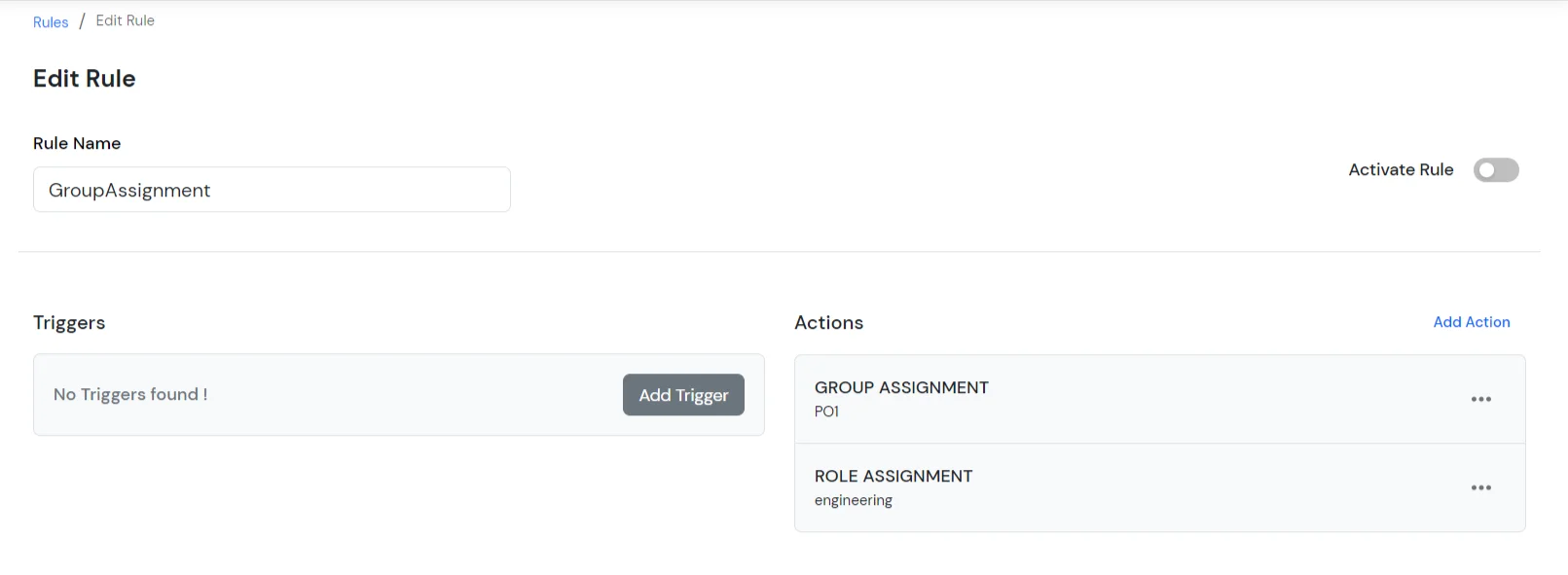
This action allows you to dynamically construct a user attribute using existing attributes. In the example below, the Email attribute is generated by combining the user’s First Name and Last Name.
Use the $ symbol to reference attributes in the transformation query. These values are resolved at runtime during user provisioning or authentication.
Example:
If First Name is John and Last Name is Doe, the resulting email will be John.Doe@gmail.com.