Hello there!
Need Help? We are right here!

Need Help? We are right here!
Search Results:
×

Enable SAML Single Sign-On (SSO) with external identity sources like Active Directory, ADFS, HR systems, Microsoft 365, and G Suite for centralized access.

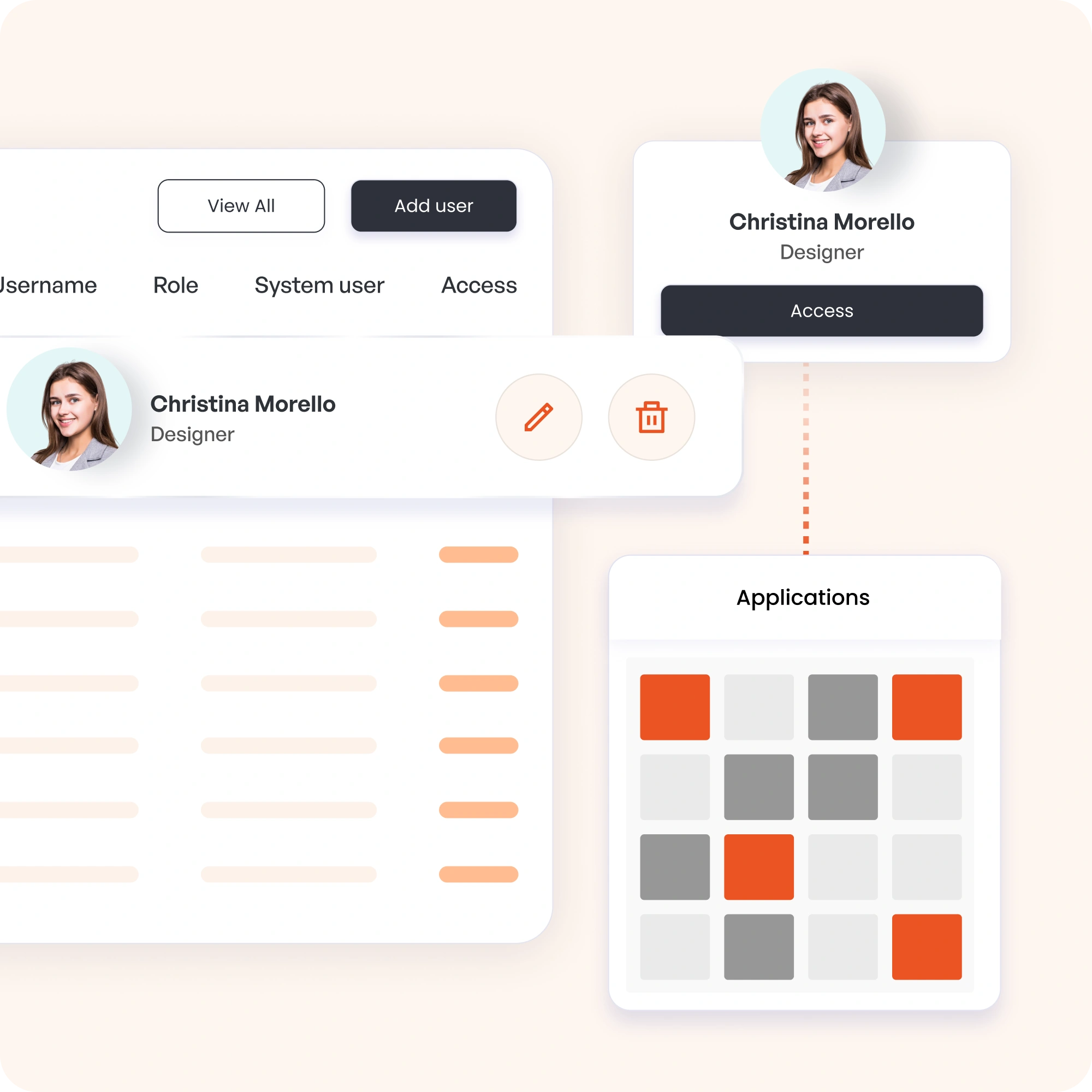
Add or remove users and manage groups in one portal. Simplify SAML-based single sign-on administration while maintaining strong access control.

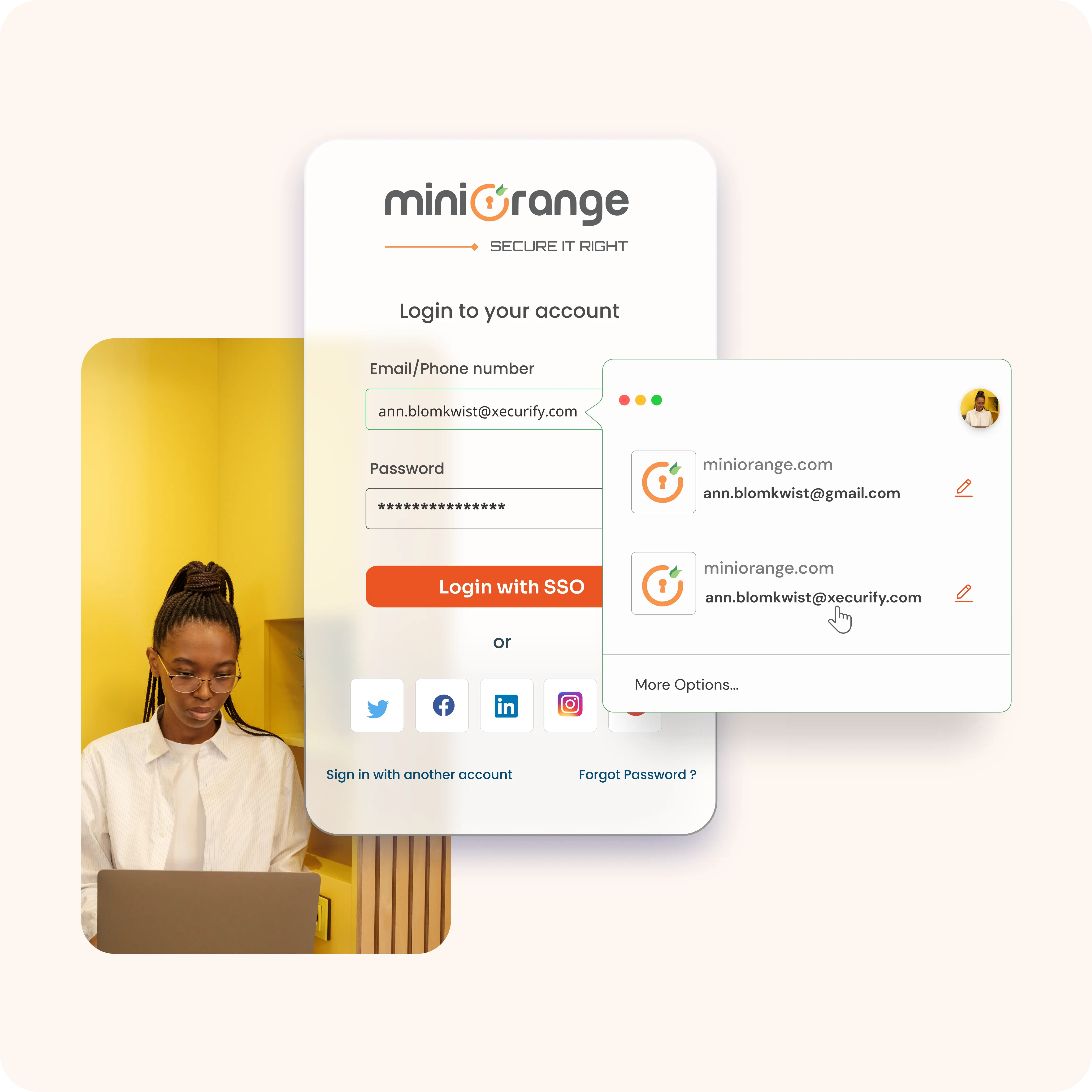
Create branded, multilingual SAML SSO login pages for staff and partners, offering a consistent and familiar sign-in experience.

Set roles, permissions, and policies with precision. Gain SAML SSO login insights through reports, exports, and SIEM integrations.

Meet GDPR, PCI DSS, and SOC standards using SAML 2.0 based single sign-on while protecting user credentials and sensitive data.

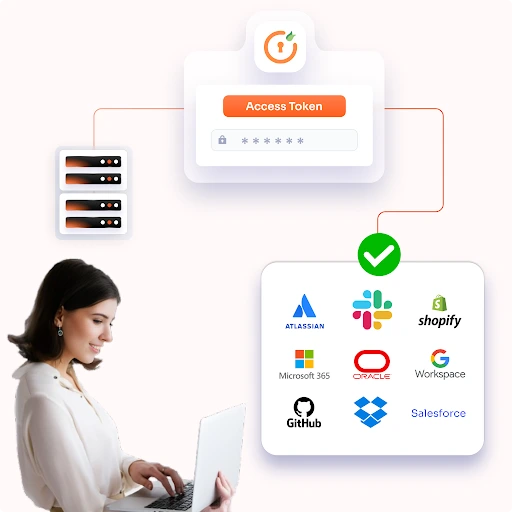
Connect SAML Single Sign-On authentication to thousands of apps, supporting growth from small teams to enterprise environments.
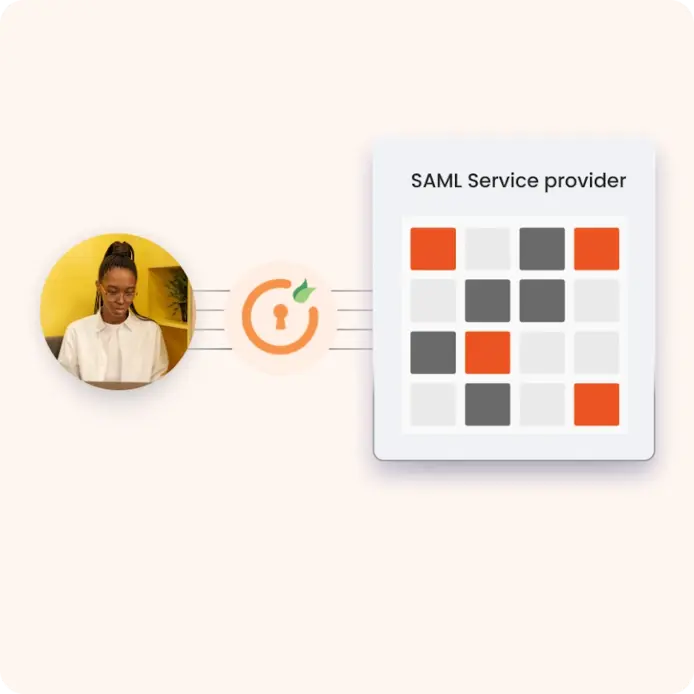
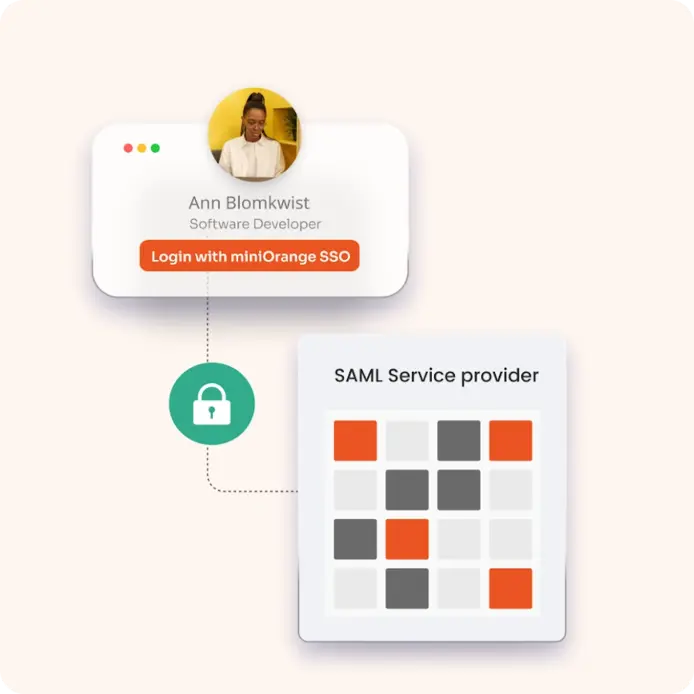
When you use miniOrange as your SAML Identity Provider (IdP), the process of logging into various applications becomes seamless and secure. Here’s how it works.
1. User Attempts to Access an Application
A user tries to access an application (known as the Service Provider or SP) that requires authentication.
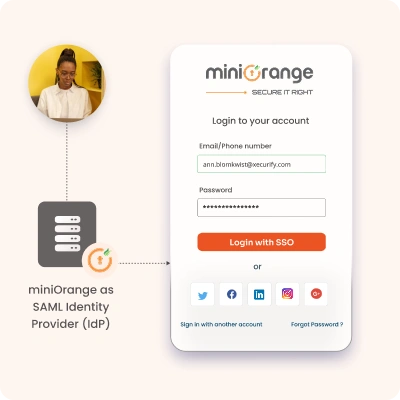
2. Redirection to miniOrange
The application redirects the user to miniOrange, the Identity Provider, to verify their identity.
3. User Authentication
miniOrange prompts the user to log in (if they havent already). Once the user is authenticated, miniOrange prepares a SAML response containing the user’s credentials and permissions.
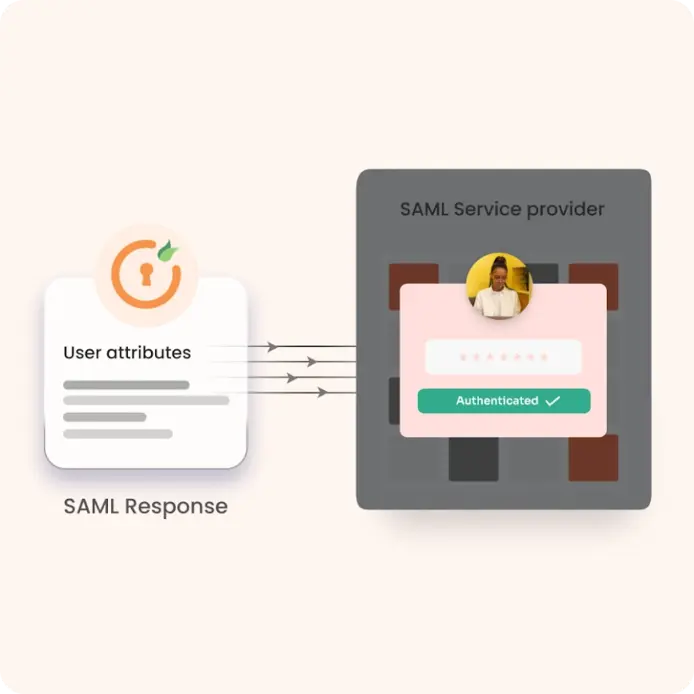
4. SAML Response Sent to Application
The SAML response is securely sent back to the application, confirming the user’s identity and what they are allowed to do.
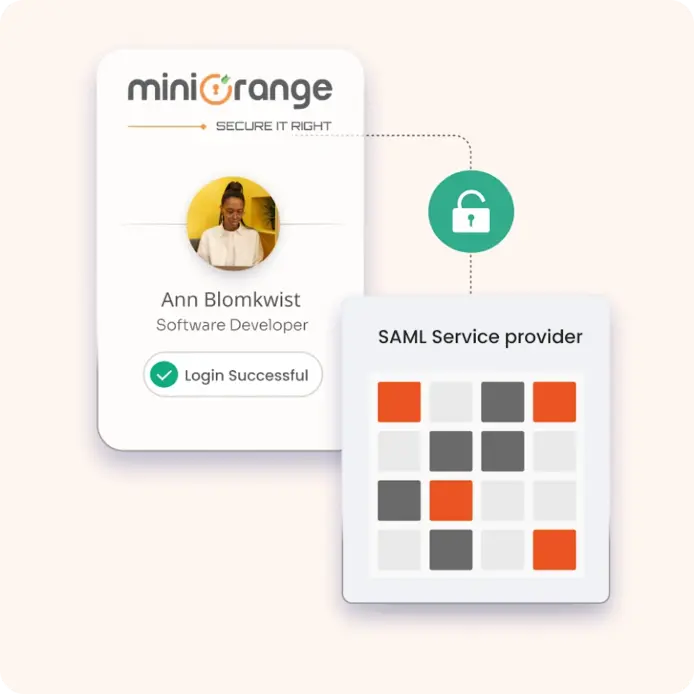
5. Access Granted
The application receives the SAML response, verifies it, and grants the user access to the requested resources.
Identity solutions from miniOrange can be easily deployed in your organization's existing environment.
Choosing an SSO platform starts with understanding how authentication protocols affect deployment and scalability.
Aspect
SAML
SSO
Secure authentication between applications
One-click access across applications
Centralized identity and stronger security
Improved user productivity and experience
Simplifies application integrations and user management
Reduces password reset requests and helpdesk costs
Supports thousands of SAML-enabled applications
Enables seamless access as your app ecosystem grows
Built on the SAML 2.0 standard
Can leverage SAML, OAuth, or OpenID Connect
Enterprises requiring secure federated access
Organizations looking to simplify access management
Trusted authentication across systems
Faster, secure, and frictionless access for users
Combine SAML Single Sign On (SSO) authentication with secure password storage. Employees can save and autofill credentials while signing in to all connected apps with one SAML login.
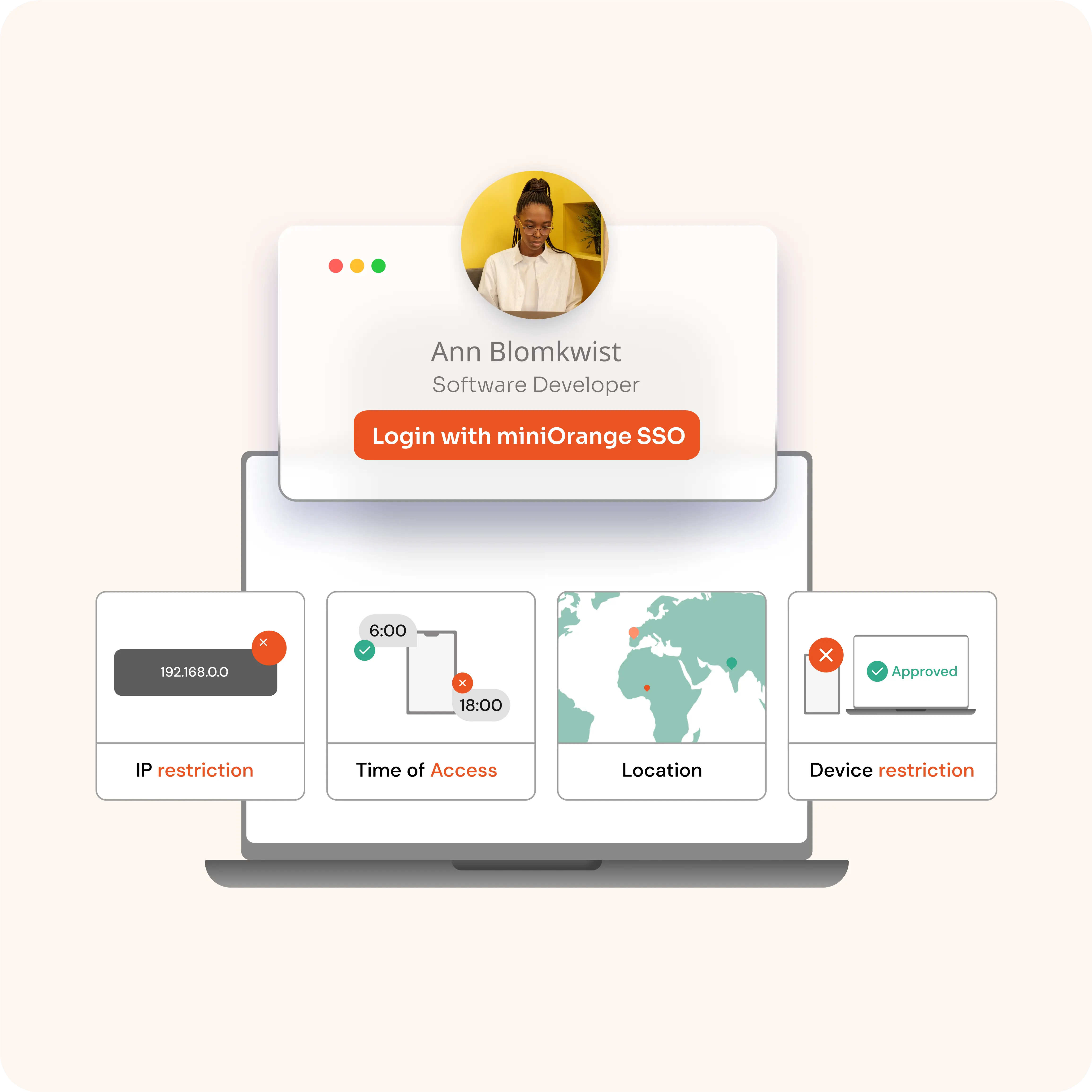
Control access with adaptive SAML SSO policies based on device, IP range, or user location. Block high‑risk logins while trusted users continue to access apps without disruption.
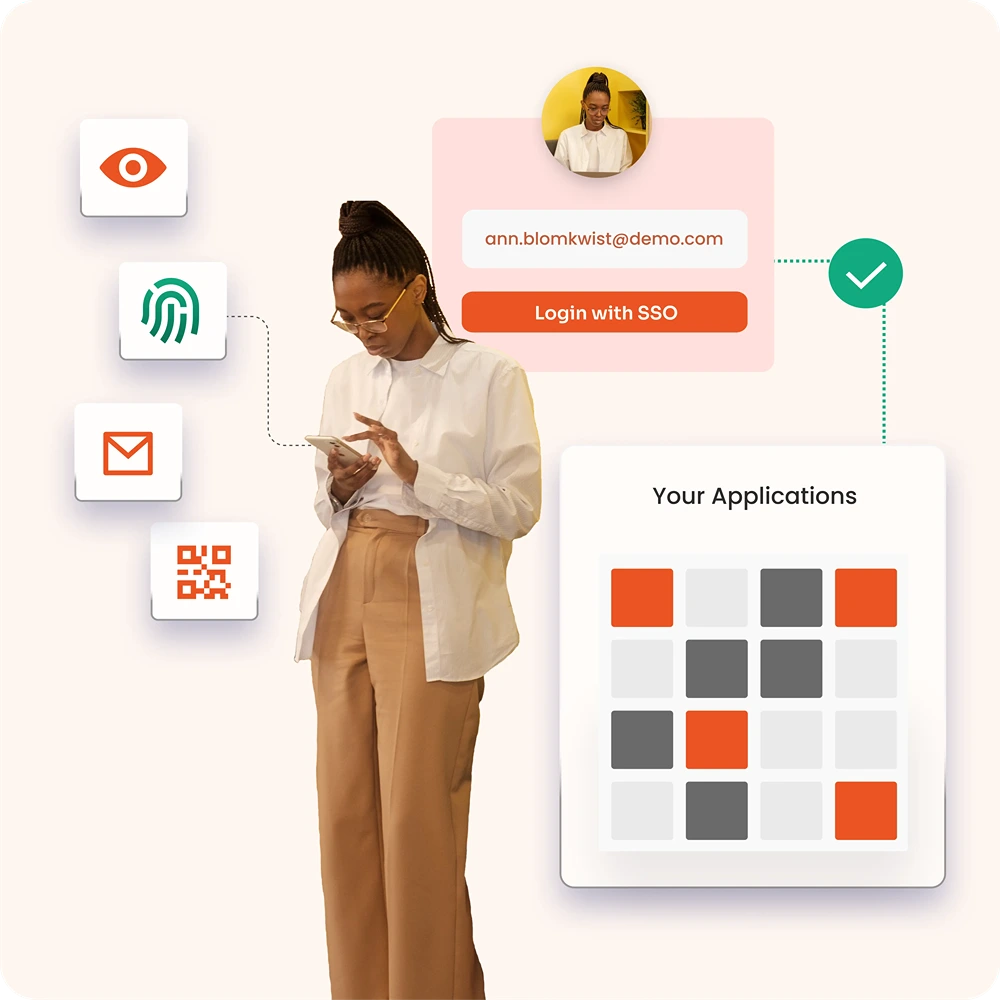
Add MFA to SAML Single Sign-On for stronger protection. Require OTPs, biometrics, or push approvals so logins stay secure even if a password is compromised.
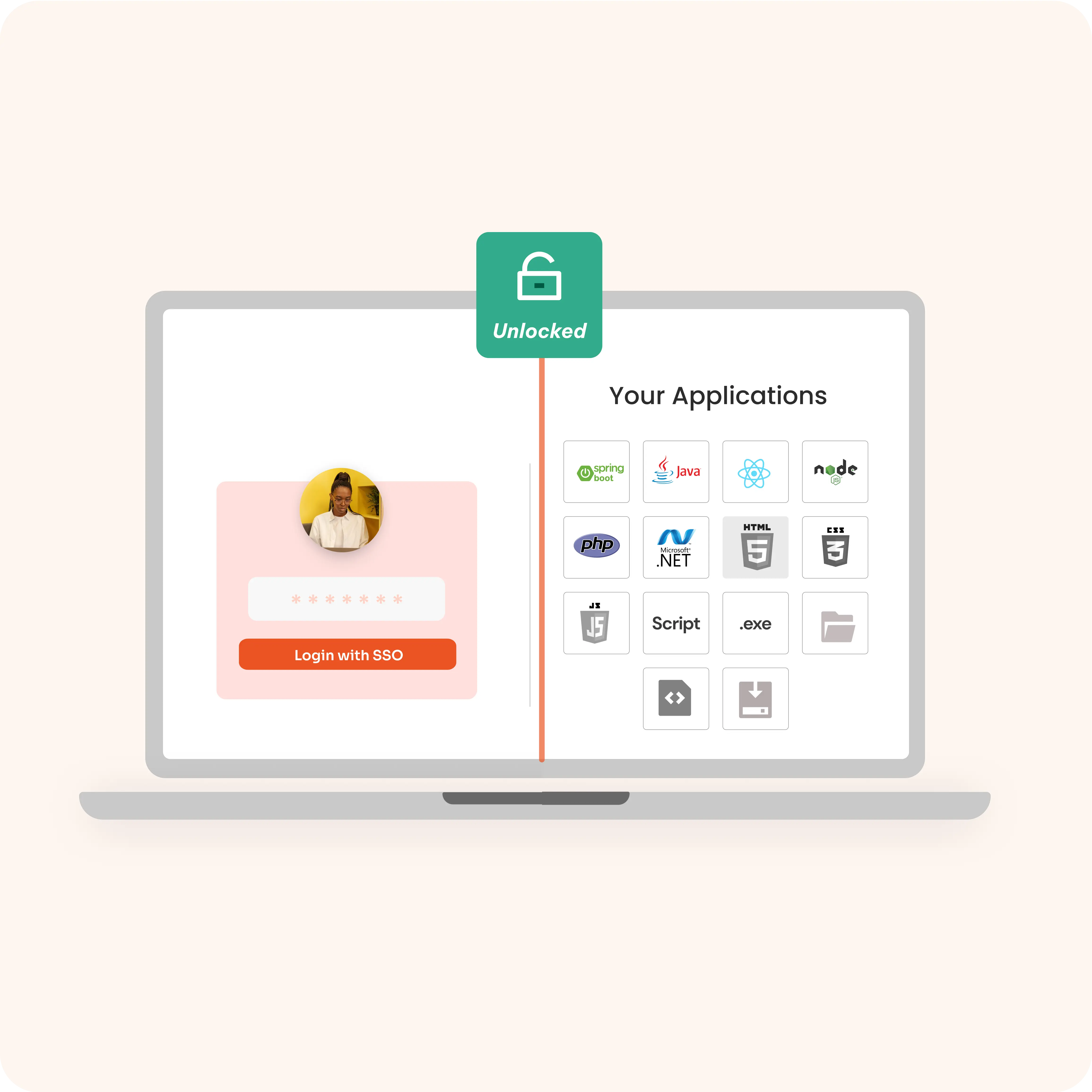
Extend SAML-based single sign on to older software, internal tools, and custom-built systems. No need to replace infrastructure — bring all apps under one secure login.
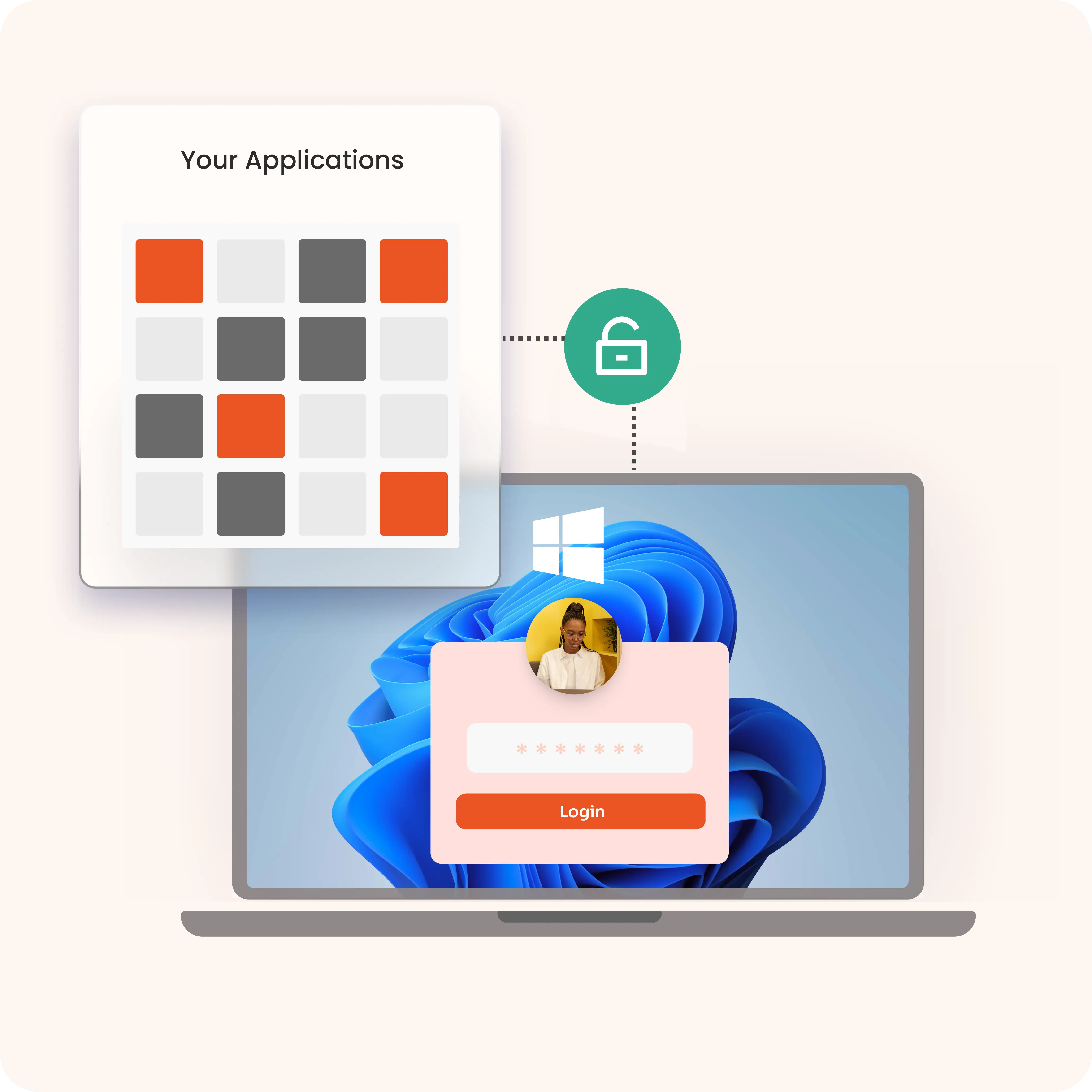
Enable users to log in automatically with their Windows credentials. SAML SSO recognizes trusted devices and domains, removing the need for repeated password entry.
Simplify onboarding and offboarding with SAML Single Sign On automation. Accounts are created, updated, or removed across connected apps instantly, cutting IT effort and security gaps.
miniOrange offers 6000+ pre‑built SAML Single Sign On (SSO) integrations to help enterprises securely connect to cloud apps, in‑house tools, and on‑premise systems — without the need to maintain each integration manually. With our SAML 2.0 based single sign-on service, your team can log in once and access applications like Salesforce, Google Workspace, Office 365, SAP, and many more using one trusted SAML login.
Explore the miniOrange App Integration Catalog







*Please contact us to get volume discounts for higher user tiers.

5.0
"SSO for Cloud base app"
It was exceptionally good experience during POC. Team was very helpful right from integration to check the actual output of the product... Read more
5.0
"Seamless SSO Solution with Exceptional Service"
miniOrange offers the best user experience for Single Sign-On (SSO)... Read more

5.0
"Great MFA Product & support"
Overall very good & stable solution. We are using this product for more than 3 years now. Our use case is mostly MFA for VPN. Great Service.
SAML Single Sign On (SSO) allows users to log in once and access all enterprise apps instantly. It removes the hassle of juggling multiple passwords and repeated logins, helping employees focus on their work instead of managing credentials.
With SAML 2.0 based single sign on, authentication is centralized and protected. Stronger security controls reduce the risk of password theft, and built‑in compliance support helps meet GDPR, PCI DSS, and SOC requirements.
SAML Single SignOn authentication reduces helpdesk calls for password resets, simplifies user management, and automates access provisioning, saving IT teams time and lowering operational costs.