Hello there!

Need Help? We are right here!

Support Icon
miniOrange Email Support
success

Thanks for your Enquiry. Our team will soon reach out to you.

If you don't hear from us within 24 hours, please feel free to send a follow-up email to info@xecurify.com

Search Results:

×

Single Sign On Usage Report


  • This report provides a detailed breakdown of SSO operations performed by end users, including app name, app type, login time, and login status for each activity in the selected time period.
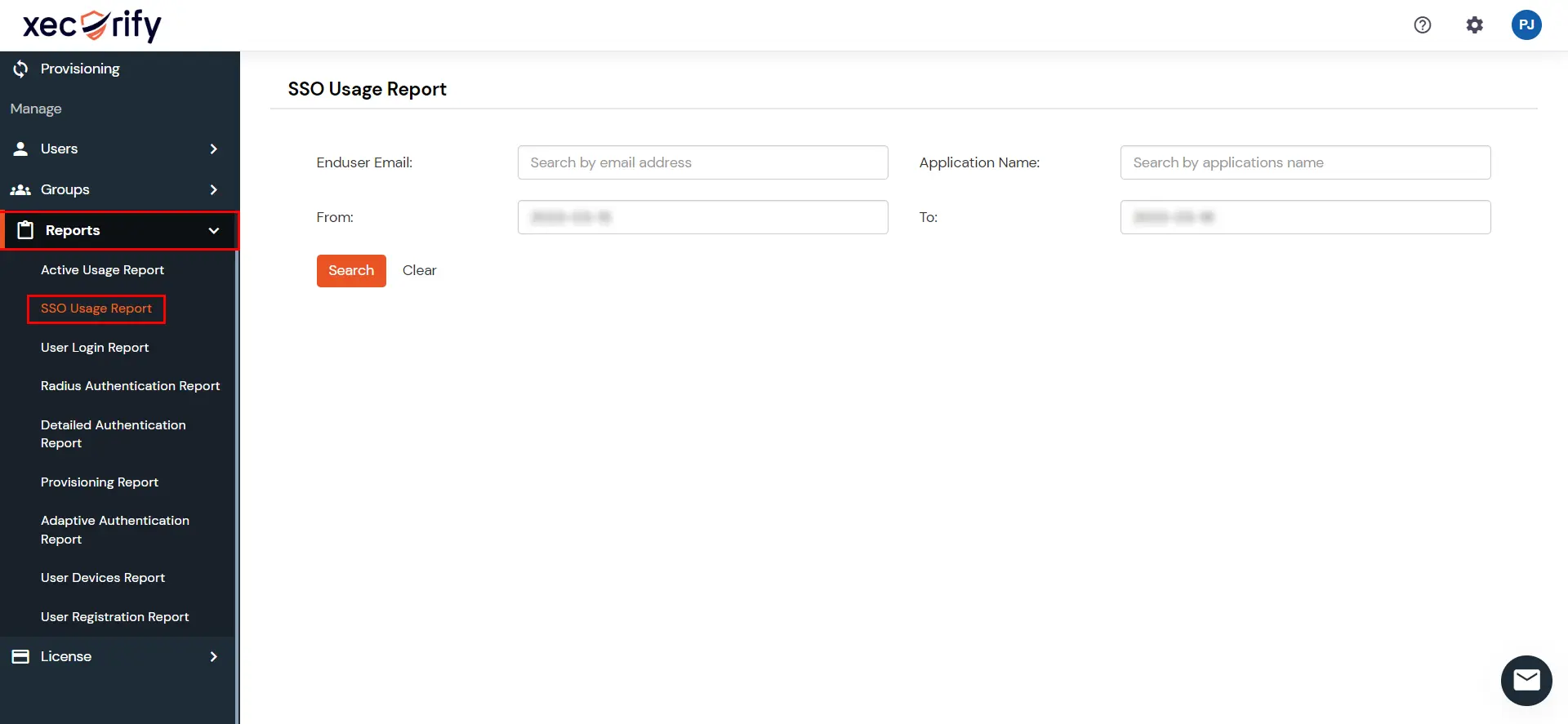
  • Go to Reports >> search for SSO Usage Report and click on it.
  • miniOrange Identity Platform Admin Handbook: SSO Usage Report

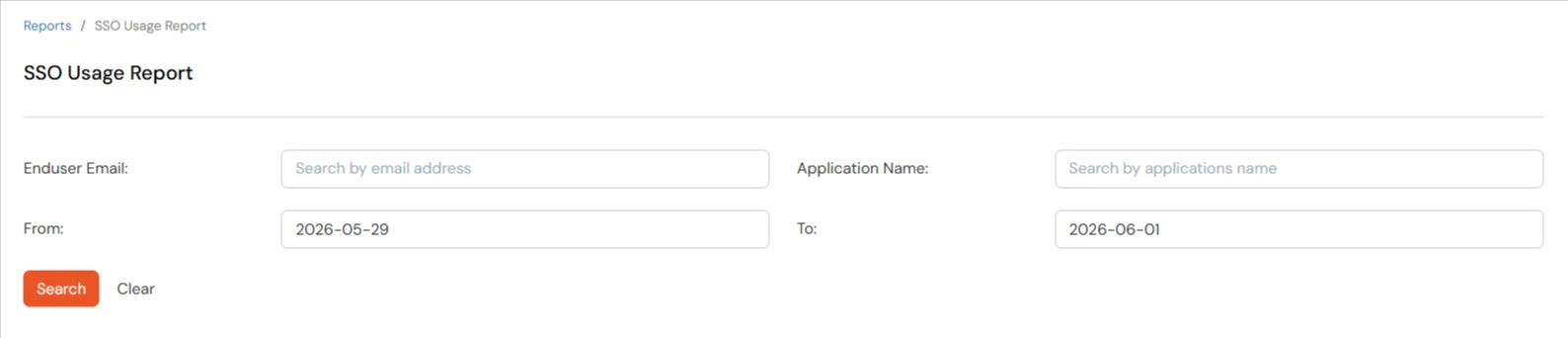
  • You can filter the report using any of the following fields:
    Filter Description
    End User Email Email address of the end user
    Application Name Name of the application
    From and To Date Start and end dates for the report
  • miniOrange Identity Platform Admin Handbook: SSO Usage Report filters

  • Click on Search to view results. Leave End User Email and Application Name blank to include all users and applications within the selected date range.
  • Click on Clear to reset the filters.
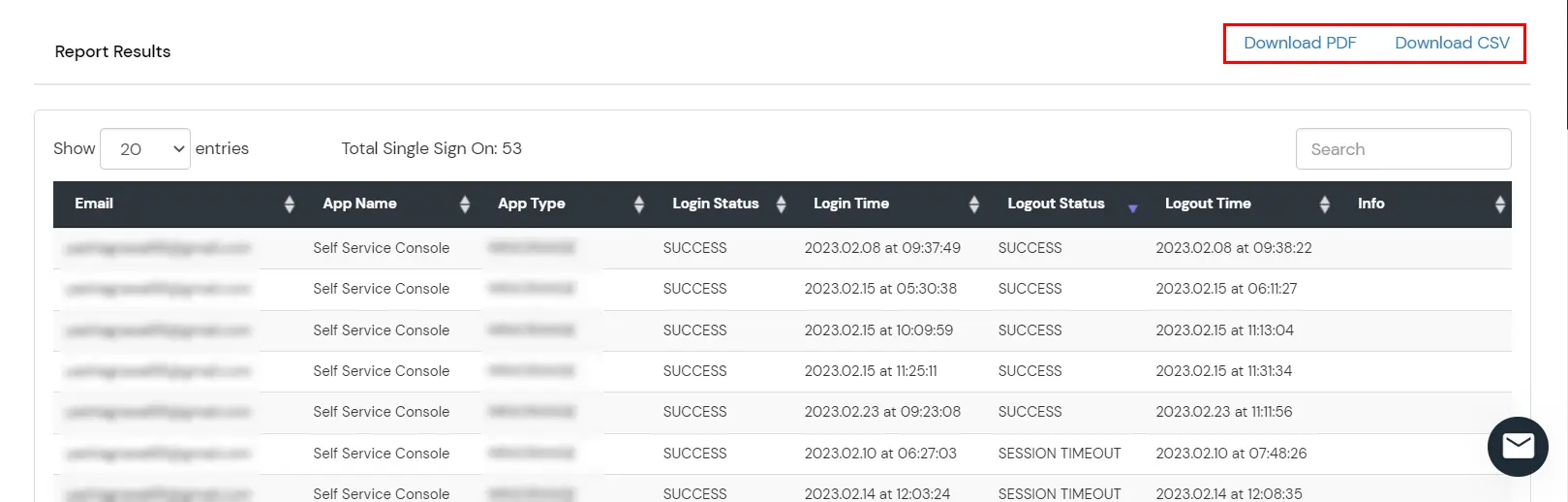
  • The report displays each user's email address, app name, app type, login time, and login status. Use the search bar to filter results by a specific user or app.
  • miniOrange Identity Platform Admin Handbook: SSO Usage Report results

  • You can also export the report in PDF or CSV format by clicking the respective buttons at the top-right of the reports section.