- Home
- DLP
- How to enable Screen Monitoring Policy using miniOrange DLP
How to Set Up Screenshot Monitoring Policy in miniOrange DLP
Monitoring employee screen activity is crucial for organizations to maintain productivity, ensure data protection, and detect insider threats. miniOrange DLP's Screenshot Monitoring Policy allows administrators to capture screen snapshots at defined intervals across all user devices, including split screens and multiple monitors. This guide provides a step-by-step walkthrough to configure screenshot policies, apply them to target devices, and view reports effectively from the miniOrange DLP console.
Prerequisites
There are a couple of things you need to check before you start with the setup:
- You need Administrator privileges to log in to the miniOrange DLP Admin Dashboard.
Configuration Steps
Step 1: Configuring Screen Monitoring policy
- Log in to your DLP Admin dashboard.
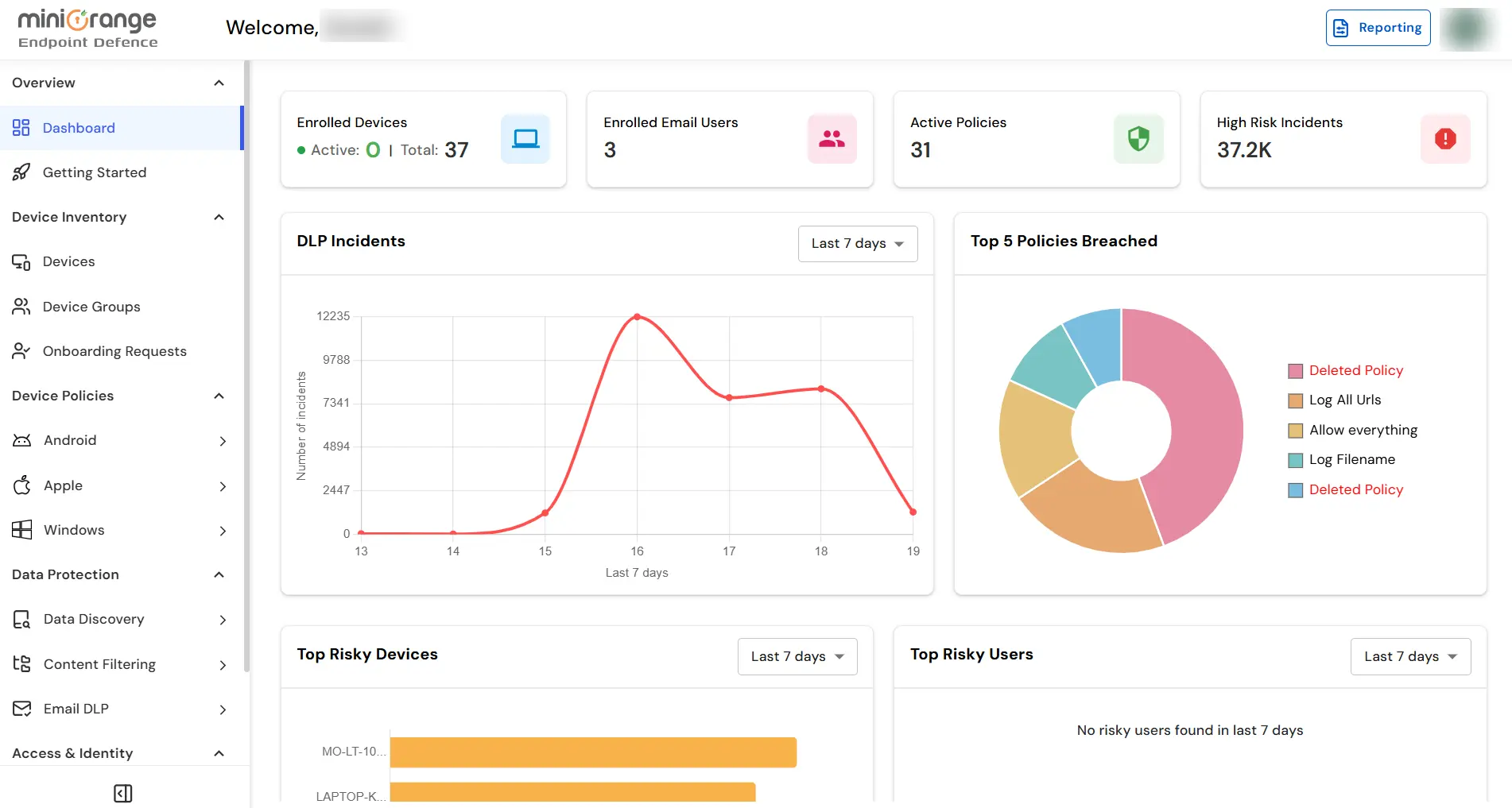
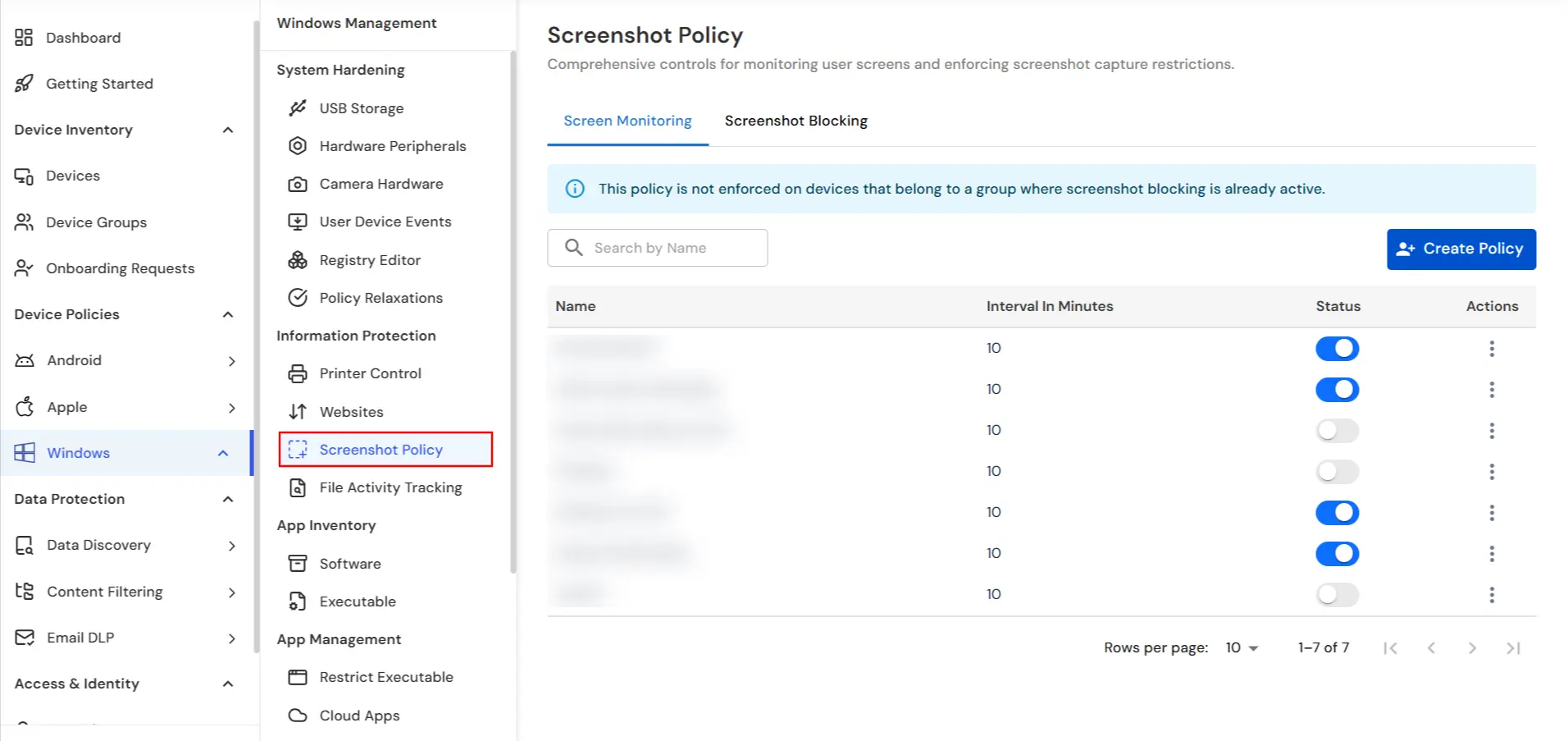
- From the left sidebar, click on Endpoint Tab → Screenshot Policy.
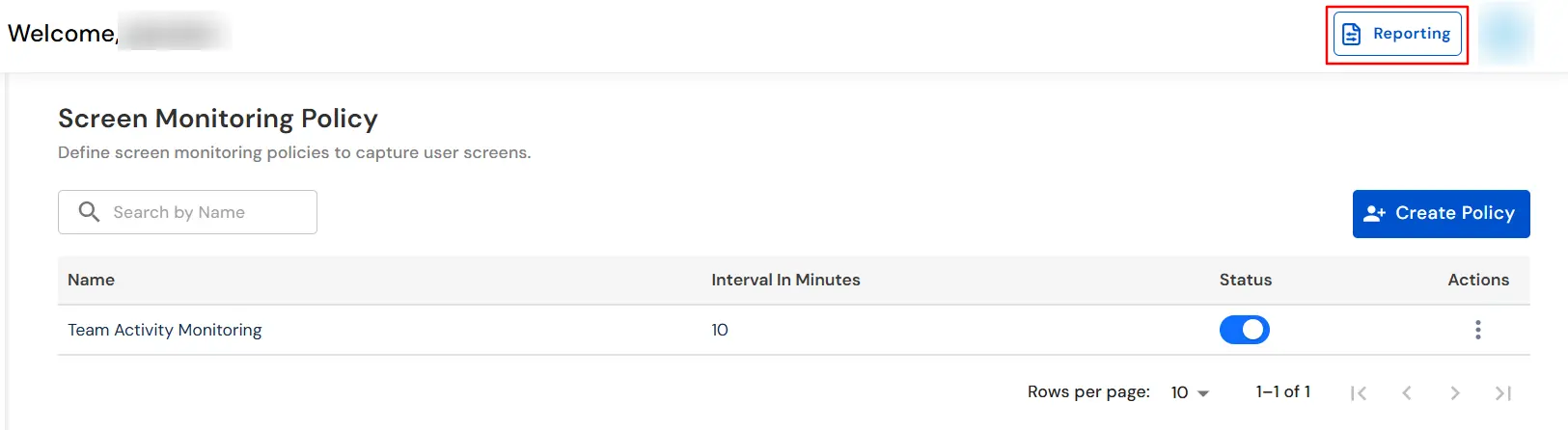
- Click on the Create Policy button to configure a new screen monitoring policy.
Step 2: Setup Policy
- Name: Provide a relevant name (e.g., "Team Activity Monitoring").
- Interval: Specify the interval (between 10 to 360 minutes) to capture screenshots.
- Use the search box to find the devices and select the ones you need and apply the policy.
- Optionally, can enable the Show selected only toggle for reviewing selected devices.
- Once the name, interval, and devices are selected, click Add to save the policy.

Step 3: Reporting
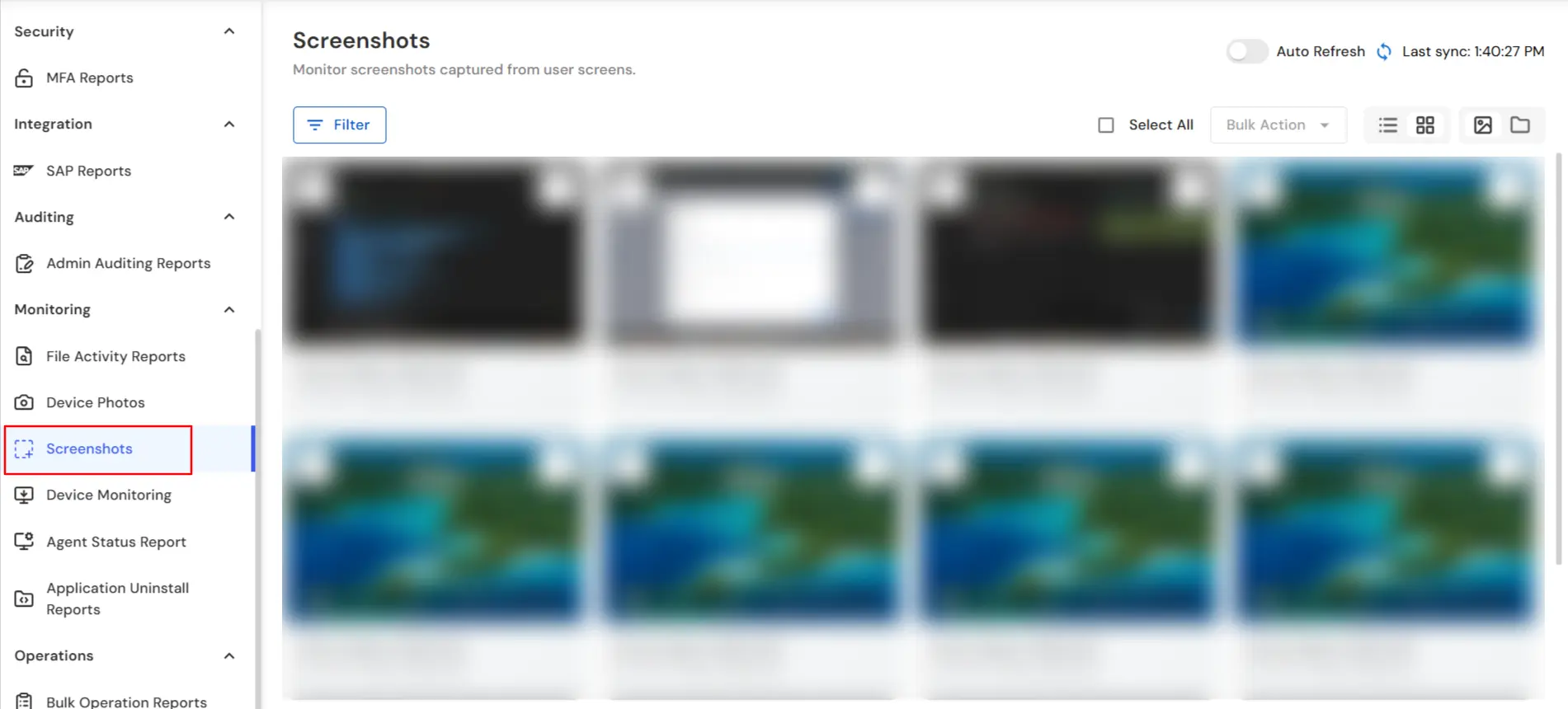
- Go to Reporting → Screenshots to view the captured screenshots.
- In the left panel under the Screenshots tab, you can search the screenshots taken based on device and filter based on date.
- The DLP agent supports screenshots of extended or dual displays.
- Each screen is captured independently (e.g., Screen1, Screen2).
- Ensures full visibility of user activity across all connected displays.
- Every screenshot has a timestamp mapped to the device ID.
In this way you have succesfully configured the Screen Monitoring Policy by using our DLP solution. Also if you are facing any issues that you are not able to resolve please feel to reach out us uemsupport@xecurify.com


