Hello there!
Need Help? We are right here!

Need Help? We are right here!
Search Results:
×
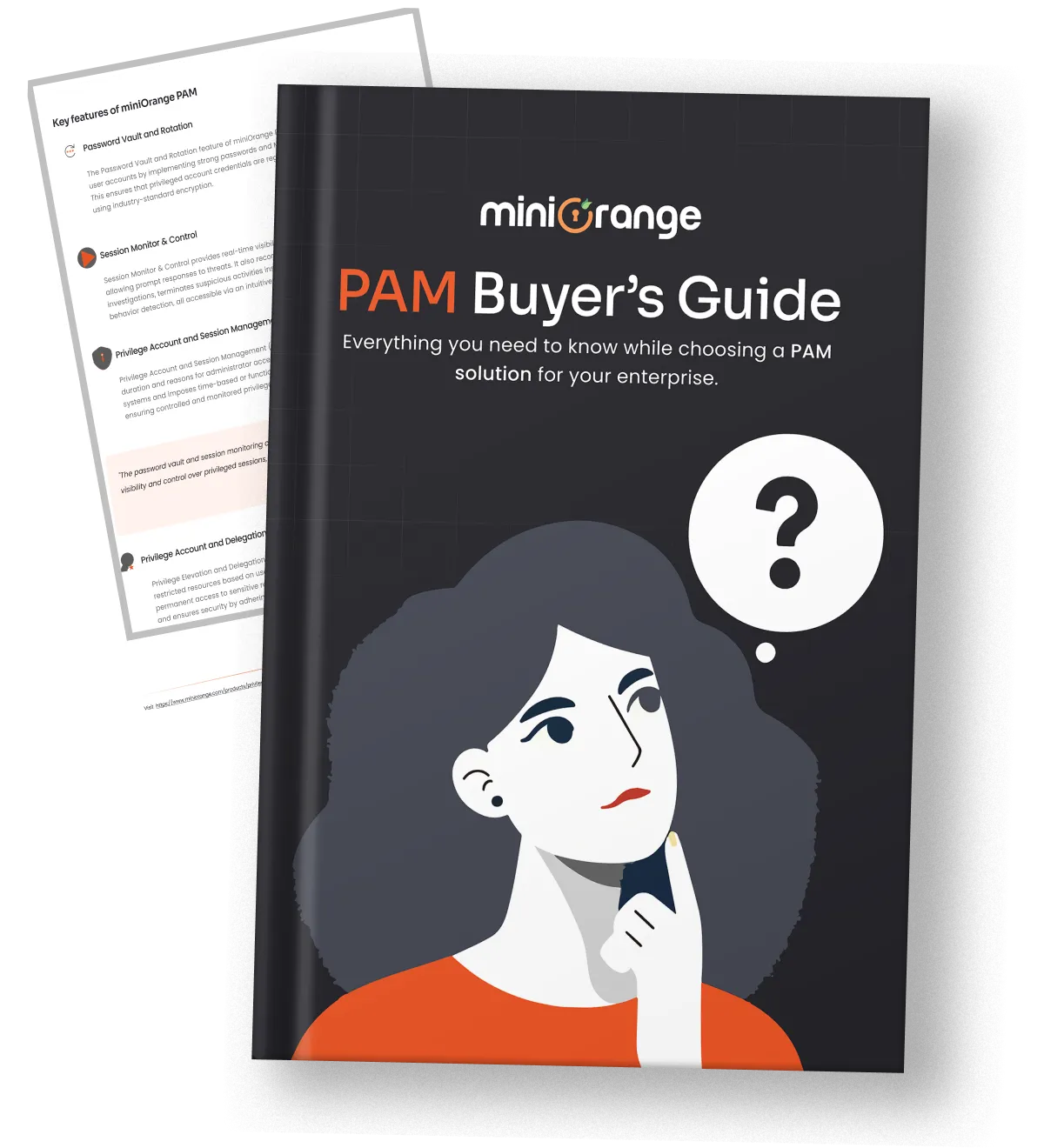
Explore comprehensive PAM features, integration methods, compliance benefits, and everything you need in one place.
Your download should start now. If not, please email us at idpsupport@xecurify.com.
Please enter a valid email-id
Privileged password management is the process of securely storing, controlling, and rotating passwords. As part of a comprehensive PAM solution, It ensures that only authorized users can access sensitive credentials while maintaining complete visibility into how those credentials are used.
Unlike traditional enterprise password management, privileged account password management focuses on the accounts with the highest level of access. The system automates password rotation, controls access requests through predefined workflows, and monitors usage in real time.
Attackers don’t always hack their way in. They log in. Unmanaged privileged credentials create massive security gaps that attackers exploit.
Privileged credentials are among the most valuable assets attackers can steal, as they provide direct access to multiple systems. Storing privileged credentials inside a centralized password vault keeps them encrypted and limits who can access them.
Third-party vendors often require privileged access to maintain business systems. Granting them unchecked or standing access increases your threat surface. Privileged password management allows you to grant controlled, policy-based access with complete visibility.
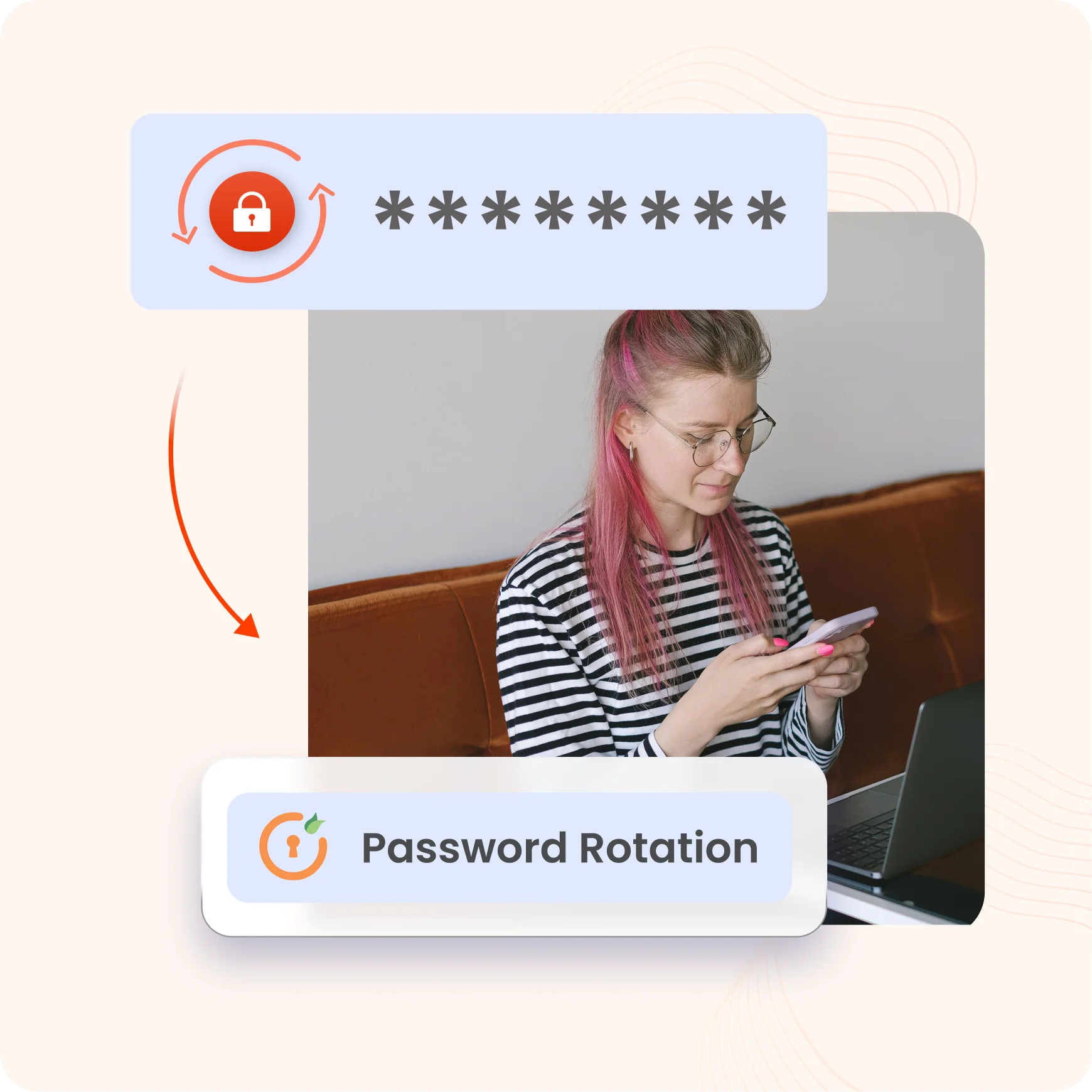
The process of rotating passwords manually is time-consuming and easy to overlook. Automated password rotation removes this burden by updating privileged credentials based on schedules or predefined security policies.
Many apps contain embedded passwords that remain unchanged for months or even years. Centralized privileged password management secures application credentials in an encrypted vault and helps replace hardcoded secrets with controlled credential retrieval.
Employees or administrators with excessive privileges can intentionally or unintentionally misuse sensitive credentials. Granular access controls and logging help ensure privileged credentials are only accessible to authorized users and every action is fully accountable.
Security frameworks require organizations to demonstrate control over privileged access. A centralized PAM solution helps by maintaining detailed audit trails for credential access, password changes, approvals, and privileged activity.
miniOrange combines privileged password management with powerful password vault software to discover, secure, rotate, and monitor privileged credentials throughout their lifecycle.
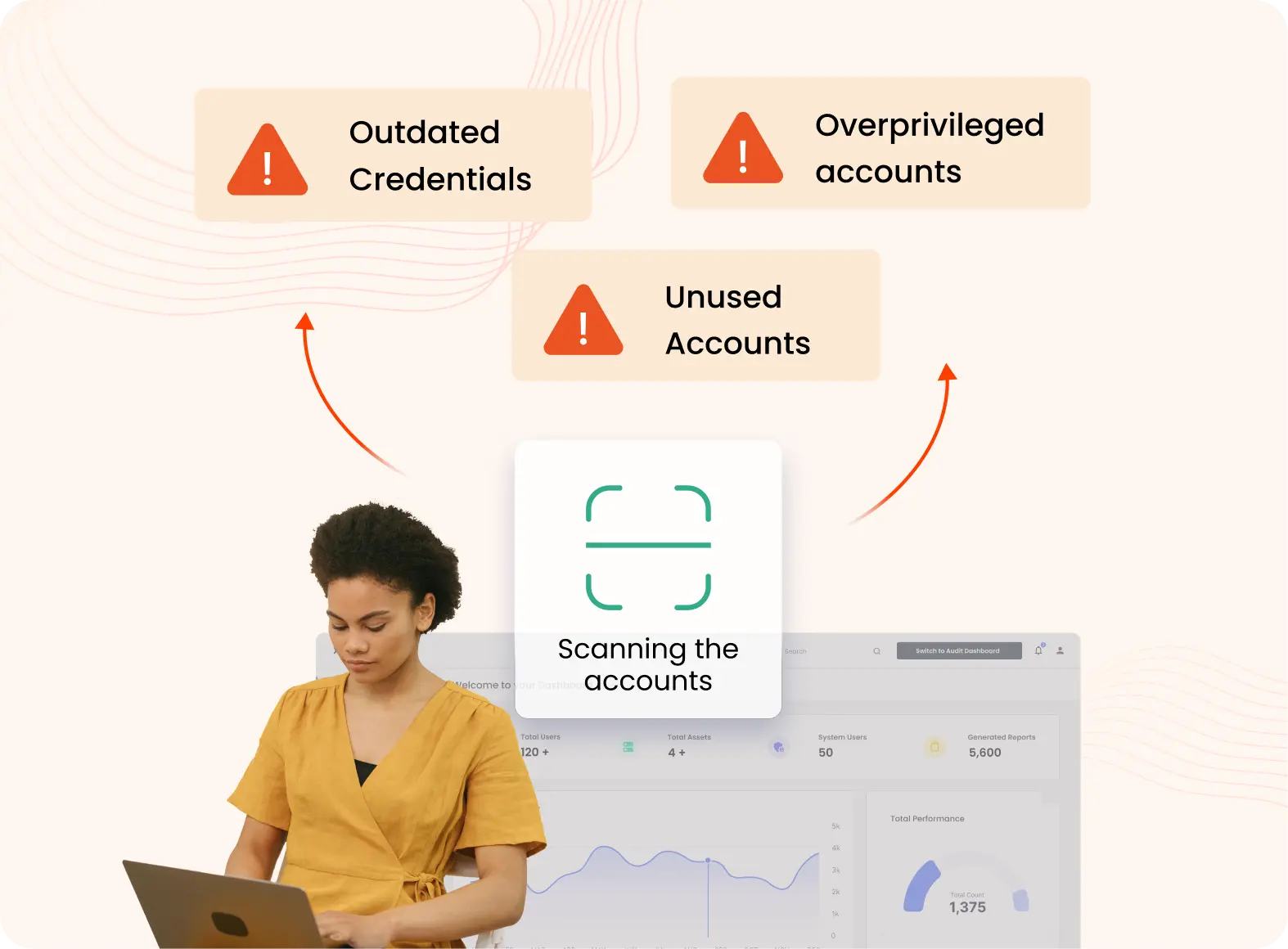
Continuously discover privileged accounts, service accounts, administrator credentials, SSH keys, databases, cloud identities, and unmanaged privileged credentials across Windows, Linux, databases, network devices, cloud platforms, and enterprise applications.
Once discovered, privileged credentials are stored inside an encrypted password vault. Sensitive passwords, API keys, certificates, and privileged credentials are protected with role-based access controls, eliminating spreadsheets and hardcoded credentials.
Authorized users request privileged access through predefined approval workflows and granular access policies. The platform authenticates users with MFA, enforces least privilege, and provides time-limited access without exposing actual passwords whenever possible.
Passwords are automatically rotated after checkout, on a scheduled interval, or immediately following policy-defined events. Password rotation applies across servers, databases, cloud accounts, service accounts, and enterprise applications.
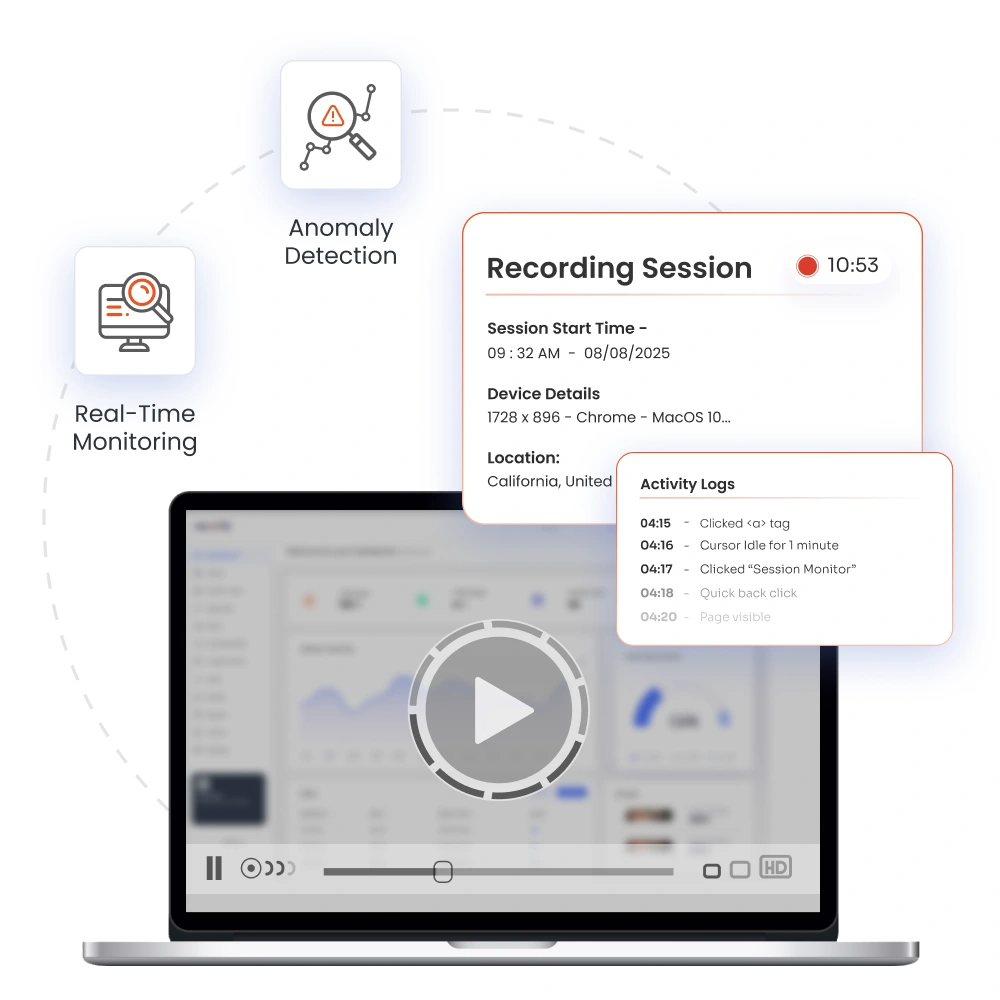
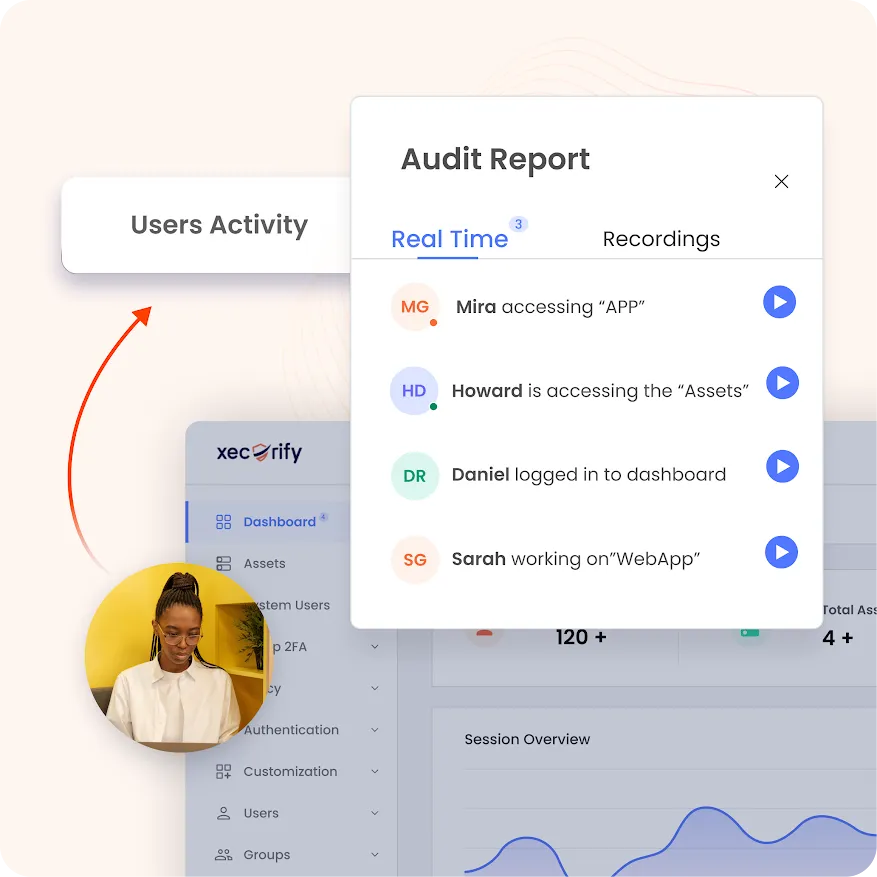
Every privileged session is monitored in real time to capture login activity, executed commands, and privileged operations. Security teams gain visibility into administrator actions while identifying suspicious behavior through continuous monitoring and policy enforcement.
Every privileged action, including credential access, password changes, approvals, login attempts, session recordings, and administrative events, is logged for tamper-resistant audit trails. This simplifies compliance with PCI DSS, HIPAA, SOX, ISO 27001, NIST, and others.
A modern privileged password manager should do more than store passwords. miniOrange helps you secure privileged credentials,
control access, automate rotation, and monitor privileged activity.
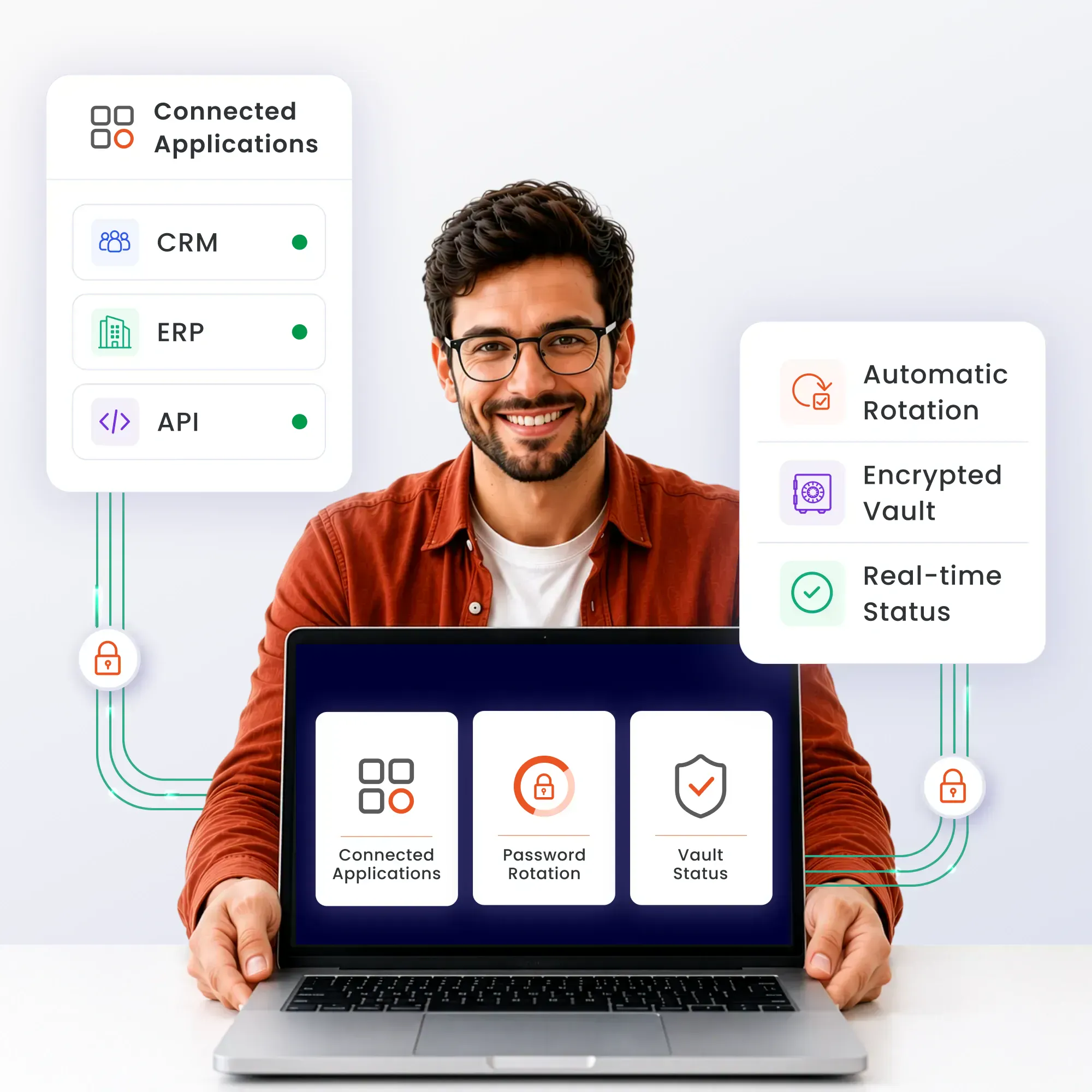
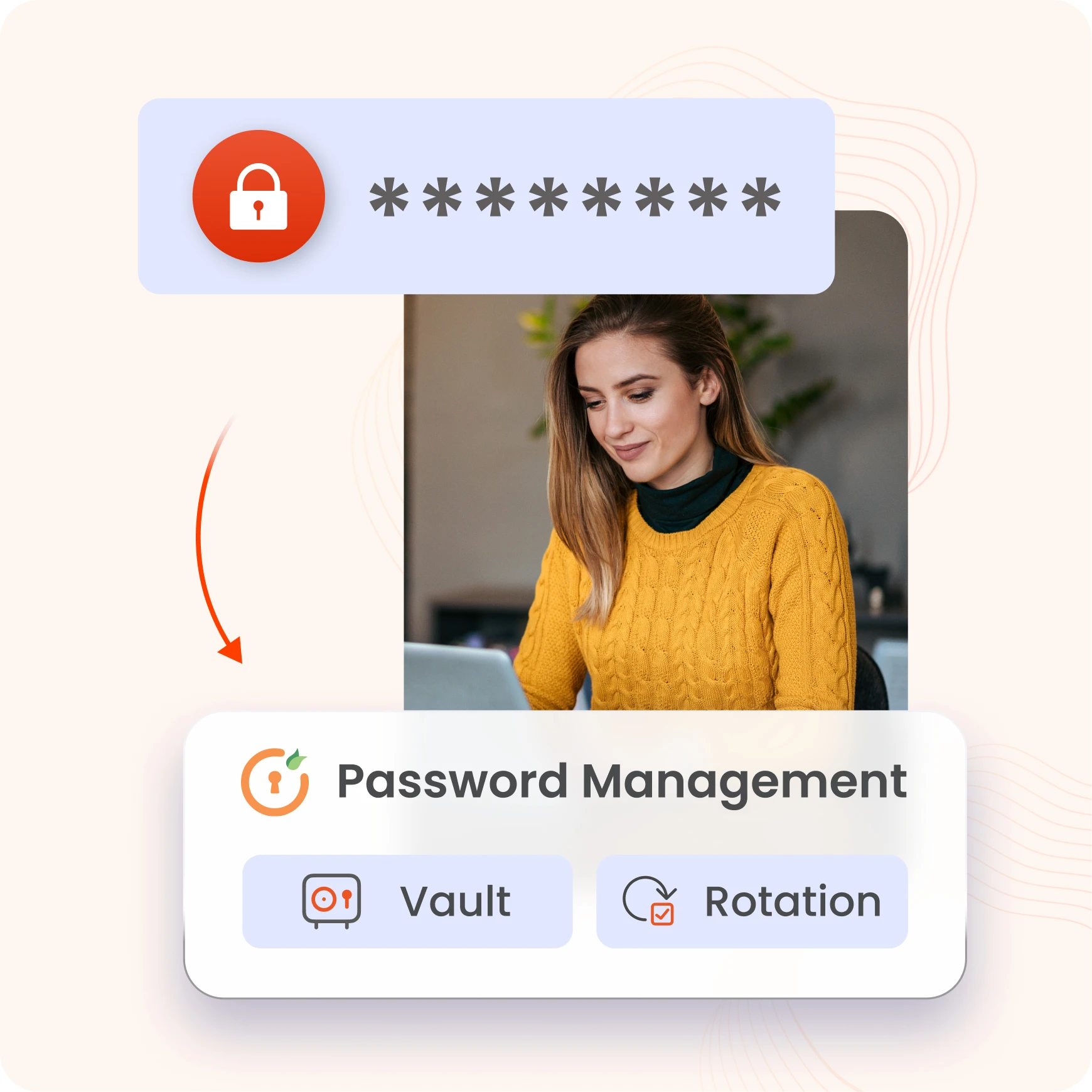
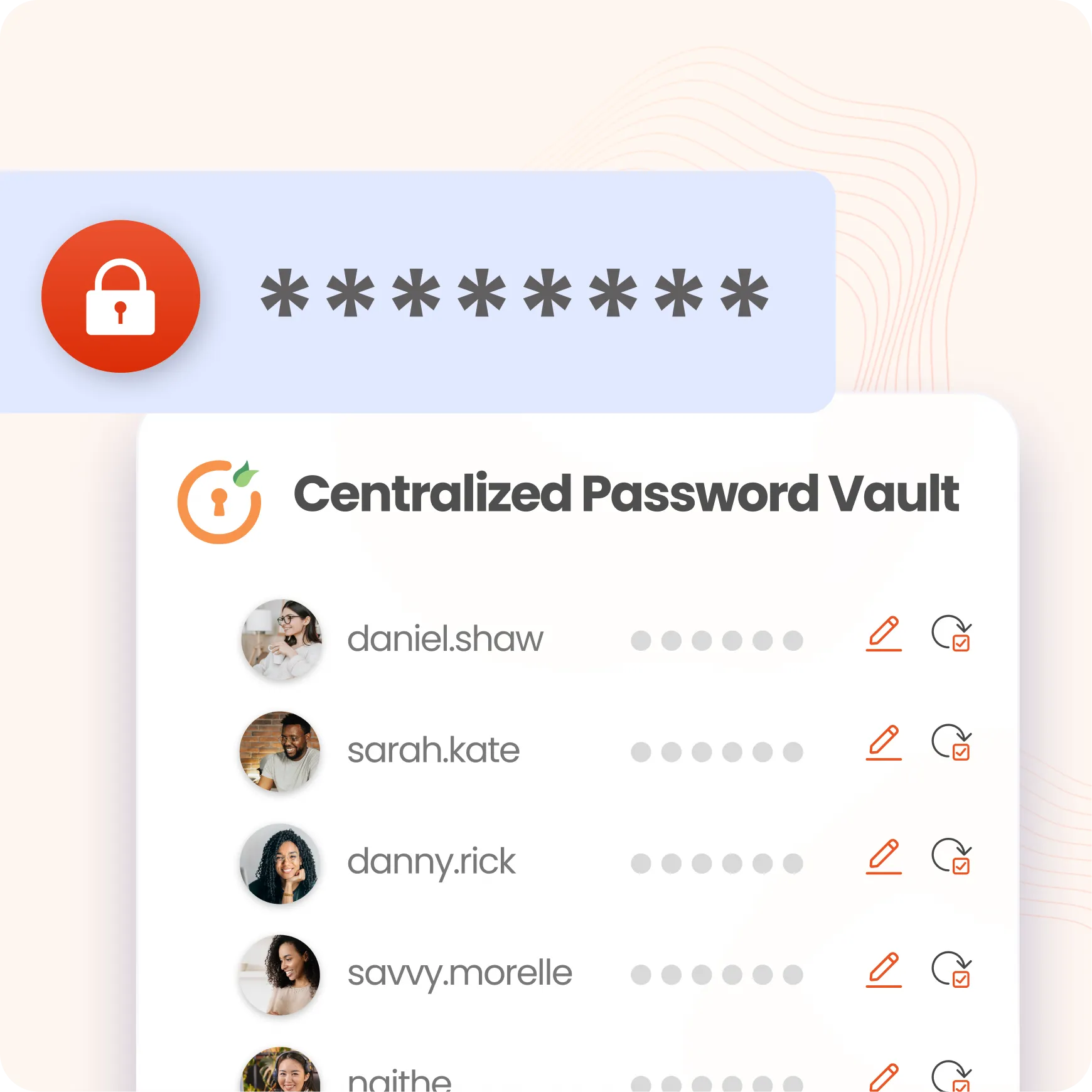
Store all privileged credentials in the miniOrange Password Vault. Organize credentials with folder hierarchies, apply role-based permissions, and protect them with AES-256 encryption. You get secure access to the credentials you need without sacrificing visibility or control.
Manual password updates consume valuable time and often leave critical accounts unchanged for longer than intended. miniOrange automates password rotation based on schedules or policy-defined events. The platform generates strong random passwords and updates credentials automatically.
Automatically discover privileged accounts, service accounts, databases, servers, and cloud resources across your infrastructure from a centralized console. Configure network scans by IP ranges and ports, onboard discovered assets into PAM, and identify hardcoded credentials in source code and Git repositories.
Modern applications rely on service accounts, APIs, and machine identities to communicate with each other. Application password management secures these credentials in a centralized vault, allowing applications to retrieve secrets securely while reducing the risks of embedded or manually managed credentials.
miniOrange monitors and records privileged sessions. Security teams can review them to identify suspicious behavior when needed. Granular access controls allow you to define who can access privileged resources, what they can access, and how long access remains available.
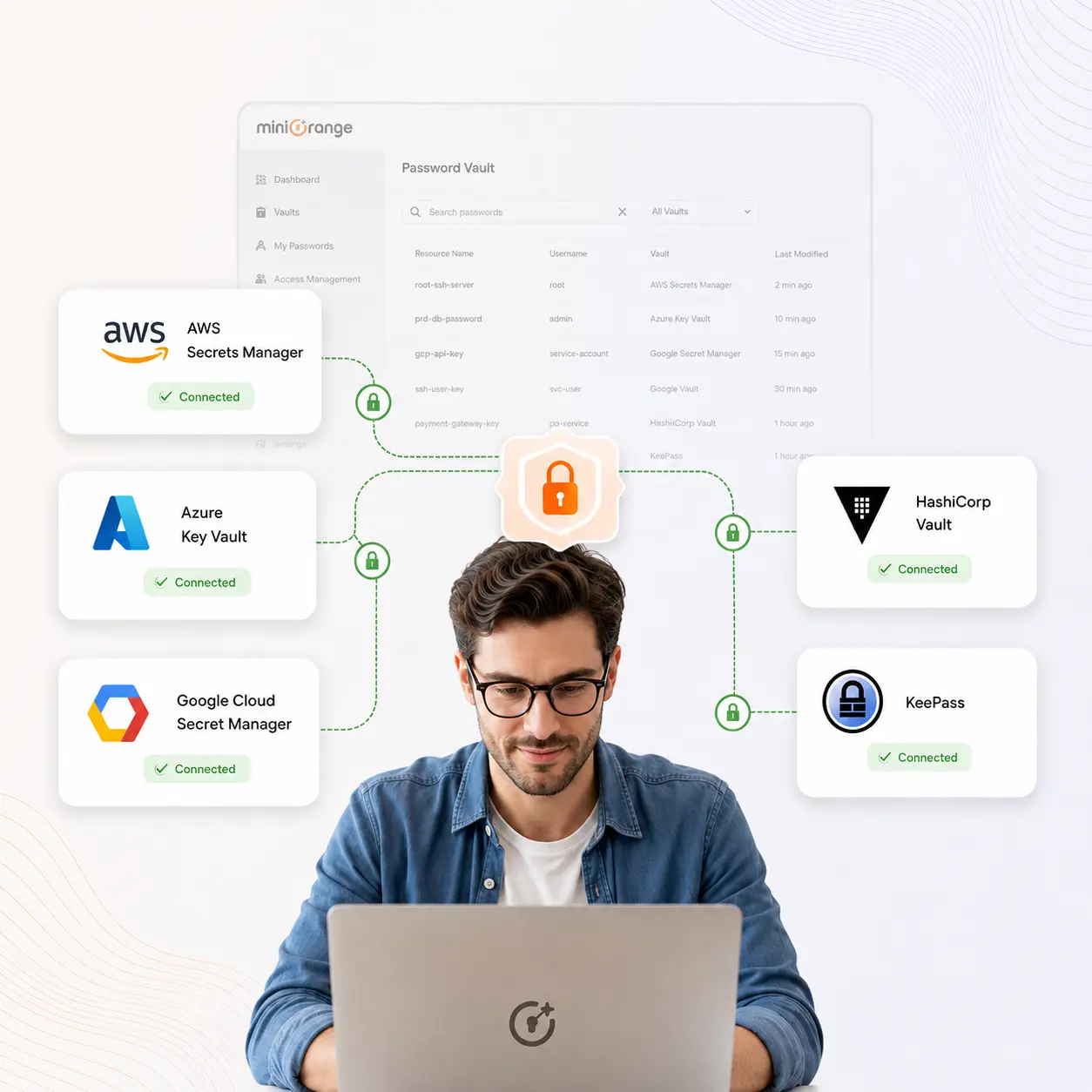
miniOrange integrates with third-party password vault solutions, including AWS Secrets Manager, Azure Key Vault, Google Cloud Secret Manager, HashiCorp Vault, and KeePass. This allows you to manage privileged access while continuing to use your existing secret management infrastructure.
miniOrange generates detailed reports covering credential access, password changes, approvals, privileged sessions, and administrative activity. These reports help simplify internal audits and support compliance initiatives across regulated industries.

Eliminate exposed, weak, and reused privileged passwords with encrypted storage, automated rotation, and controlled credential access.

Manage privileged accounts, service accounts, SSH keys, and secrets from a single vault with consistent security policies and visibility.

Maintain complete audit trails of credential access, password changes, approvals, and privileged sessions to streamline regulatory compliance.
Discover privileged accounts across servers, databases, and cloud resources without deploying agents on every endpoint, simplifying rollout and ongoing management.
Secure credentials, automate password rotation, enforce least privilege, and monitor privileged sessions from a single unified PAM platform.
Deploy on-premises, in the cloud, or in hybrid environments to meet your organization's security, compliance, and operational requirements.
Gain enterprise-grade privileged password management with rapid implementation, flexible licensing, and lower total cost compared to traditional PAM solutions.