Hello there!
Need Help? We are right here!

Need Help? We are right here!
Search Results:
×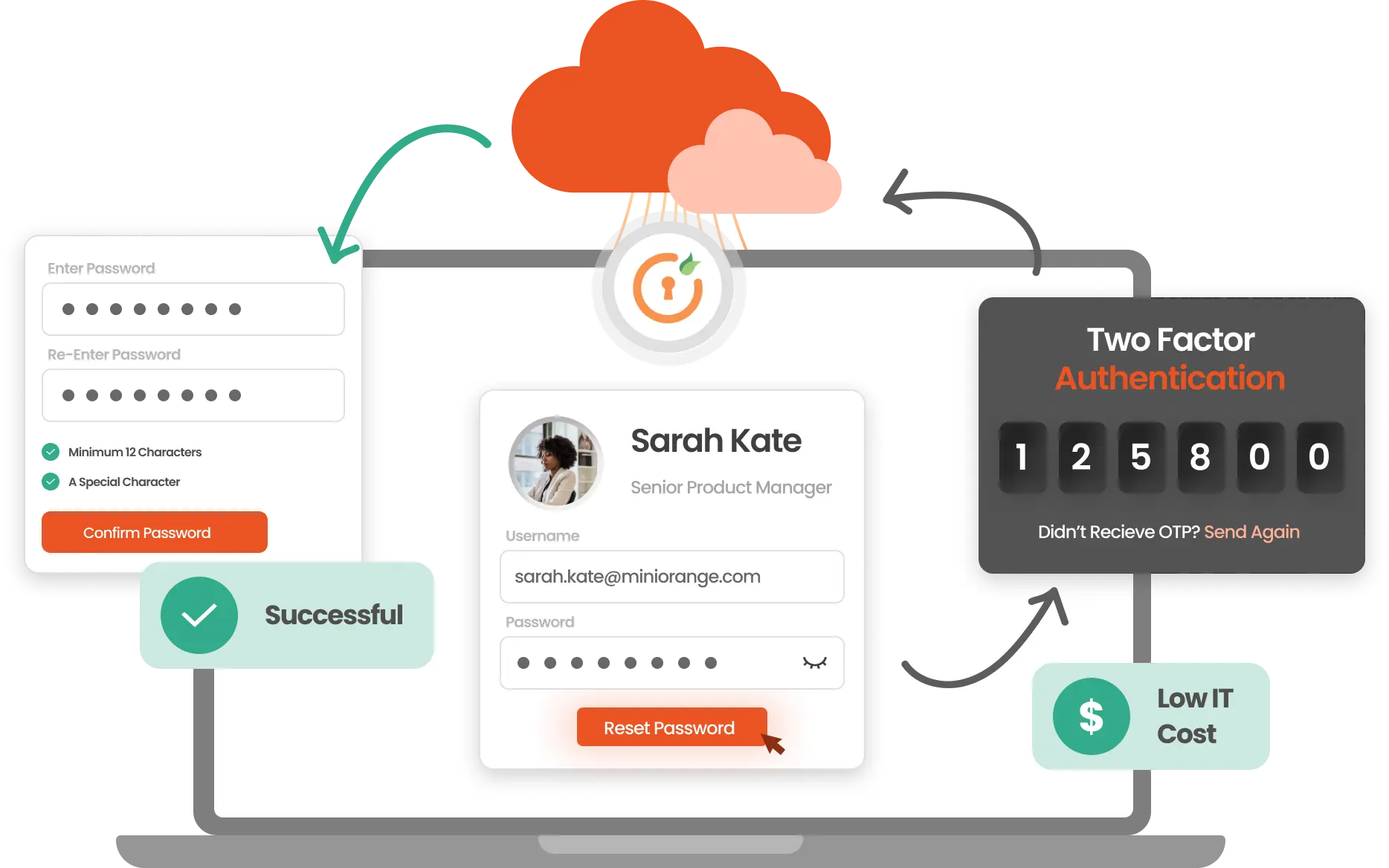
Per industry benchmarks, on average, password reset tickets go up to 50% of all IT helpdesk tickets. Every lockout stops two people: the employee who can’t work, and the IT admin who drops everything to fix it. Multiply that across a week, and the cost adds up fast!
Here's what happens without AD Self-Service Password Reset (SSPR):

30-40% of IT support tickets are password resets, taking time away from higher-priority work.

A locked-out employee can't work. Every minute spent waiting on IT support is productivity lost.

Password issues don't follow business hours. Without self-service, users wait until IT support is available.

Resets handled over calls or emails have no MFA or audit trail.

Each password reset query drains the IT team’s hours, stalls employee productivity, & add up to one of the most expensive routine tasks.

Without SSPR, password resets have no audit trail. Every such unlogged activity is a compliance & audit blind spot.

Define and apply custom password rules, including special characters, pattern checks, and dictionary-based restrictions to ensure users create secure, compliant passwords.
Know more
Send automated alerts via email, SMS when passwords are nearing expiration to reduce account lockouts and help maintain uninterrupted access.
Know more
Allow users to update or reset their Active Directory passwords without IT help. The process is simple, secure, and works across on-premises and hybrid environments.
Know more
Allow users to recover their AD accounts by verifying their identity through MFA challenges and eliminate the need for support tickets, reducing downtime and boosting overall productivity.
Know more
Proactively block the use of weak, breached, or commonly used passwords during resets. Strengthen security by enforcing dynamic checks against known unsafe credentials.
Know more
Configure and enforce password age, reuse restrictions, and lockout settings directly through the portal—without modifying Active Directory manually.
Know moreEnable employees to reset Active Directory passwords securely without IT assistance.
Users start the password reset process from a web browser, Windows login screen, or mobile device.
The system validates user identity using configured authentication methods such as OTP, push notifications, security questions, or biometrics.
Password reset policies and enrollment status are checked to ensure the request meets organizational requirements.
Users create a new password that complies with Active Directory password complexity and security policies.
The password is updated in Active Directory instantly, and a complete audit log is generated for compliance and reporting.
A password reset shouldn't depend on where someone is or what device they're on. Whether a user is at their desk, working remotely, or on a mobile device, the miniOrange SSPR tool gives them a secure way to reset their AD password without waiting on IT support.

Reset passwords directly from Android or iOS devices using miniOrange SSPR mobile application.

Reset passwords, remotely update locally cached domain credentials, and regain AD account access.

Reset passwords, remotely update locally cached domain credentials, and regain AD account access.
A user can't log in first thing in the morning. With SSPR, they verify their identity through MFA and reset their password in under two minutes. No ticket, no wait, no IT involvement.
New hires set up their AD password on day one through the self-service portal, reducing onboarding friction and IT coordination without compromising verification.
The IT team isn't always available at 10 pm. Active Directory Self-Service Password Reset gives users a secure, verified path to regain access on their own, without waiting until the next business day.
Periodic resets required for audit compliance are enforced automatically through password policy rules. Every reset is logged, giving security teams a clean, auditable trail.
For accounts with elevated permissions, stricter MFA verification can be configured before any reset is allowed, ensuring higher-risk accounts aren't recovered without proper identity confirmation.
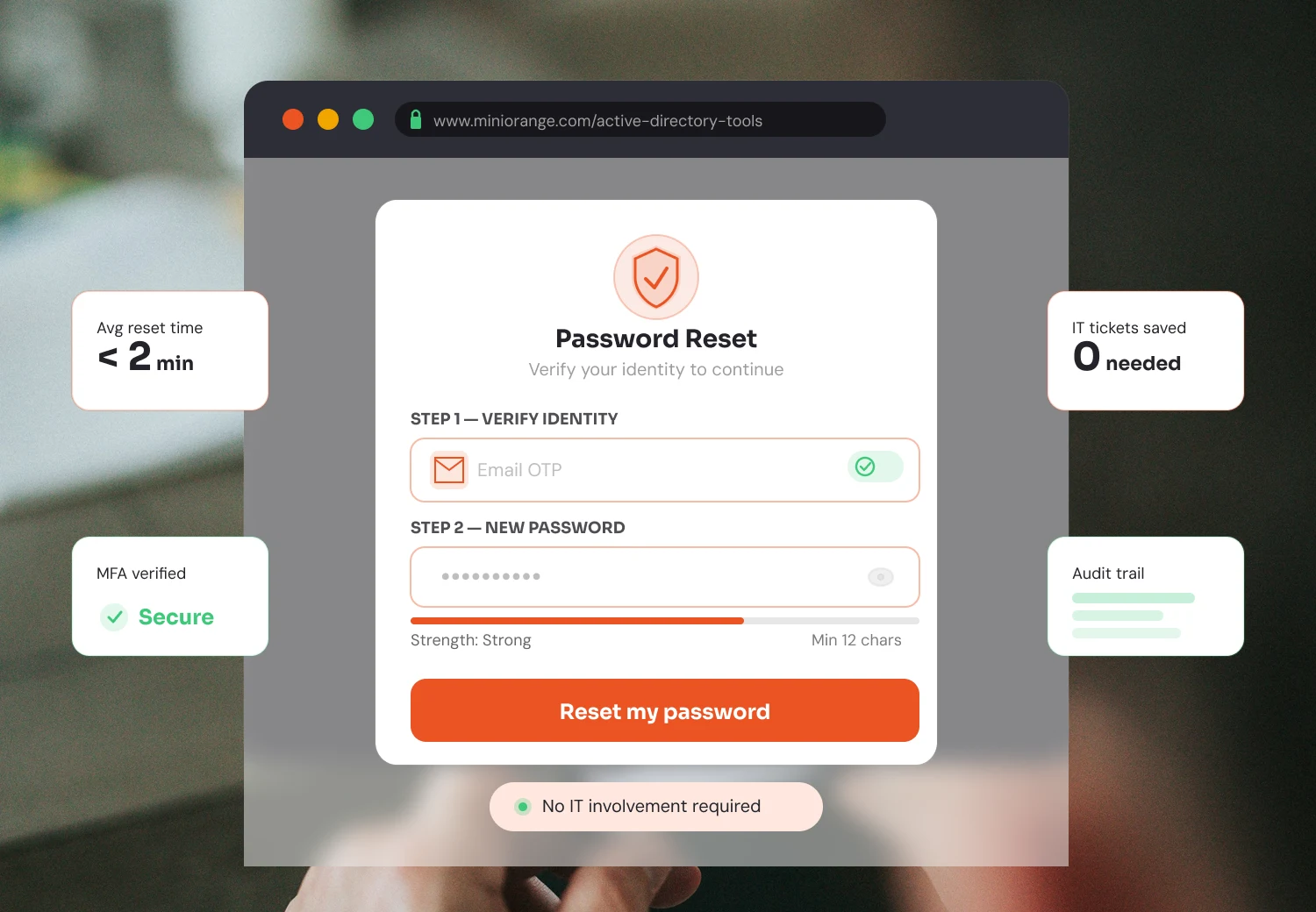
Advanced SSPR solutions help organizations meet compliance requirements such as NIST SP 800-63B, GDPR, PCI DSS, and HIPAA. Every password reset generates detailed audit logs with user identity, timestamp, device, IP address, and authentication method for security, governance, and audit readiness.
A smarter way to reset passwords—secure, simple, and fully under your control.

Fits into your existing Active Directory
No infrastructure changes or complex infrastructure needed. Our solution works with what you already have.

Up & running fast, without heavy IT lift
Users are resetting passwords quickly. No extended timelines or IT-heavy setup needed.

Built for everyday users
Simple prompts, clean interface, & no excessive training required for the end users.

Every reset is fully logged, every time
User, timestamp, device, and MFA method, everything is captured for every single reset.

Granular access control
Decide who uses SSPR, which MFA methods apply, & what policies govern each group.
Most IT-assisted resets have no MFA verification trail and no record of who changed what. But miniOrange SSPR brings enterprise-grade security to every step. Including identity verification before reset, enforcement of password policies at the point of change, and logging every action for security reviews and compliance audits.
Learn more about AD Self-Service PortalCombine secure password resets with centralized AD management and auditing from one integrated platform.
Everything you need to know about resetting passwords and regaining access securely.



