

Access control is a security process that regulates who or what can view, use, or enter physical and digital resources. It enables organizations to manage who is authorized to access corporate data, systems, networks, facilities, and other resources.
As a key component of information security, access control uses policies, tools, and processes to govern access to sensitive data, computer systems, locations, and other assets. It determines which users or entities are authorized to access a resource and what they are permitted to do with it.
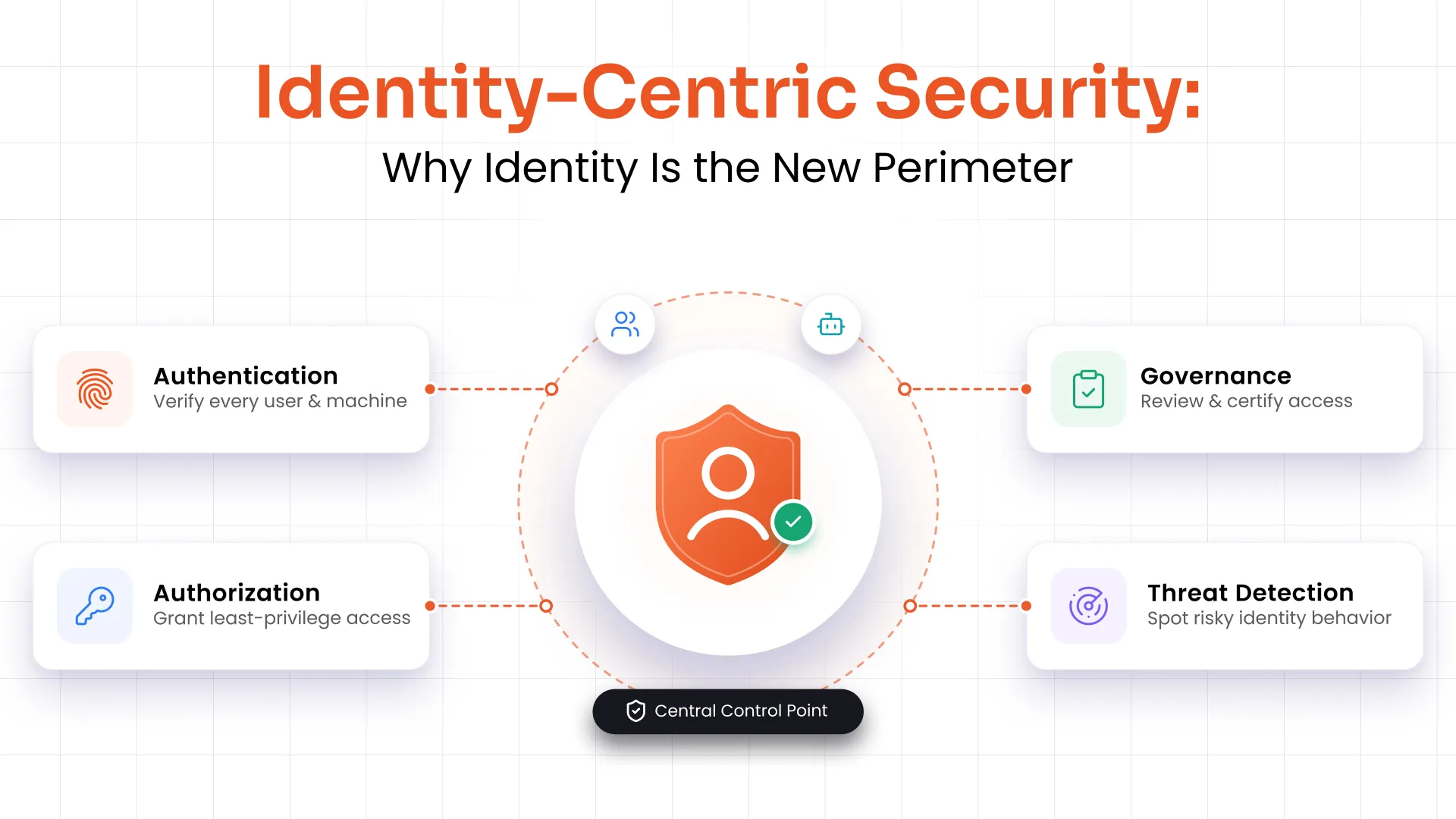
In cybersecurity, access control helps restrict the visibility, access, and use of resources based on defined permissions and security policies. It works through identification, authentication, and authorization to verify an entity, determine its access rights, and enforce those rights when access is requested.
Role of Access Control in Cybersecurity
In cybersecurity, access control determines who is allowed to view, use, or interact with specific resources within a system. In its simplest form, it answers three questions: Who are you? What are you allowed to do? Are you doing it from an authorized context?
An access control system verifies user identities and grants permissions based on predefined policies. This can involve passwords, biometric scans, security tokens, or multi-factor authentication (MFA). In digital environments, access control security governs access to files, databases, applications, APIs, and cloud services.
Identification vs. Authentication vs. Authorization
Although these terms are often used interchangeably, they serve different purposes in the access control process.
| Process | Purpose | Example |
|---|---|---|
| Identification | The user claims an identity. | Entering your username or email address. |
| Authentication | The system verifies the claimed identity. | Entering a password, approving an MFA prompt, or using biometrics. |
| Authorization | The system determines what the authenticated user is allowed to access. | Allowing an HR manager to access payroll but denying access to engineering repositories. |
Together, these three steps form the foundation of every modern access control system. You cannot effectively protect sensitive data or enforce least-privilege access even if one is not present.
Why Is It Important to Limit Access to Sensitive Information?
One of the most common questions security teams face is: why is it important to limit access to sensitive information? The answer is both simple and critical.
Not every employee needs access to every system. A customer service representative does not need access to payroll data. A contractor does not need visibility into your entire codebase. When access is unrestricted, the blast radius of any breach, whether from an external attacker, a phishing victim, or a malicious insider, becomes enormous.
Limiting access through controlled data access:
- Reduces the number of potential attack entry points
- Limits the damage caused by compromised accounts
- Prevents insider threats from accessing data beyond their role
- Supports accountability through access logs and audit trails
- Helps organizations meet regulatory requirements such as SAMA, DPDP Act, and ISO 27001.
The principle of least privilege, granting users only the access they need to perform their job, is the foundation of every mature access control security strategy.
How Does Access Control Prevent Unauthorized Data Usage?
The mechanism works at multiple levels simultaneously.
At the authentication layer, access control prevents unauthorized data usage by ensuring only verified users can log in. MFA blocks attackers who have stolen a password but cannot provide a second factor, such as a biometric scan or a one-time code. Microsoft’s data shows that MFA can block over 99% of automated attacks and greatly reduce risk from stolen credentials.
At the authorization layer, even authenticated users are constrained by their role or attributes. Role-based access control (RBAC) ensures a junior analyst cannot read executive salary data simply because they have a valid account.
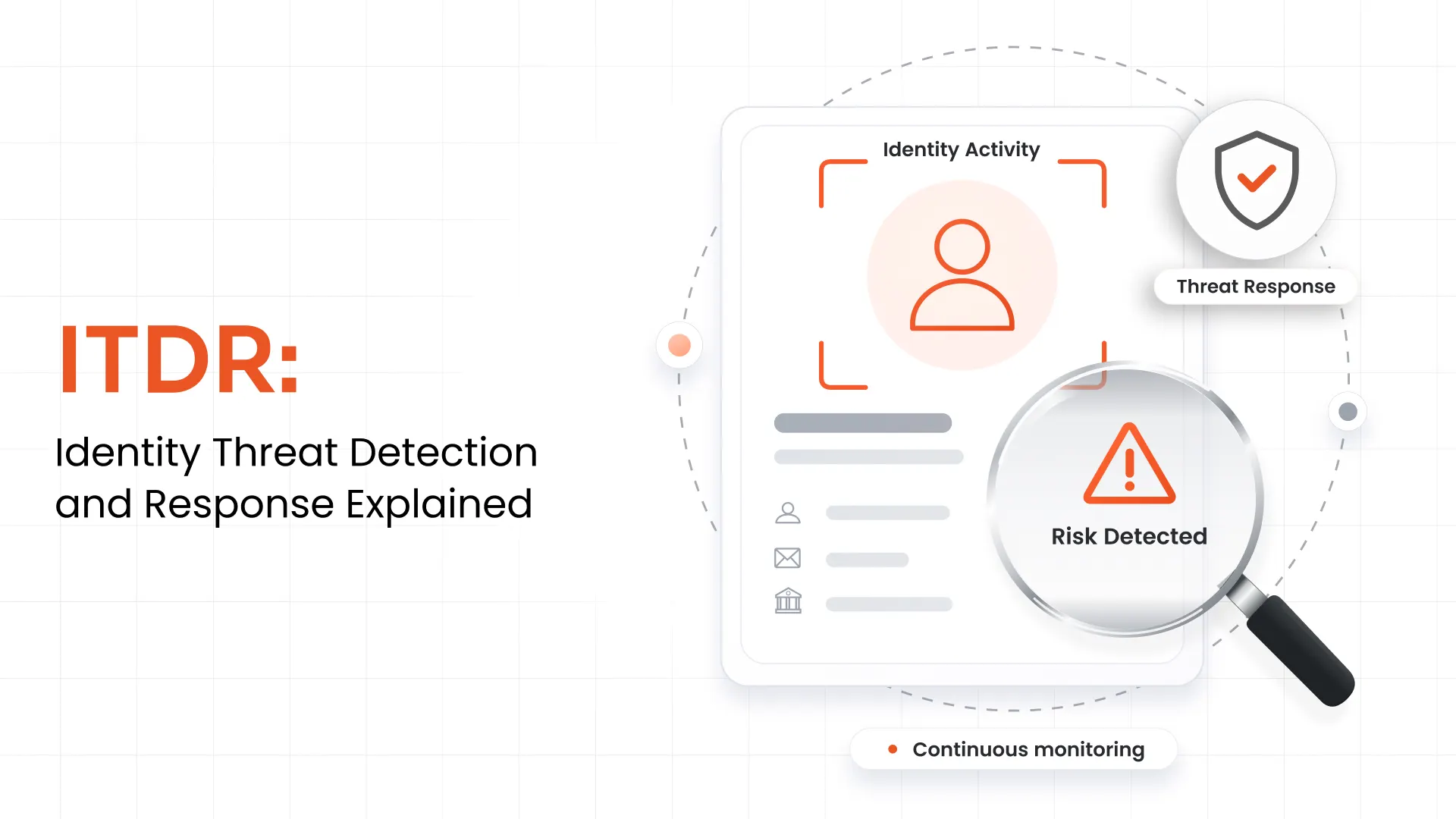
At the audit layer, access control systems log every access attempt, both successful and failed. Security teams can review these logs to detect anomalies, identify privilege abuse, and demonstrate compliance during audits.
Together, these layers create a defense in depth that makes unauthorized data usage significantly harder to execute and much easier to detect when it occurs.
Why is Data Access Control Essential for Your Customers?
Organizations often focus access control discussions on internal employees, but data access controls are equally critical when it comes to customers. Here is why data access control is essential for your customers:
- It minimizes the risk of data breaches. When customers interact with your platform, their personal information, including payment details, health records, and account history, must be protected. Data access controls ensure only authorized systems and personnel can access that data, dramatically lowering breach risk.
- It allows customers to change information in their own account only. Proper access control ensures users can update their profile, preferences, and settings without being able to view or edit another customer's data. This prevents accidental or malicious cross-account exposure.
- It maintains customer identity verification integrity. Strong data access controls ensure that identity verification processes cannot be bypassed. Without them, bad actors could circumvent authentication steps, impersonate customers, and access sensitive account data.
In short, data access control is not just an internal IT concern. It is a direct commitment to customer trust, privacy, and security.
Types of Access Control
Understanding the types of access control helps organizations select the right model for their environment. Access control software comes in several forms, each suited to different security requirements:
| Access Control Model | How It Works | Best For | Advantages | Limitations |
|---|---|---|---|---|
| Discretionary Access Control (DAC) | Resource owners decide who gets access. | Small businesses, shared file systems | Flexible and easy to manage | Higher risk of permission sprawl and inconsistent access decisions |
| Mandatory Access Control (MAC) | A central authority assigns security classifications and controls access. | Government, military, defense | Highest level of security and centralized enforcement | Rigid and difficult to administer |
| Role-Based Access Control (RBAC) | Permissions are assigned to roles rather than individual users. | Enterprises with defined job functions | Simplifies administration and supports least privilege | Less flexible when users need exceptions or dynamic access |
| Attribute-Based Access Control (ABAC) | Access decisions are based on user, device, location, time, and other attributes. | Cloud environments and Zero Trust architectures | Highly granular and context-aware | More complex to implement and maintain |
| Policy-Based Access Control (PBAC) | Organization-wide policies determine access decisions across systems. | Highly regulated industries | Consistent policy enforcement and easier compliance | Requires mature governance and policy management |
Note that there’s no single model among these that will work for every organization. That’s why many organizations end up combining RBAC with ABAC or PBAC. It balances operational simplicity with granular, risk-based access decisions.
How Does an Access Control Solution Work?
An access control solution orchestrates a multi-step process every time a user requests access to a resource:
- Authentication: The system verifies the user's identity through passwords, biometrics, or security tokens. MFA adds an additional verification layer.
- Permission Checking: The system compares the authenticated user's credentials against predefined access rules, roles, or policies.
- Access Decision: Based on the check, the system either grants or denies access. In some models, it can grant partial or conditional access.
- Resource Protection: Enforcement mechanisms prevent unauthorized users from reaching sensitive data, systems, or physical spaces.
- Audit Logging: Every access event is recorded, enabling security reviews, incident investigations, and compliance reporting.
Modern access control solutions leverage directory services and protocols like LDAP and SAML to manage authentication and authorization at scale across cloud, on-premises, and hybrid environments.
Access Control in Regulatory Compliance
Access control is not only a best practice. In many industries, it is a legal requirement. Effective data access controls are central to compliance with major frameworks:
| Compliance Framework | Access Control Requirements |
|---|---|
| HIPAA | Requires technical safeguards to restrict access to electronic protected health information (ePHI) and maintain audit logs. |
| PCI DSS | Requires organizations to restrict access to cardholder data based on business need-to-know, assign unique user IDs, and continuously monitor access. |
| ISO 27001 | Includes access control as a key security domain, requiring organizations to define, implement, review, and manage user access throughout its lifecycle. |
| SOC 2 | Evaluates logical access controls, authentication, authorization, and monitoring as part of the Security Trust Services Criteria. |
| DPDP Act | Encourages organizations in India to implement appropriate technical safeguards, including access restrictions and security controls, to protect digital personal data from unauthorized access and disclosure. |
| SOX | Requires documented justification for access, separation of duties (SoD), and detailed audit logs of all provisioning and access changes to ensure the integrity of financial reporting. |
Failure to implement adequate access control systems in regulated industries can result in significant fines, reputational damage, and loss of customer trust.
Challenges of Access Control
Even organizations with mature security programs face ongoing challenges with access control:
Complex Permission Management
As organizations grow, the number of users, roles, and systems multiplies. Maintaining accurate permissions without creating gaps or over-provisioning is a constant challenge.
Integration with Legacy Systems
Older infrastructure may not support modern access control standards, forcing security teams to bridge incompatible environments.
Scalability
Access control systems must scale as headcount and cloud adoption grow, without creating administrative bottlenecks.
Balancing Security and Usability
Overly restrictive access controls frustrate users and reduce productivity. Finding the right balance is essential.
Evolving Threats
Attackers continuously probe for weaknesses such as privilege escalation and session hijacking, requiring access control policies to evolve in response.
Regulatory Changes
Compliance standards are updated regularly, requiring organizations to continuously reassess and adjust their access control posture.
Key Components of Access Control Software
A robust access control solution integrates several core components to deliver end-to-end protection:
- Authentication: Verifies user identities through credentials, biometrics, or MFA before granting any access.
- Authorization: Determines what authenticated users can access, based on roles, attributes, or policies.
- User Management: Handles creation, modification, and deactivation of user accounts, ensuring access stays aligned with current roles.
- Access Enforcement: Applies access decisions at the resource level, preventing unauthorized interactions.
- Audit and Reporting: Logs all access events, providing visibility for security reviews, compliance audits, and anomaly detection.
Read more about how authentication and authorization differ and how each plays a distinct role in your access control strategy.
What Should You Expect from Access Control Solutions?
Not all access control systems are created equal. A modern, enterprise-grade access control solution should include:
- Single Sign-On (SSO): Allows users to authenticate once and access multiple applications, reducing password fatigue while centralizing authentication control.
- Multi-Factor Authentication (MFA): Adds a critical extra layer of verification beyond passwords, significantly reducing the risk of account compromise.
- User Lifecycle Management: Automates the full user journey from onboarding through role changes to offboarding, ensuring access rights are always current.
- User Provisioning and Deprovisioning: Automatically grants access to new users and revokes it when they leave or change roles, closing one of the most common security gaps.
- Password Management: Enforces strong password policies and simplifies secure credential management across the organization.
- Reporting and Monitoring: Delivers real-time and historical insights into access patterns, helping security teams detect threats early and demonstrate compliance.
Why Is Strong Access Control Essential?
Why is strong access control essential? Because the consequences of weak access control are severe and often irreversible.
A single misconfigured permission can expose millions of records. A single unrevoked account can give a former employee ongoing access to production systems. A single compromised credential, in the absence of MFA, can allow an attacker to move laterally across an entire network. IBM’s Cost of a Data Breach report shows that credential compromise and human/process failures remain common contributors to breaches, with 19% of breaches involving compromised credentials in recent reports.
Strong access control security provides:
- A barrier against external attackers and insider threats alike
- A framework for regulatory compliance across PCI DSS, HIPAA, SOC 2, and ISO 27001
- A foundation for zero-trust architectures, where no user or device is trusted by default
- Auditability to prove who accessed what, when, and from where
- Customer trust by demonstrating that your organization takes data protection seriously
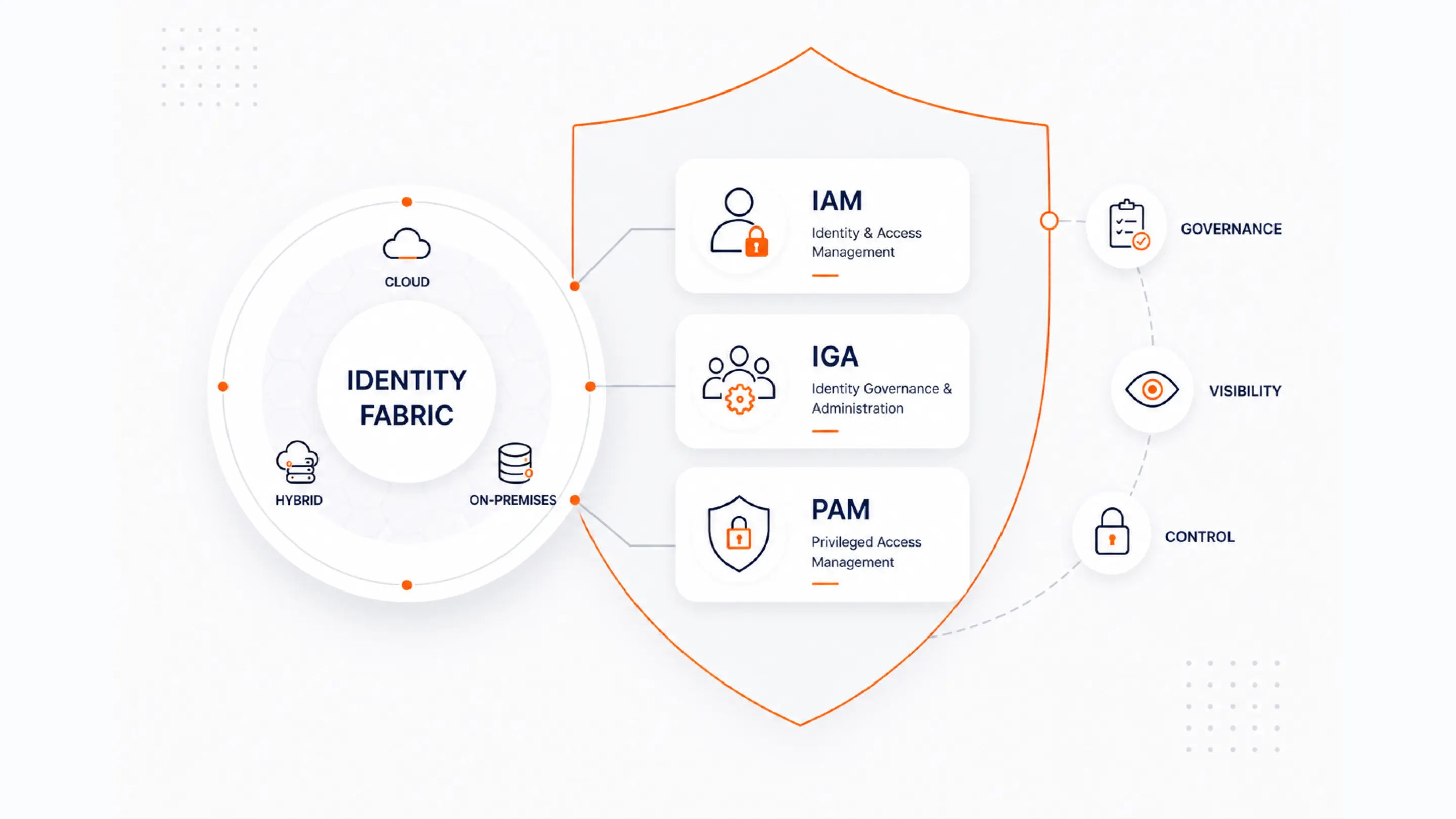
Access control is not a one-time implementation. It is an ongoing discipline that must evolve alongside your organization. Learn how miniOrange approaches Privileged Access Management (PAM) to protect your most sensitive systems.
Better Security Made Simple: miniOrange Access Management Solutions
miniOrange provides comprehensive identity and access management solutions designed to address every dimension of access control security, from SSO and MFA to user lifecycle management and detailed audit reporting.
Whether you need to secure internal employee access, protect customer-facing applications via CIAM, or demonstrate compliance with HIPAA, PCI DSS, or ISO 27001, miniOrange's access control solutions are built to scale with your organization.
Investing in robust data access controls today protects your organization from the costly consequences of unauthorized access tomorrow and builds the customer trust that is increasingly a competitive differentiator.
Conclusion
Access control is the cornerstone of modern cybersecurity. From preventing unauthorized data usage to enabling regulatory compliance and protecting customer trust, a well-designed access control system touches every part of your security posture.
Understanding what access control is, why it matters, and how to implement it effectively is no longer optional. It is essential for any organization that handles sensitive information. Whether you are evaluating role-based access control for your enterprise, selecting types of access control for a new cloud environment, or asking why data access control is essential for your customers, the answer is the same: without it, your data and your reputation are at risk.
FAQs
What is access control in cybersecurity?
Access control in cybersecurity is a framework of technologies and policies that regulate who can access which resources and under what conditions. It involves authenticating user identities, authorizing their permissions, and auditing access events to maintain security and compliance.
How does access control prevent unauthorized data usage?
Access control prevents unauthorized data usage through authentication (verifying who you are), authorization (defining what you can access), and auditing (logging every access event). Together, these layers block unauthorized users and create accountability for those who are authorized.
Why is data access control essential for customers?
Data access control is essential for customers because it minimizes the risk of data breaches involving their personal information, ensures they can only modify their own account data, and protects the integrity of identity verification processes, preventing account takeover and fraud.
What are the main types of access control?
The main types of access control are Discretionary Access Control (DAC), Mandatory Access Control (MAC), Role-Based Access Control (RBAC), Attribute-Based Access Control (ABAC), and Policy-Based Access Control (PBAC). Each suits different organizational needs and risk profiles.
What is the difference between RBAC and ABAC?
RBAC grants permissions based on predefined job roles, making it easier to manage users at scale. ABAC makes access decisions using multiple attributes such as user role, department, device, location, and time, providing more granular and context-aware control.
What is the difference between authentication and authorization?
Authentication verifies a user's identity, while authorization determines what that authenticated user is allowed to access. Authentication always occurs before authorization in an access control workflow.
How does access control support Zero Trust?
Zero Trust assumes no user or device is trusted by default. Access control enforces this principle by continuously verifying identities, evaluating context, enforcing least privilege, and limiting access to only the resources users need.
Leave a Comment