Hello there!
Need Help? We are right here!

Need Help? We are right here!
Search Results:
×
Native Office 365 controls weren't designed for hybrid workforces or contractor access. These challenges give rise to the security incidents of tomorrow.
Employees juggle separate credentials for Office 365, triggering repeated logins and constant authentication prompts. This friction slows work and increases password reuse.
IT teams still create, update, and deactivate Office 365 accounts manually, delaying onboarding and leaving former employees with active access.
The more passwords employees manage, the more they reuse weak credentials. Password fatigue remains a leading contributor to phishing and account takeover across MS 365.
Identity and access management for Office 365 has to cover authentication, authorization, and lifecycle management as one connected system, not three disconnected tools.
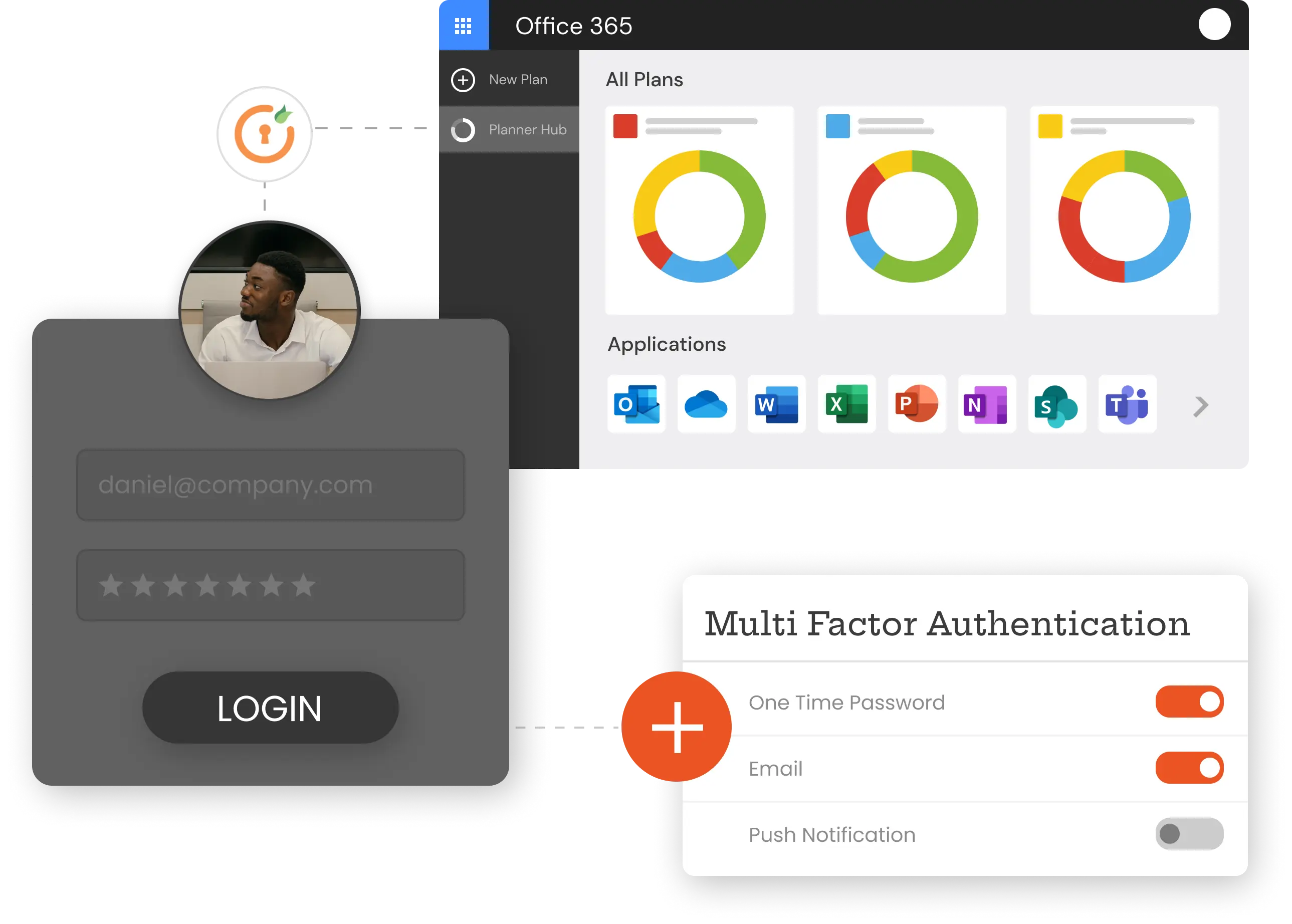
Connect Office 365 to your identity provider: miniOrange, Microsoft Entra ID, Active Directory, or any user store, using SAML, OAuth, or OIDC. Employees sign in once and reach every Microsoft app without re-entering credentials.
miniOrange layers multi-factor authentication for Microsoft 365 on top of every login, using 15+ authentication methods.
miniOrange's Office 365 provisioning engine uses SCIM-based, bidirectional sync to create, update, and deactivate accounts automatically as employees join, move within, or leave the organization.
RBAC ties Office 365 permissions directly to who an employee is and what they do, not to a manual request. Automatically assign access based on department, team, role, and business policy, so every account starts with exactly the access it needs.
Office 365 identity security isn't one-size-fits-all. Adapt to how your workforce actually accesses Microsoft 365, whether that's a full-time employee, a remote worker, or a short-term contractor.

Give thousands of employees consistent, policy-driven Office 365 access without IT manually managing every account or permission change.

Secure logins from home networks, office locations, and shared devices with top-notch SSO authentication and MFA solutions.

Connect your HR system to Office 365 provisioning, so new hires get the right accounts and access automatically, the moment their employment record goes live.

Grant contractors and third parties scoped, time-bound Office 365 access, then revoke it automatically the moment their engagement ends.
Single sign-on and passwordless options mean employees reach Office 365 faster, with fewer logins and fewer help desk calls about locked accounts.
SSO, MFA, and user provisioning close the gaps that attackers rely on, from credential stuffing to orphaned accounts.
Automated provisioning and self-service options mean fewer manual tickets for account creation, password resets, and access changes.
miniOrange's IAM controls support audit and compliance requirements under frameworks including SOC 2 Type II, HIPAA, GDPR, and ISO 27001, giving your team a clear access trail when auditors come asking.