Hello there!
Need Help? We are right here!

Need Help? We are right here!
Search Results:
×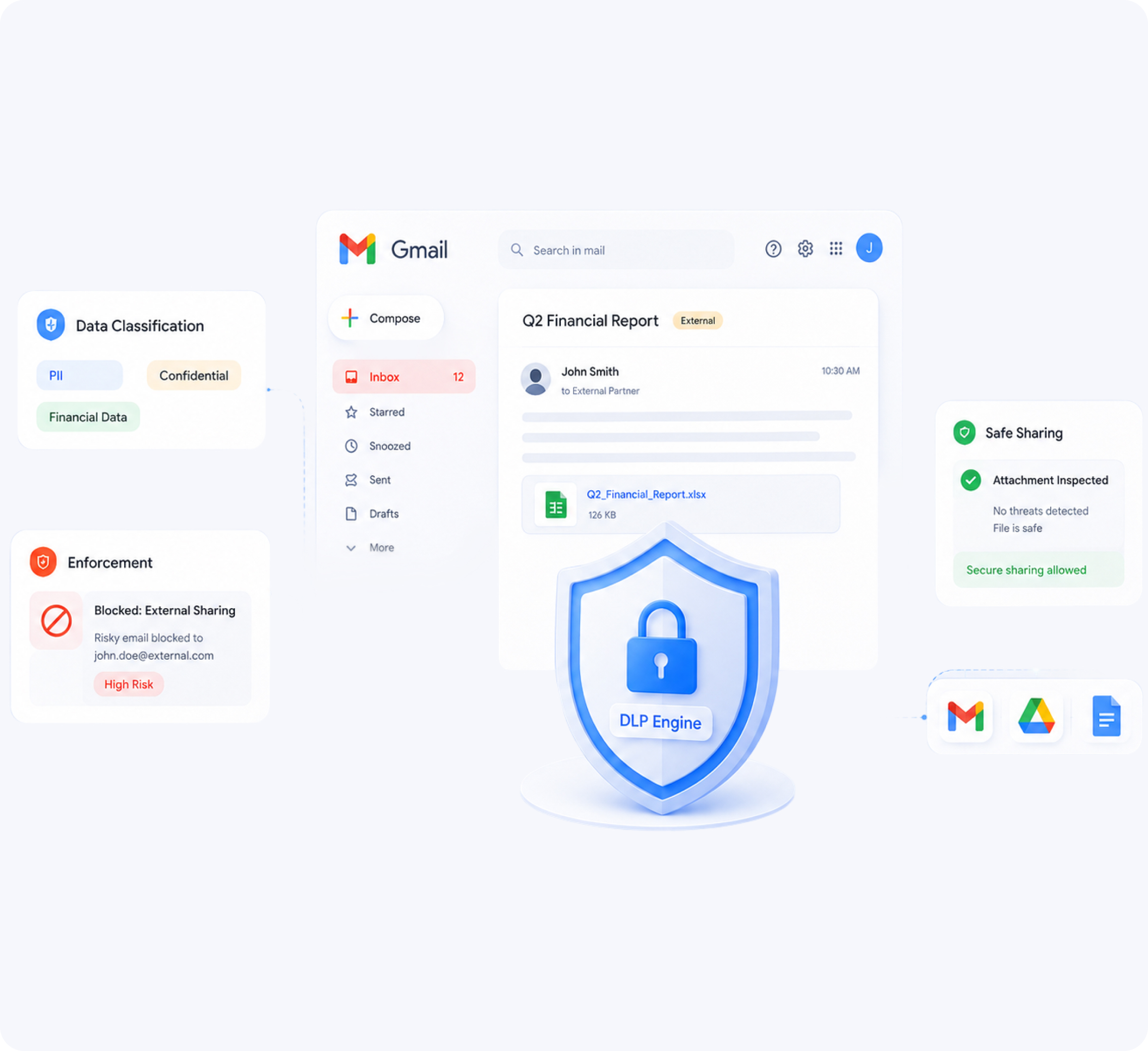
miniOrange DLP for Google Workspace helps organizations monitor, control, and protect sensitive data across Gmail and Google Drive environments.
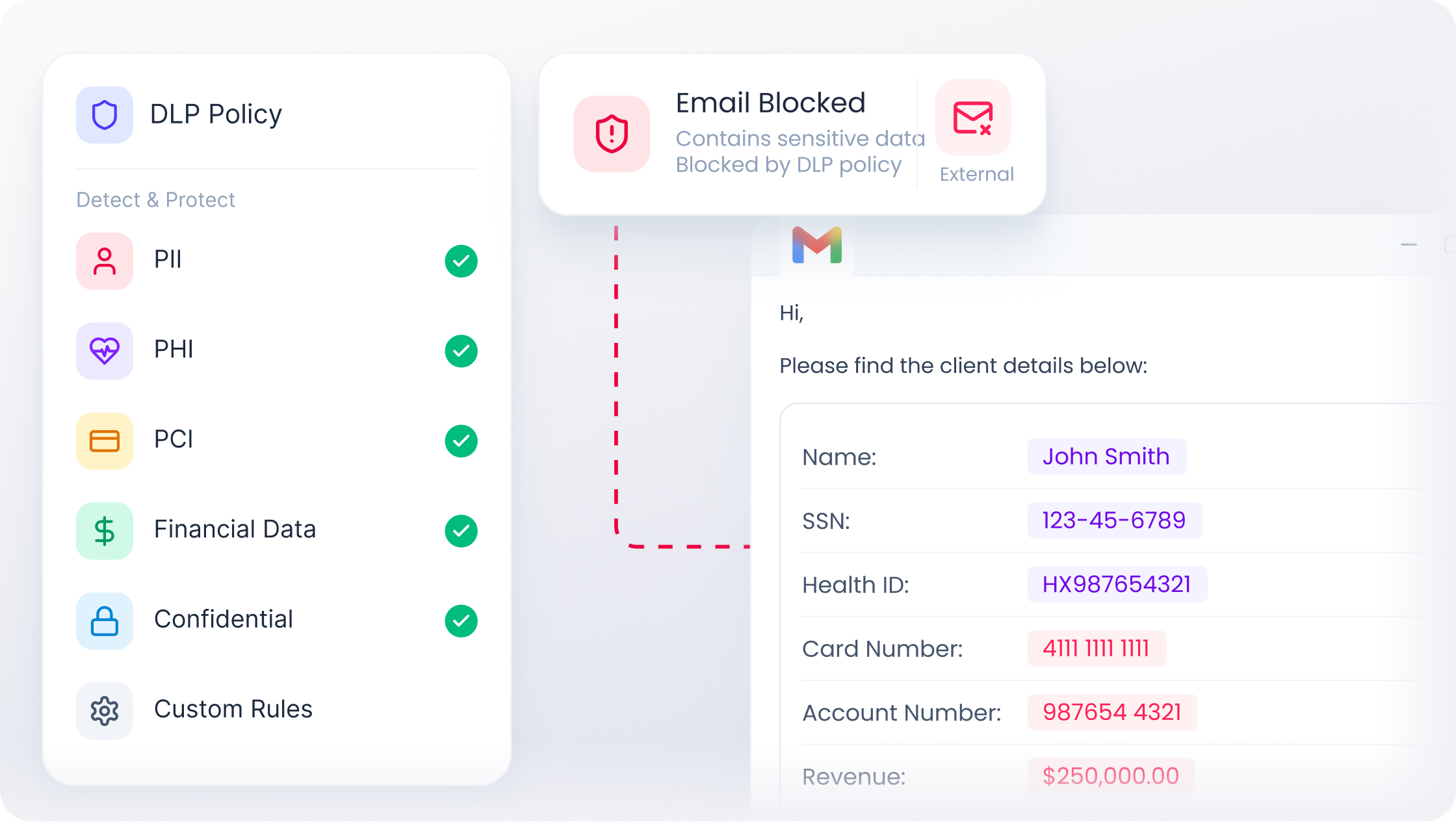
Identify and classify emails containing sensitive information before they are shared externally.
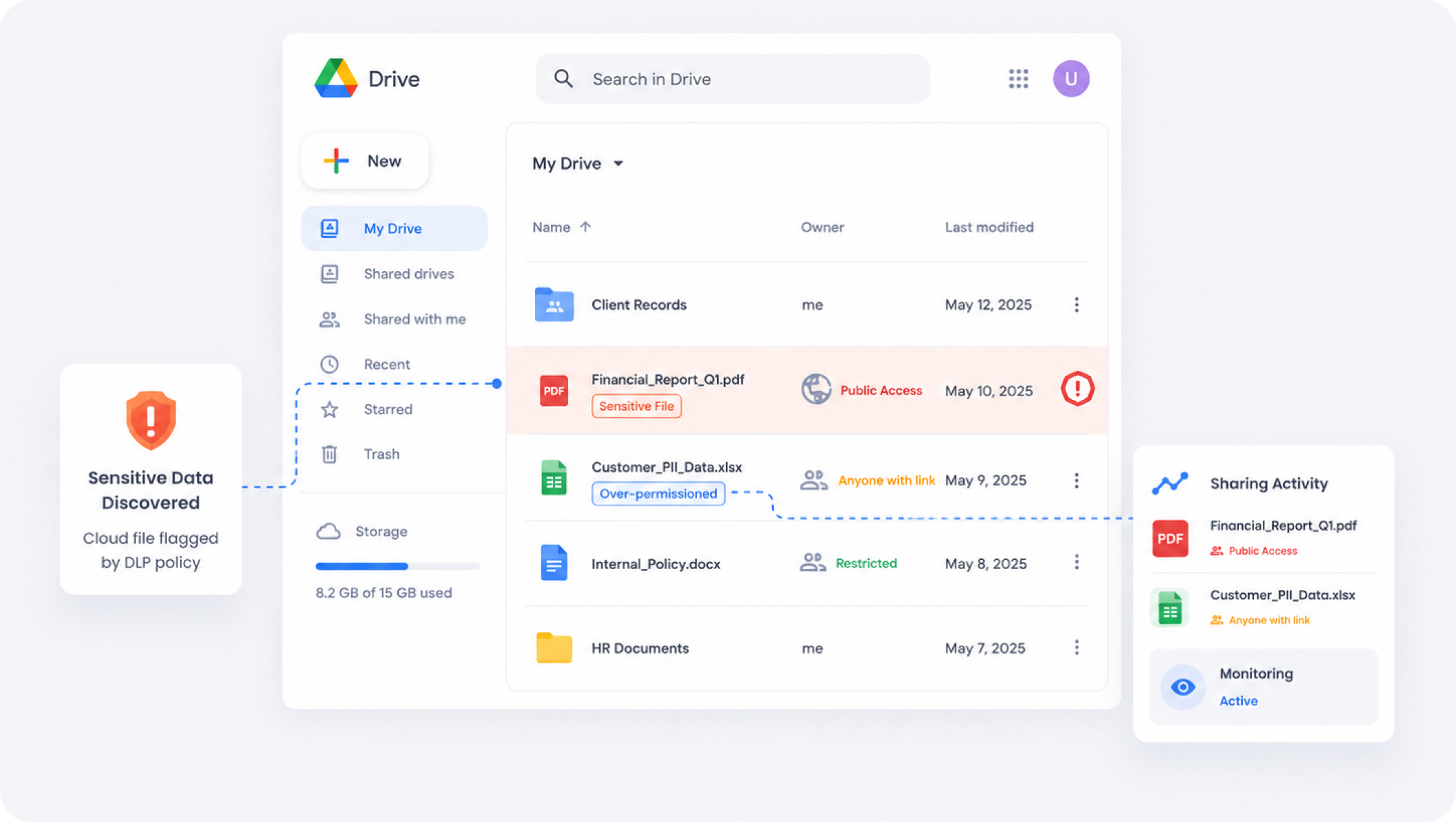
Continuously discover and monitor sensitive files stored across Google Drive environments.
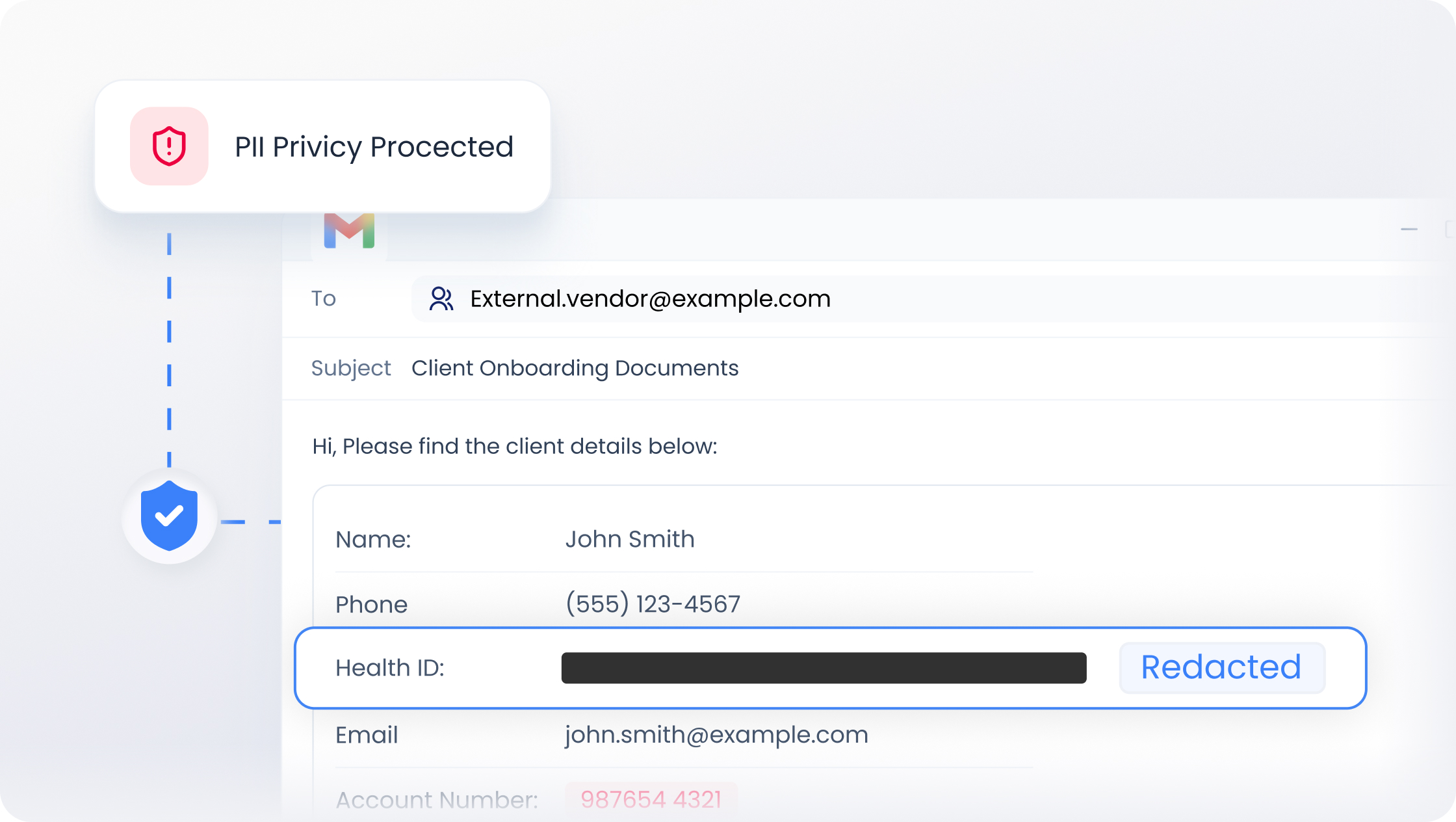
Automatically mask or redact sensitive information within emails before delivery.
Automatically quarantine suspicious or policy-violating emails before delivery.
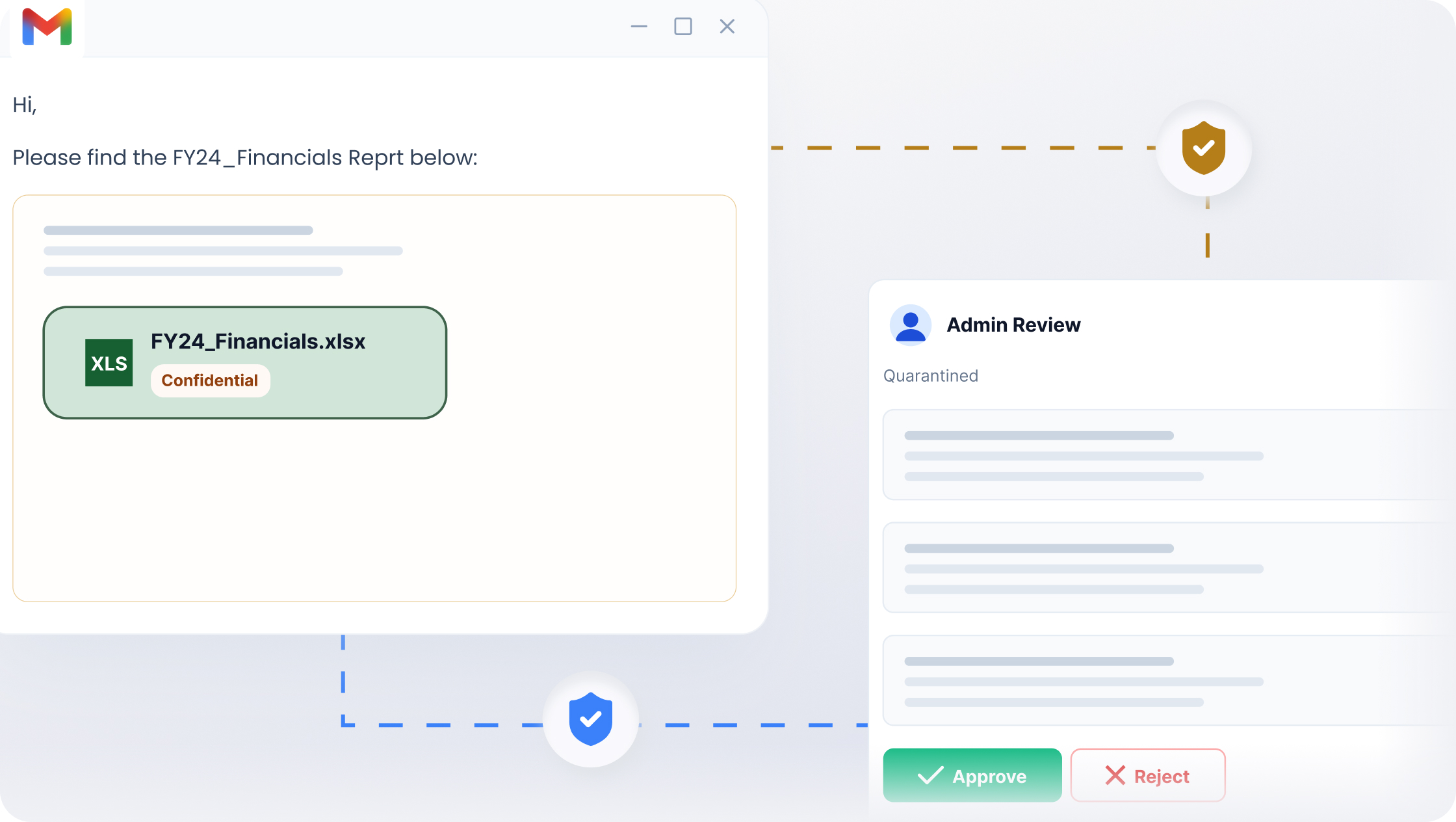
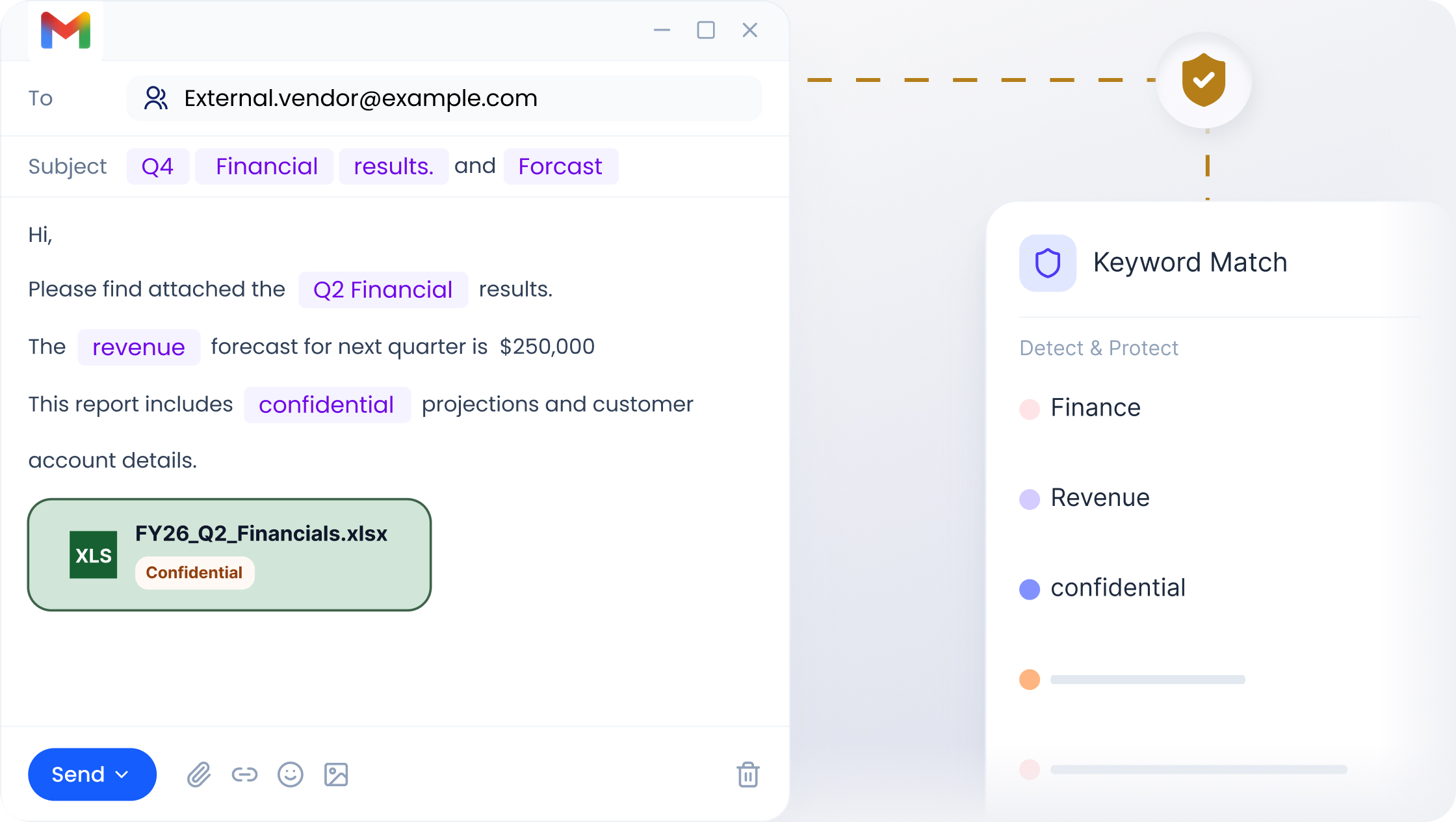
Detects sensitive keywords and predefined patterns within Gmail communications automatically.
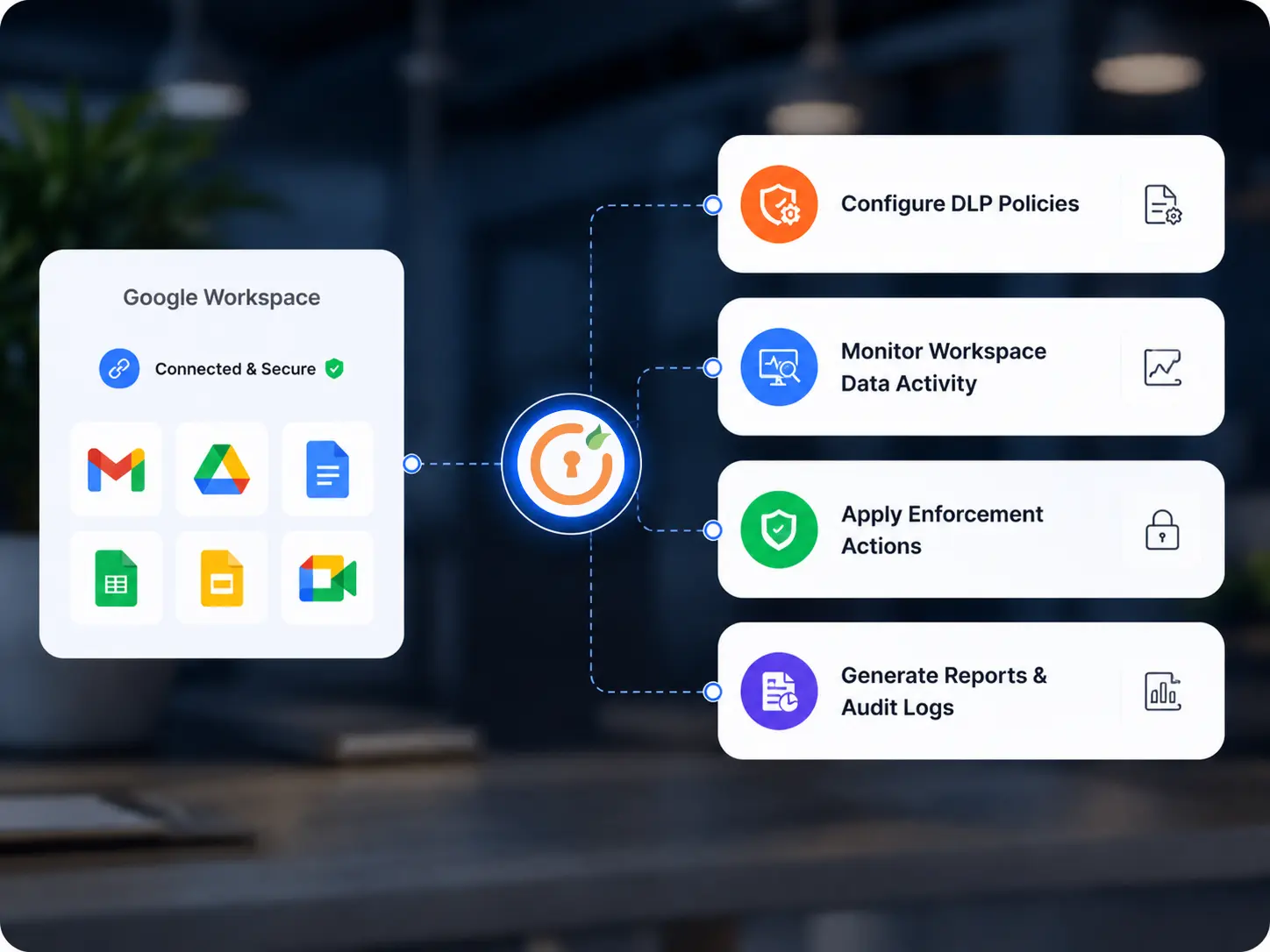
Securely integrate Google Workspace with miniOrange DLP to monitor, inspect, and control sensitive data across Gmail, Google Drive, Docs, and shared collaboration environments.
Integrate Google Workspace with miniOrange DLP through secure admin configuration and policy setup. This enables centralized visibility and protection across Gmail, Drive, and Workspace applications without disrupting user workflows.
Create DLP policies based on sensitive data types, keywords, file activity, sharing permissions, and compliance requirements. Define actions such as block, quarantine, alert, or restrict access based on organizational security rules.
Continuously monitor emails, shared files, attachments, and user activity across Google Workspace environments in real time. Detect risky sharing behavior, policy violations, and sensitive data exposure before it becomes a security risk.
Automatically block, quarantine, restrict, or flag activities that violate DLP policies across Gmail and Google Drive. Ensure sensitive business data remains protected across communications, cloud storage, and collaboration workflows.
Track all DLP activities through centralized logs, dashboards, and compliance reports. Maintain audit-ready visibility for governance reviews, investigations, and regulatory compliance requirements.
Flexible DLP deployment options help organizations secure Gmail, Google Drive, and Workspace collaboration environments without disrupting existing infrastructure.

Deploy DLP quickly across Google Workspace environments with centralized visibility and policy management. Simplify onboarding while maintaining real-time monitoring across emails, files, and cloud collaboration workflows.

Maintain complete control over sensitive Workspace data with on-premise DLP deployment options. Align security and compliance requirements with internal governance and infrastructure policies.

Combine cloud flexibility with on-premise control for organizations operating across mixed environments. Maintain consistent DLP policies and monitoring across the distributed Workspace infrastructure.
miniOrange delivers flexible and centralized DLP for Google Workspace, designed for modern enterprise and hybrid environments.
 DLP
DLP
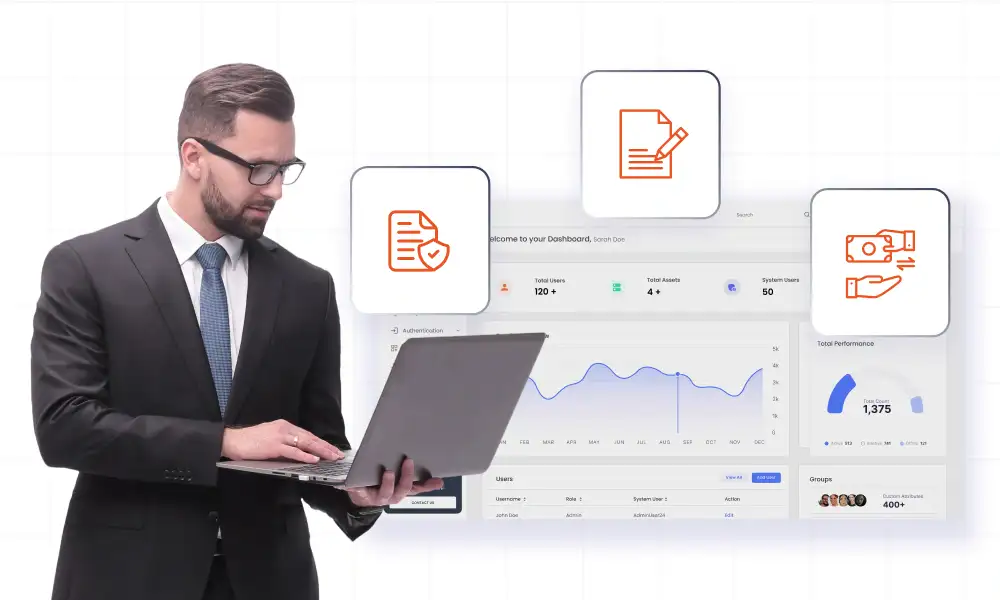
Secure financial records, payment data, and confidential business communications across Google Workspace applications. Monitor data movement continuously to reduce fraud risks and prevent unauthorized sharing.
Read more
Protect patient records, healthcare communications, and sensitive files shared across Gmail and Google Drive. Prevent unauthorized exposure of PHI while supporting HIPAA compliance requirements.
Read more
Protect source code references, intellectual property, and confidential customer data stored and shared across Workspace applications. Monitor sharing activity to reduce insider threats and cloud data exposure risks.
Read more
Protect regulated government information and sensitive communications across Workspace environments. Apply strict DLP controls to reduce unauthorized access and data exposure risks.
Read more
Prevent students and staff from accidentally sharing confidential academic or personal information across Gmail and Google Drive. Maintain secure collaboration while supporting safe digital learning environments.
Read more
Secure contracts, legal records, and confidential case files across Google Workspace collaboration environments. Maintain audit visibility and prevent unauthorized sharing of sensitive legal information.
Read moreminiOrange helps organizations secure Google Workspace environments with centralized visibility, automated policy enforcement, and real-time data protection.

Monitor emails, shared files, attachments, and collaboration activity continuously across Google Workspace applications. Gain centralized visibility into policy violations, risky sharing behavior, and sensitive data movement from a single dashboard.

Integrate seamlessly with your existing email infrastructure using custom SMTP without disrupting workflows or user productivity. Maintain a consistent email experience while adding stronger data protection and monitoring controls.

Detect sensitive content in real time and automatically block, quarantine, or restrict risky activities across Workspace environments. Reduce the risk of accidental or intentional exposure of regulated and confidential data.

Automatically identify sensitive information such as PII, financial records, confidential business data, and regulated content across Workspace applications. Reduce manual review efforts while improving policy enforcement accuracy.

Create, update, and enforce all DLP policies across Gmail, Google Drive, and Workspace applications from a centralized dashboard. Simplify administration while maintaining consistent protection across environments.

Generate detailed logs, compliance reports, and investigation-ready records for audits and governance reviews. Maintain complete visibility into Workspace activity, incidents, and DLP enforcement actions.

