Hello there!
Need Help? We are right here!

Need Help? We are right here!
Search Results:
×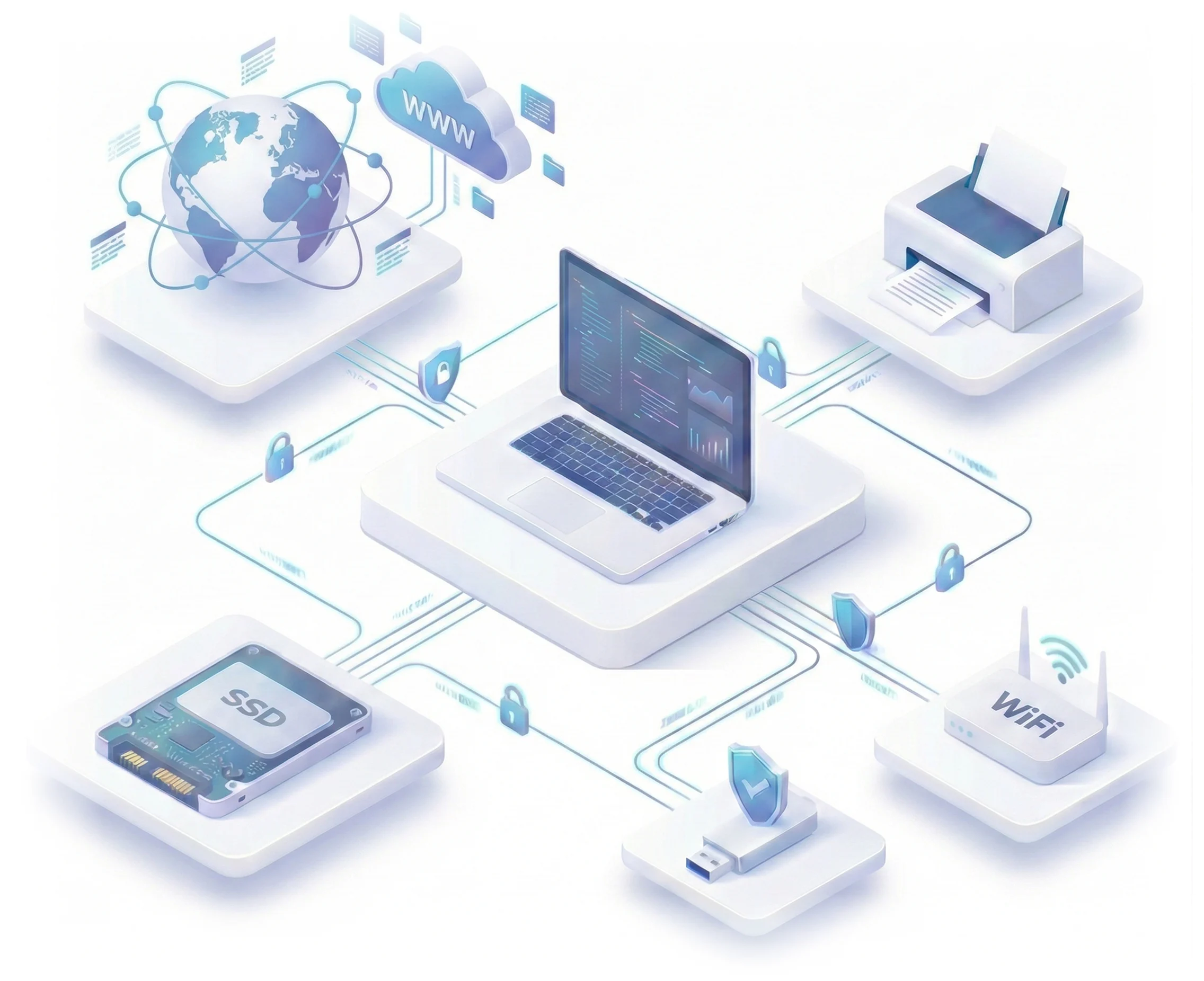
Unmanaged laptops, open USB ports, and unmonitored file uploads lead to data leaks. Endpoint DLP security closes these gaps by inspecting and
controlling data the moment it moves, not after it's gone.

Employees copy files to personal drives, upload them to unsanctioned apps, or email them outside the company, often without any malicious intent, but with the same costly result.

USB drives, external hard disks, and other removable media move sensitive files off the network in seconds, leaving no trace once the device is unplugged.

Security teams can't protect what they can't see. Without endpoint-level visibility, the file transfers, print jobs, and peripheral activity go completely unmonitored.

Regulations like HIPAA, SEBI, RBI, ISO 27001, and SOC 2 hold organizations accountable for where sensitive data goes. A single unmanaged endpoint can trigger an audit failure or a regulatory fine.
Modern Endpoint Data Loss Prevention software has to cover every channel that the data can leave through, and
not just USB ports.
Lock down every exit point with a myriad of DLP features.
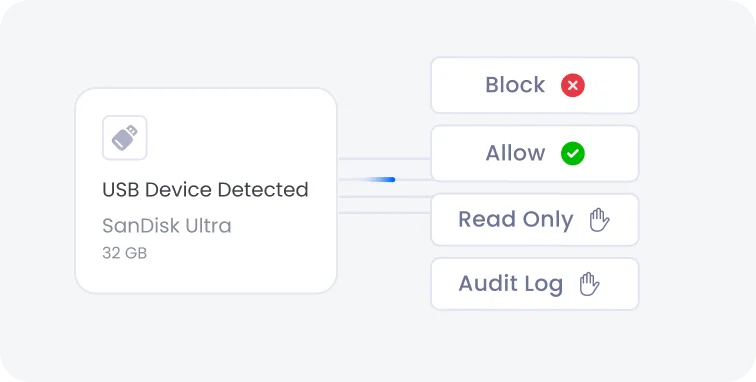
Block unauthorized USB devices outright, allow only whitelisted devices, enforce read-only access, and log every USB and external storage action for a complete audit trail.
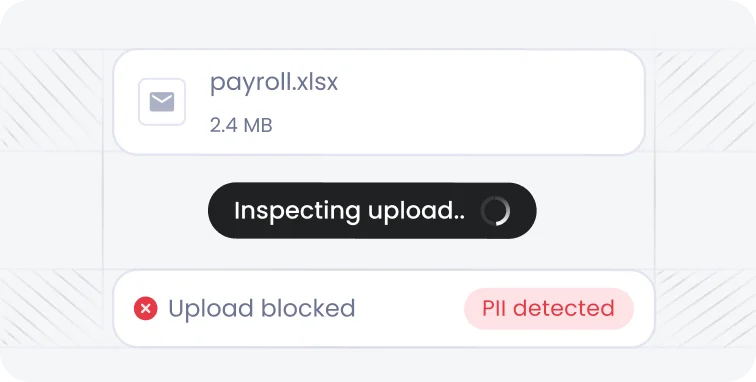
Monitor and control HTTP/HTTPS uploads from endpoints in real time. Detect sensitive data uploads to websites and block unauthorized data transfers before it leaves the organization.
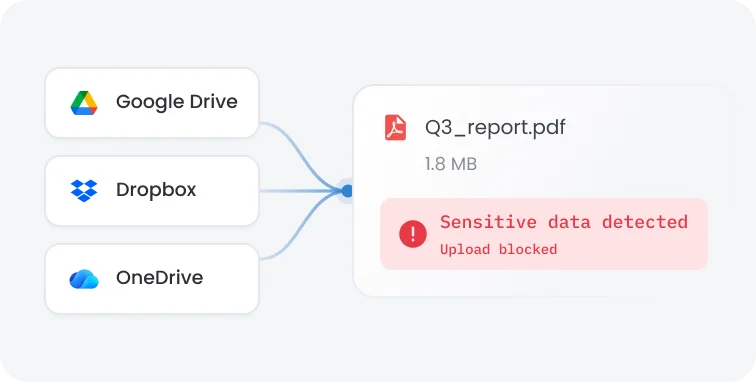
Prevent sensitive data uploads to unauthorized cloud storage and file-sharing services, including personal Google Drive, Dropbox, and other unsanctioned accounts. Enforce policies to keep data within approved cloud environments.
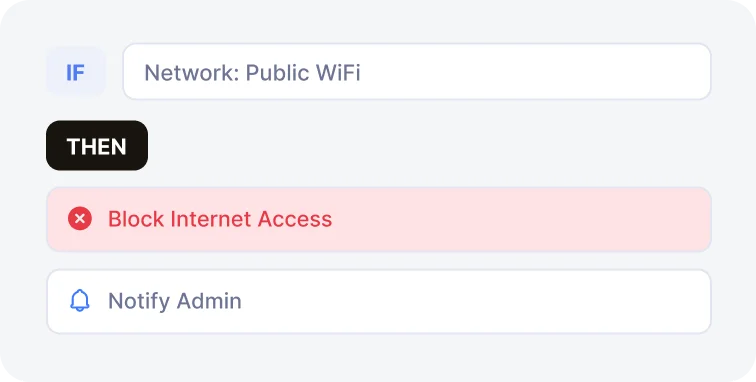
Allow only whitelisted SSIDs and BSSIDs, block public Wi-Fis, and keep devices connected to trusted corporate networks only.
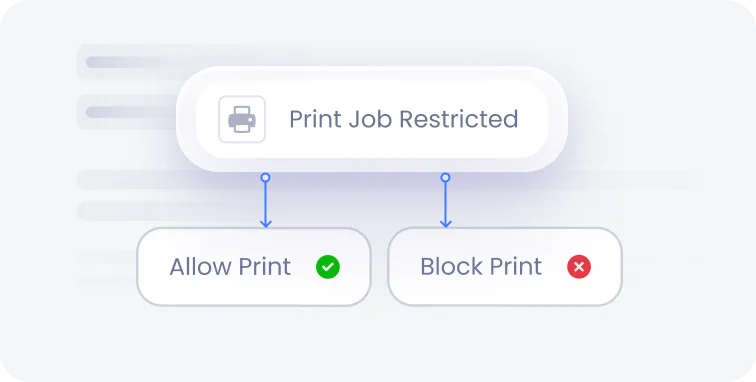
Restrict printing to approved printers based on VID/PID, block printing of sensitive documents, and log every print job for audit and compliance purposes.
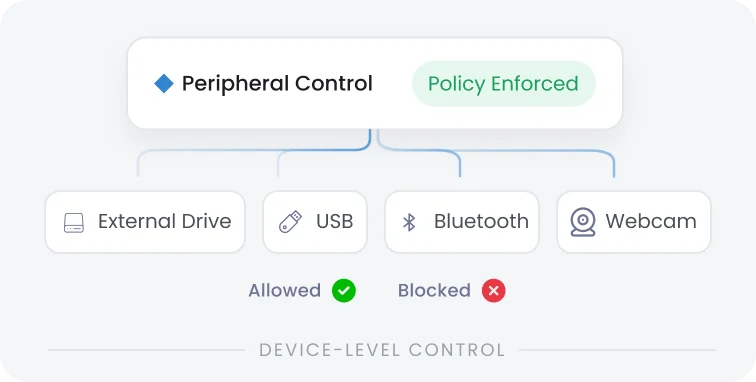
Control external hard disks, flash drives, and other connected hardware with device-level restrictions that stop unauthorized data transfer at the port.

Enable or disable Ethernet adapters, block data transfers over wired connections, and apply per-device network restrictions to close off wired exfiltration paths.

Track device usage in real time, log file operations such as block, allow, copy, or delete, and generate instant alerts for suspicious or policy-violating endpoint behavior.

Automatically apply stricter controls when a device leaves a trusted corporate network, so remote and travelling endpoints get the same level of protection as those on-site.
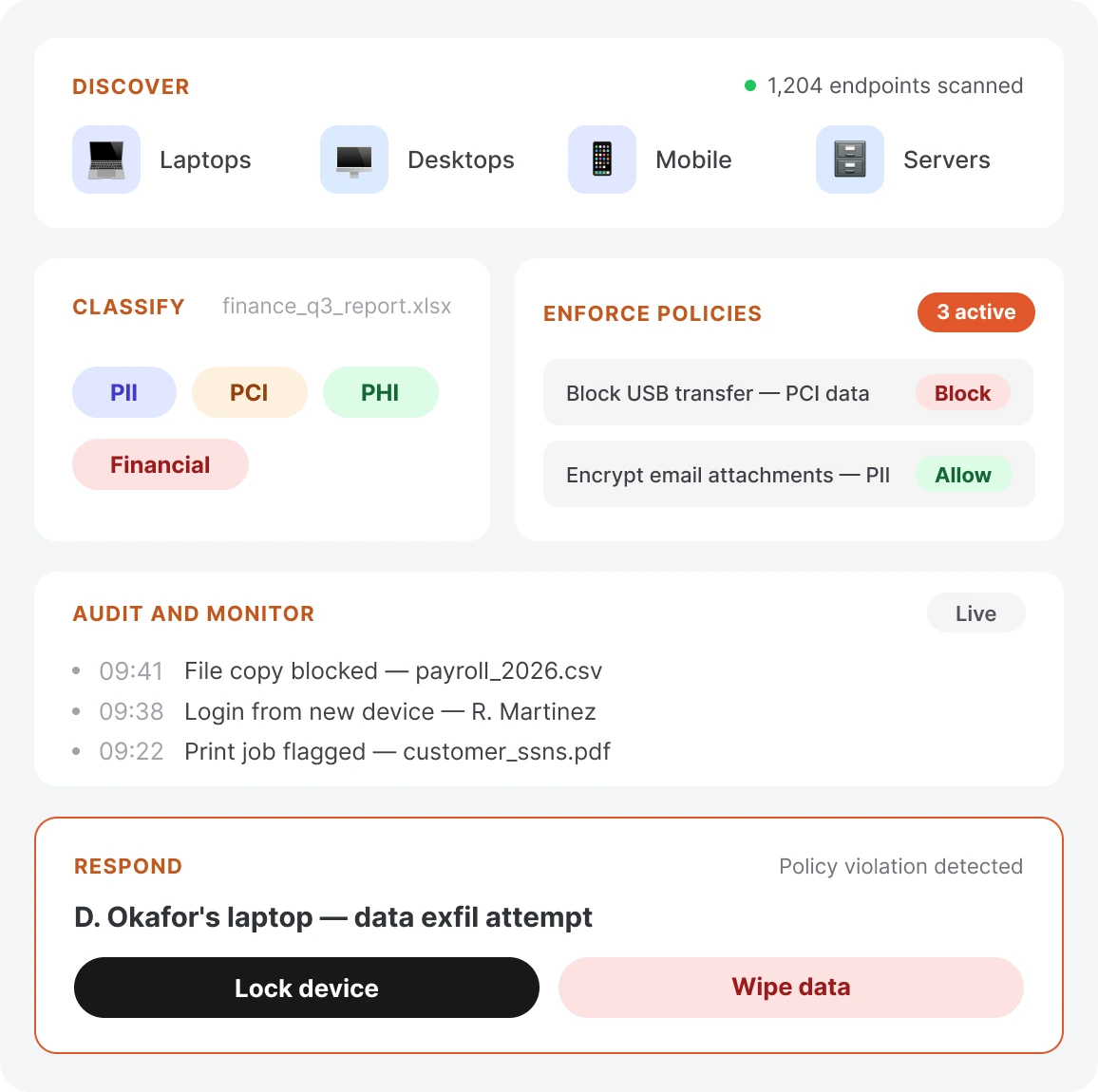
An effective Endpoint DLP solution doesn't stop at blocking a USB port - it follows sensitive data through its entire lifecycle, from discovery to response.
Automatically locate sensitive data across every device in your organization, so nothing stays hidden from policy enforcement.
Identify and tag data such as PII, PCI, PHI, and financial records so policies apply to what actually matters.
Apply granular allow, block, and log policies to control how sensitive data is accessed, transferred, and used.
Monitor detailed, session-level activity logs across device usage, file operations, and network activity for audit-ready visibility.
Trigger real-time alerts and remote actions like lock, wipe, or restart the moment a policy violation puts data at risk.
Most DLP tools stop after blocking a port. miniOrange goes further, combining content-aware protection, granular policy control, and unified endpoint visibility in one platform.

Inspect and control data directly on the device where it’s created, copied, or exported, before it leaves the device, and prevent it from reaching a network boundary or cloud app.

Set precise rules based on device, user, location, and file type instead of relying on blanket USB bans that hamper productivity.

Manage endpoint security and device management from a single console, cutting the overhead of running separate tools for two connected security problems.
Deploy Endpoint DLP across your organization in minutes, not months, with centralized policy management from a single dashboard. Protect on-premises, hybrid, and remote endpoints alike, without adding complexity to your IT team's workload.
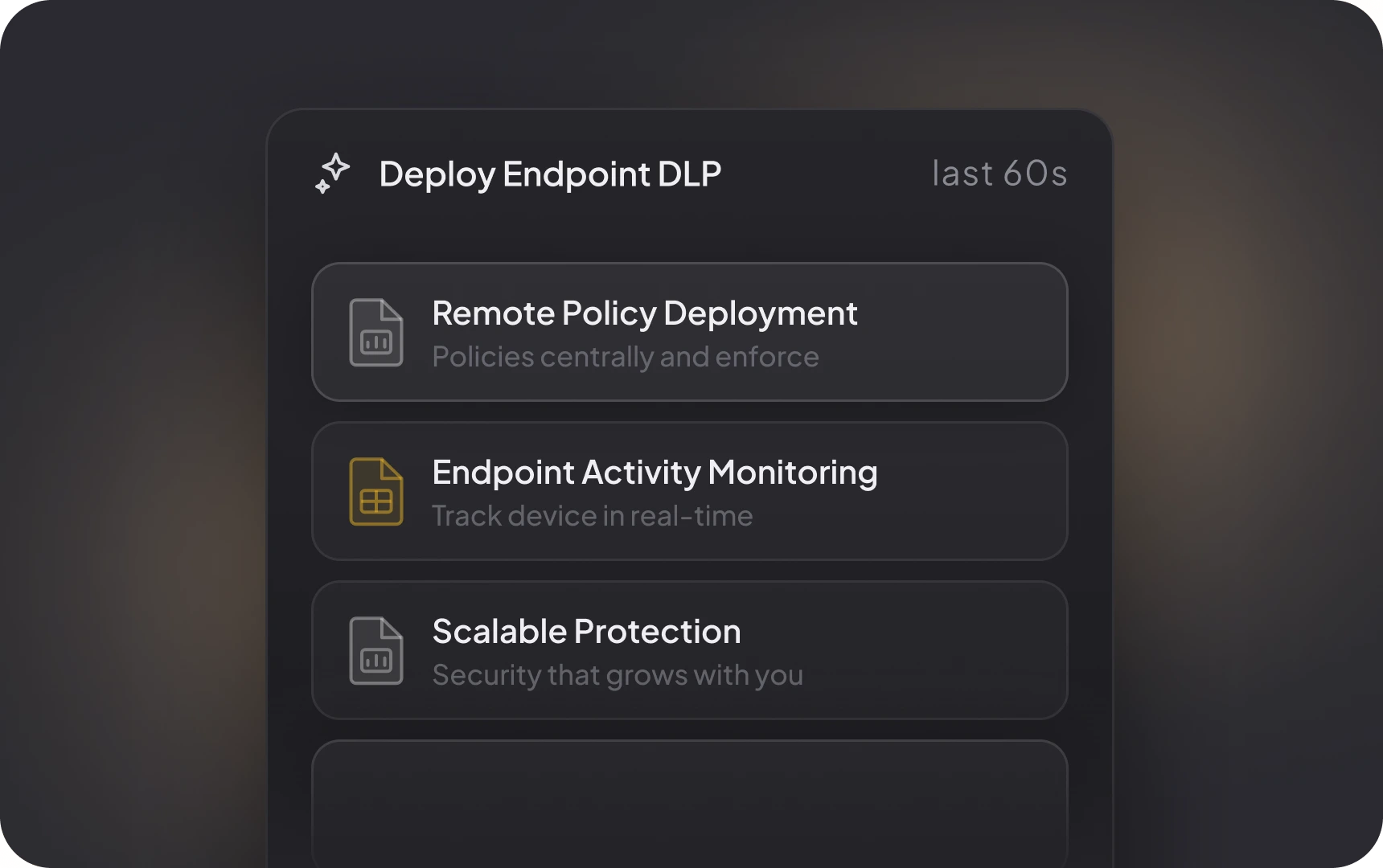
Policies enforce continuously, whether a device is on the corporate network, on Wi-Fi, or completely offline.
Get a real-time, unified view of file activity, device connections, and network behavior across every endpoint you manage.
Apply consistent DLP policies across Windows, macOS, and other major endpoint types from one central console.
Map policies directly to frameworks like HIPAA, RBI, SEBI, ISO 27001, and SOC 2, with audit-ready logs generated automatically.
Still have questions? Explore more FAQs.
An endpoint DLP solution monitors, controls, and protects sensitive data directly on laptops and desktops. It inspects file operations, removable media, printing, and network activity at the device level to stop unauthorized data movement before it leaves the organization.
Yes, miniOrange Endpoint DLP blocks unauthorized USB devices, allows only VID/PID-whitelisted drives, enforces read-only access on approved media, and logs every USB action for audit purposes.
It discovers and classifies sensitive data such as PII, PCI, and PHI, then applies allow, block, and log policies across USB ports, browsers, cloud uploads, printers, and network connections. It also ensures real-time monitoring and alerts policy violations as they happen.
miniOrange Endpoint DLP protects on-premises, hybrid, and remote laptops and desktops running on Windows and macOS, managed from a single centralized dashboard regardless of where the device connects from.
It generates detailed, audit-ready logs of file access, device activity, and data transfers, and enforces policies aligned with regulatory requirements. This reduces compliance gaps and audit overhead while keeping organizations continuously ready for review.
miniOrange combines content-aware data protection with unified MDM and DLP management in a single dashboard, and maps policies directly to compliance frameworks like HIPAA, RBI, SEBI, ISO 27001, and SOC 2. It does all of this without the deployment overhead of legacy DLP platforms.
x
Your download should start now. If not, please email us at uemsupport@xecurify.com or contact us.
Please enter your work email-id