Hello there!
Need Help? We are right here!

Need Help? We are right here!
Search Results:
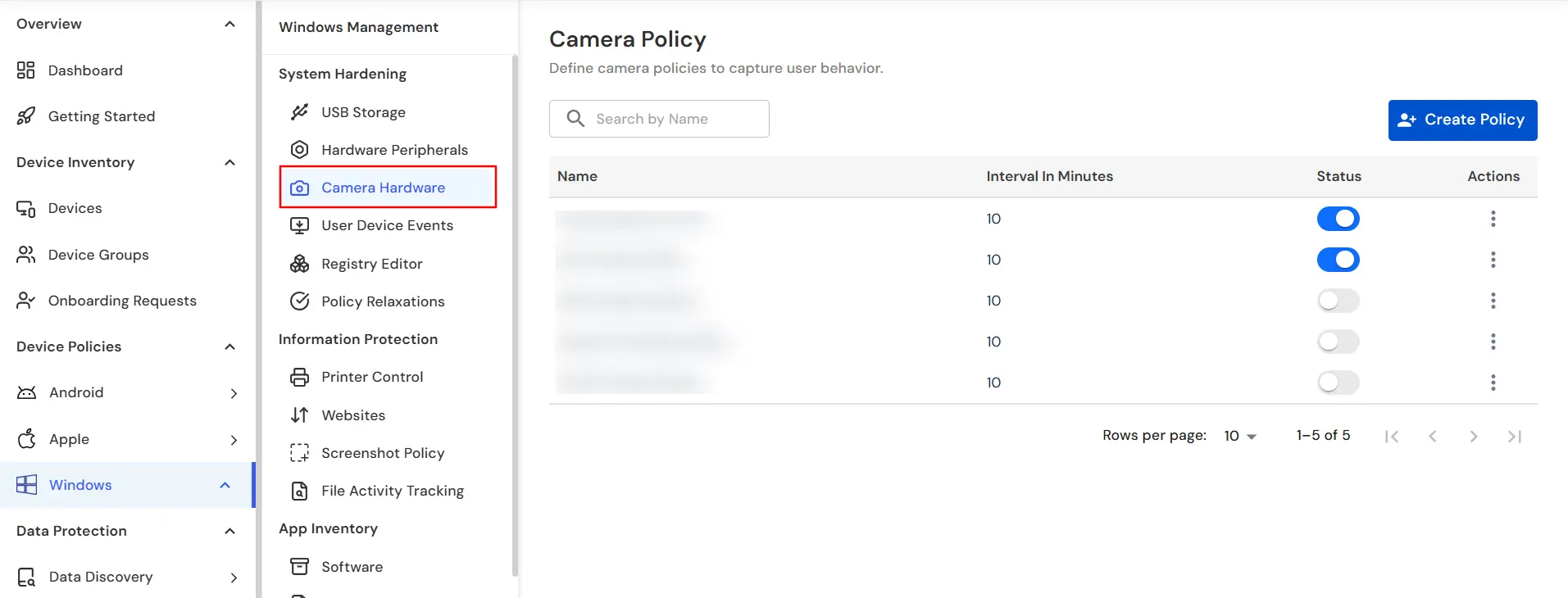
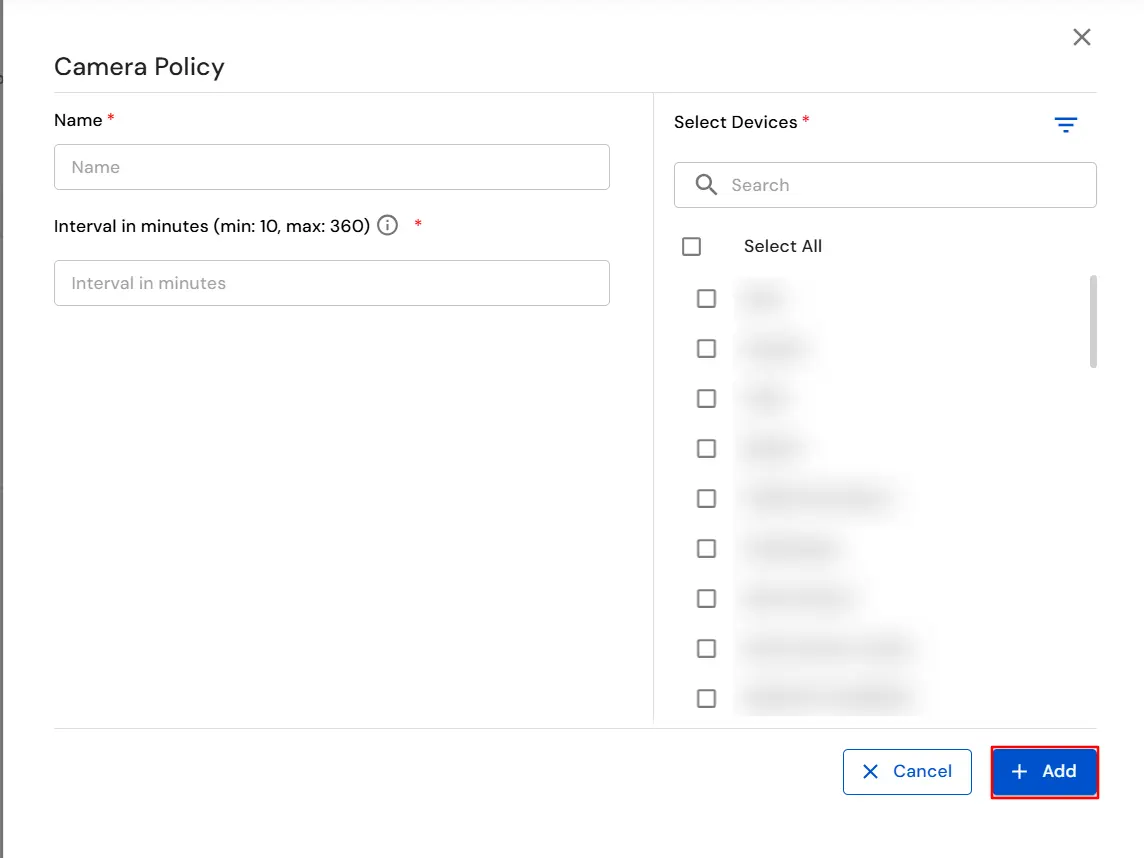
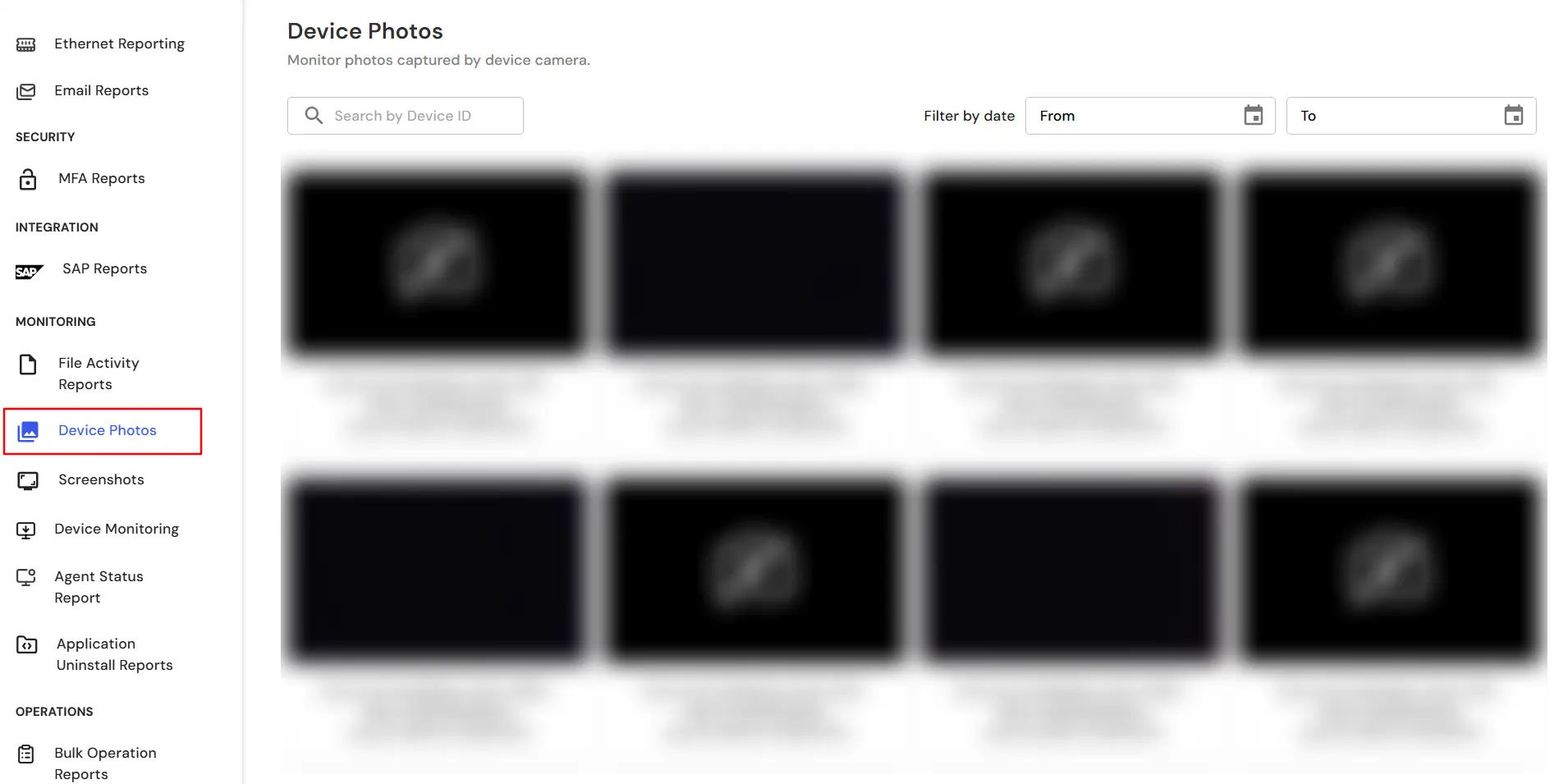
×Monitoring user surroundings during sensitive operations or compliance-driven tasks is essential for critical security-focused organizations. miniOrange DLP's Camera Monitoring Policy enables administrators to activate webcam captures at configured intervals to gain contextual visibility during device usage. This feature helps detect unauthorized access, potential insider threats, or non-compliance with workplace guidelines. This guide provides a step-by-step walkthrough to configure camera policies, assign them to target devices, and review captured images via the miniOrange DLP console.
There are a couple of things you need to check before you start with the setup:
In this way you have succesfully configured the Camera Monitoring Policy by using our DLP solution. Also if you are facing any issues that you are not able to resolve please feel to reach out us uemsupport@xecurify.com

