Hello there!

Need Help? We are right here!

miniOrange Support Chat - Get Help and Support
miniOrange Email Support
Success Checkmark - Form Submitted Successfully

Thanks for your Enquiry.

If you don't hear from us within 24 hours, please feel free to send a follow-up email to uemsupport@xecurify.com

Search Results:

×

MDM Solution for Education

Mobile Device Management (MDM) for Schools

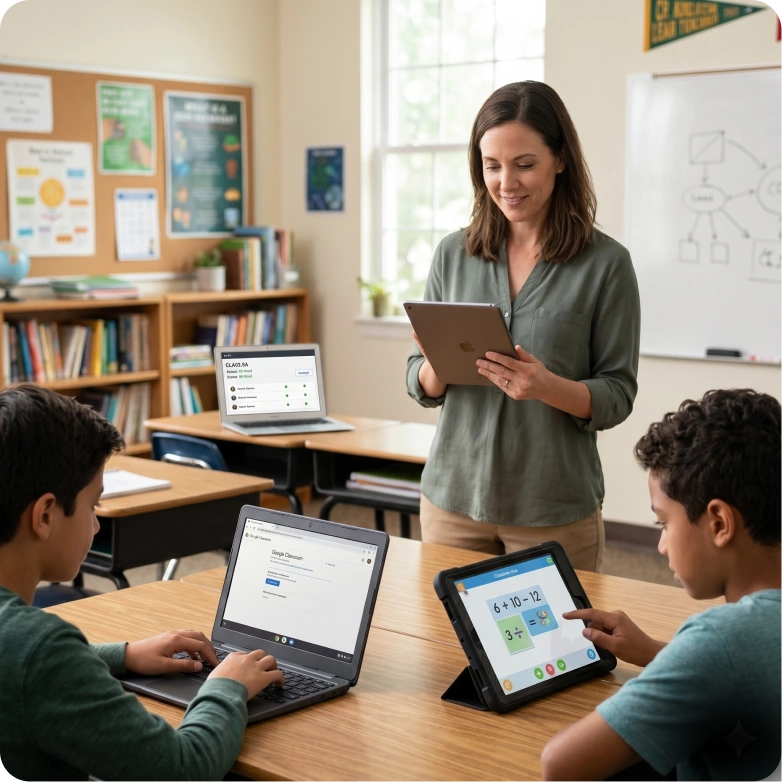
Simplify device control and improve learning outcomes with mobile device management for schools. Manage, secure, and monitor student and staff devices from a single platform with full visibility and control. Scale effortlessly across classrooms while reducing IT workload and ensuring a focused learning environment.

Schedule a Demo Start Free Trial

MDM for education

Challenges Schools Face Without MDM


Without mobile device management for schools, educational institutions struggle to maintain effective classroom device management, leading to reduced control, visibility, and security across devices.

Students distracted by apps and games

Students Distracted by Apps & Games

Students often access non-educational apps and games during learning hours, affecting focus and engagement. Without restrictions, maintaining a distraction-free classroom becomes difficult for educators.

Lack of visibility into device usage

Lack of Visibility into Device Usage

Schools lack clear insight into how devices are used across classrooms and users. This makes it difficult to track activity, monitor behavior, and identify misuse.

Data security risks and misuse

Data Security Risks & Misuse

Sensitive student and institutional data is at risk when devices are not properly managed. Uncontrolled access and sharing increase the chances of data exposure and compliance issues.

IT teams overwhelmed by manual device management

IT Teams Overwhelmed by Managing Devices Manually

Managing multiple devices manually takes significant time and effort for IT teams. This leads to delays, inefficiencies, and increased operational workload.

No centralized control

No Centralized Control

Without a unified system, device management becomes fragmented across classrooms and locations. Enforcing policies and maintaining consistency across all devices becomes challenging.

Inconsistent policy enforcement across devices

Inconsistent Policy Enforcement Across Devices

Policies are often applied unevenly across devices and user groups. This creates gaps in control and makes it difficult to maintain consistent usage standards.

MDM for Schools with Multi-OS Support

Manage all devices from a unified dashboard with MDM solution for schools that support
multiple operating systems and ensure consistent control across environments.


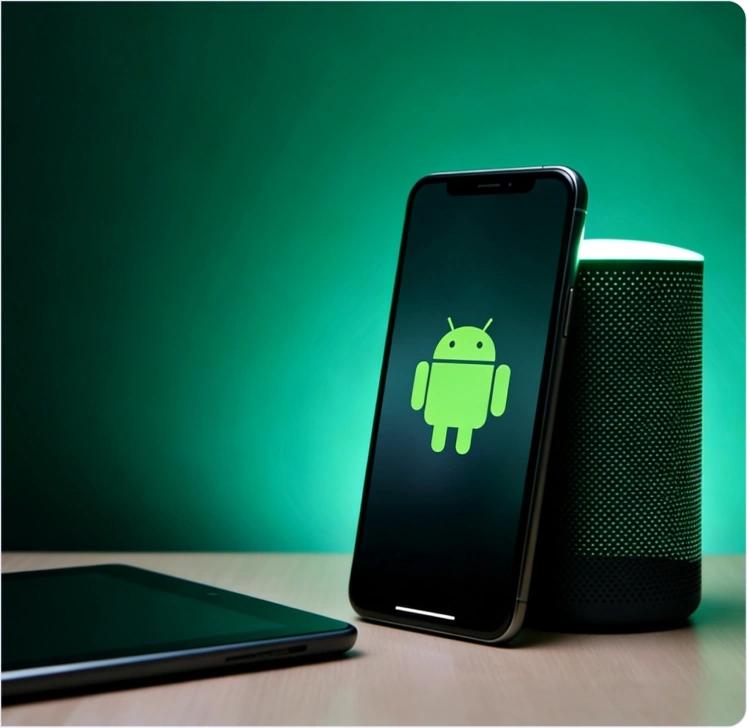
Android Device Management

Control Android tablets and smartphones used for learning, communication, and school operations. Apply app restrictions, monitor usage, and ensure secure access across all devices.

  •   Android Enterprise support for school-owned devices.
  •   Single and multi-app kiosk mode for focused learning.
  •   App management for Play Store and private apps.
  •   Restrict device features and peripherals.
  •   Factory reset protection to prevent misuse.
Know More →
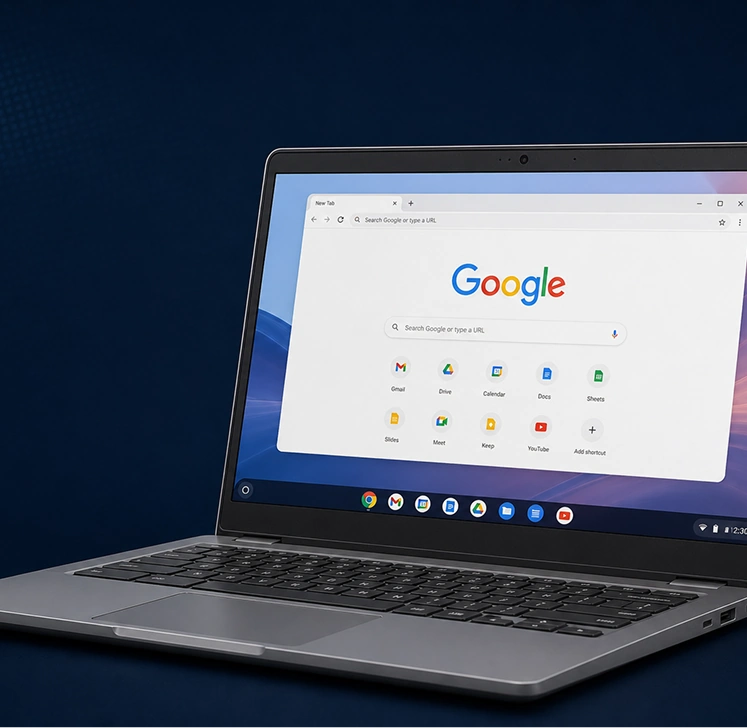
Classroom device management

Simplify Device Control with MDM Solution
for Schools


MDM solutions for schools

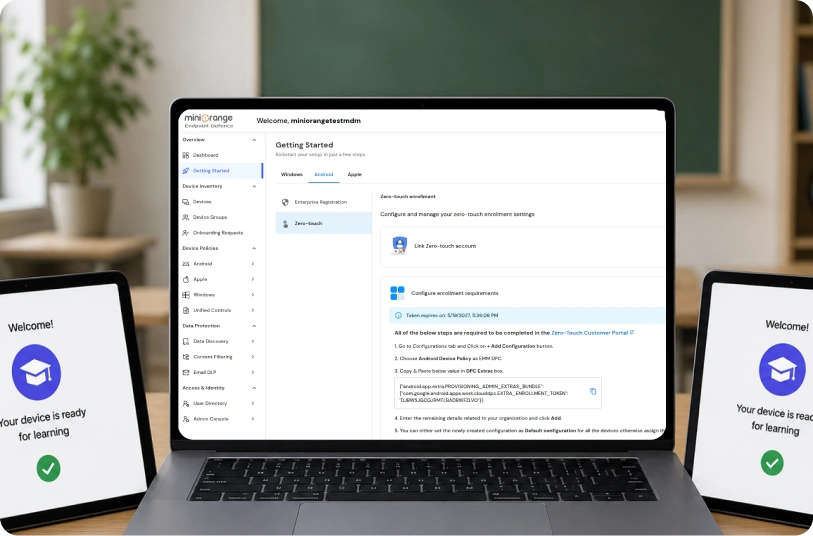
Seamless Device Management with Zero Touch Enrollment


  • Roll out student and staff devices in bulk without manual setup or delays
  • Pre-configure devices with school policies, apps, and restrictions from day one
  • Ensure every device is classroom-ready the moment it is powered on

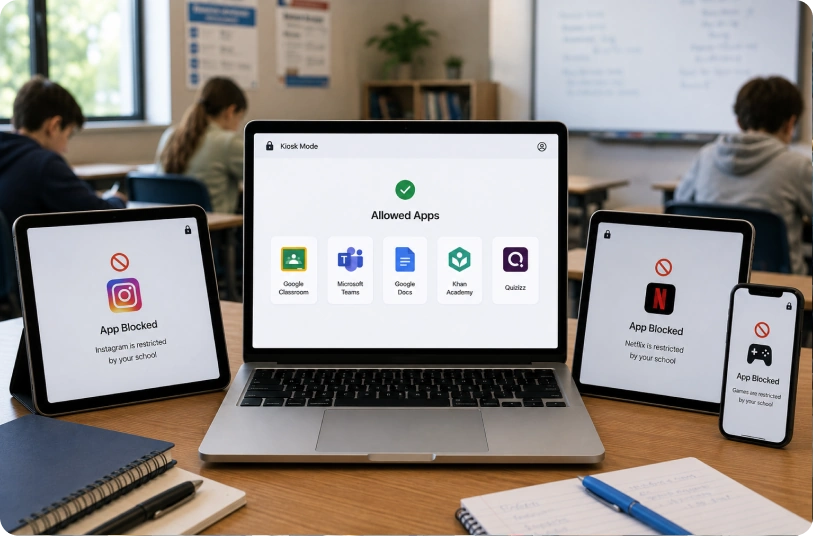
Focused Learning with Kiosk Mode


  • Restrict devices to only approved learning apps, exams, and coursework
  • Prevent access to games, social media, and non-educational content during class
  • Maintain a distraction-free learning environment across classrooms and remote sessions
MDM solutions for education

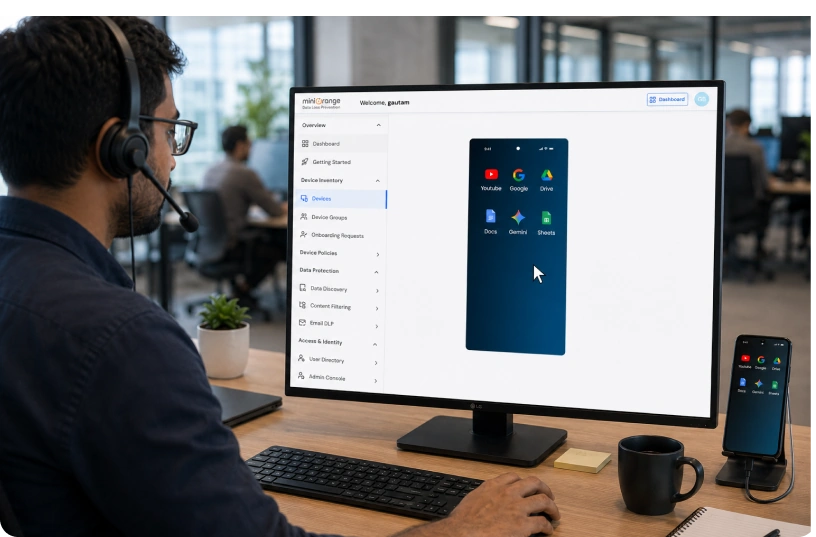
Mobile device management for education

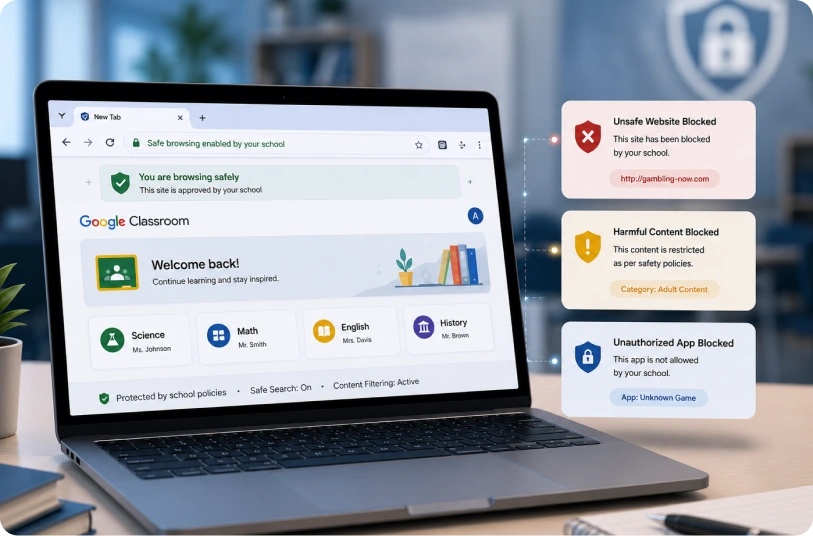
Protect Student Data with Secure Browsing & App Blocking


  • Safeguard student information and school data with controlled access policies
  • Block unsafe websites, harmful content, and unauthorized applications
  • Ensure safe and compliant digital usage across all student devices

Uninterrupted Learning with Remote Support


  • Resolve device issues instantly without interrupting classroom sessions
  • Remotely troubleshoot, update, and manage devices across locations
  • Keep students and teachers connected with minimal downtime
Remote support for classroom devices


Advanced Features to Strengthen Your Classroom
Device Management

Enhance classroom device management with powerful features designed to simplify control,
improve security, and support better learning outcomes.


Time-based policies for classroom devices

Time-Based Policies

Automate device usage based on school schedules so policies adjust automatically throughout the day. Restrict apps and internet access during class hours while allowing flexibility after school.

Automated workflows for school device management

Workflows

Automate routine device management tasks to reduce manual effort and save time for IT teams. Streamline daily operations with consistent, repeatable processes across devices.

Device groups and subgroups for schools

Groups and Subgroups

Organize student and staff devices into groups based on classes, grades, or departments. Apply policies easily and manage devices at scale with better control and visibility.

Location tracking and geofencing for school devices

Location Tracking & Geofencing

Track devices in real time and ensure they remain within designated school zones. Receive alerts for unauthorized movement to improve student safety and device security.

OS update and patch management for school devices

OS Update & Patch Management

Keep devices updated with the latest software and security patches without manual intervention. Reduce vulnerabilities and maintain optimal device performance across classrooms.

Peripheral management for classroom devices

Peripheral Management

Control access to device features like USB, Bluetooth, and cameras to prevent misuse. Strengthen security by limiting how devices can be used within and outside the classroom.

Simplify Classroom Device Management at Scale

Start Free Trial Schedule a Demo


MDM for Education in Diverse Learning Settings

Support effective classroom device management across different education environments with consistent control, visibility, and security.


Best MDM solution for schools

K-12 Schools

Manage student devices with the right level of control to keep learning focused and distraction-free. Ensure safe usage while maintaining compliance with school policies and regulations.

MDM for colleges and universities

Colleges & Universities

Handle large volumes of devices across campuses with centralized management and visibility. Ensure secure access and consistent policy enforcement across departments and faculties.

MDM for coaching institutes

Coaching Institutes

Manage shared devices efficiently during classes and training sessions. Maintain visibility into usage while ensuring controlled and structured access for every batch.

MDM for EdTech platforms

EdTech Platforms

Secure devices used for online learning and content delivery across digital platforms. Deliver a consistent user experience while protecting data across distributed environments.

MDM for remote learning environments

Remote Learning Environments

Manage devices used outside school premises with full control and real-time visibility. Ensure secure and uninterrupted learning for students and educators, regardless of location.


MDM Use Cases for Educational Institutions

Improve classroom device management with practical MDM use cases designed to support secure, focused,
and efficient learning environments.


Device Lockdown for Exams
App & Content Control
Remote Troubleshooting
Student Activity Monitoring
Secure Device Deployment

Device Lockdown for Exams

Create a secure exam environment by restricting device usage to only approved applications and resources.

  • Lock devices into exam apps to prevent switching or multitasking during tests
  • Block access to browsers, files, or external resources that could enable cheating
  • Ensure a controlled and fair testing experience across all classrooms

App & Content Control

Manage what students can access on their devices to keep learning on track.

  • Allow only school-approved apps and educational content on student devices
  • Block distracting apps, games, and unsafe or non-educational websites
  • Maintain consistent content access policies across all classrooms and devices

Remote Troubleshooting

Resolve device issues instantly without disrupting classroom learning.

  • Access devices remotely to diagnose and fix issues in real time
  • Push updates, patches, or configurations without physical intervention
  • Minimize downtime and ensure uninterrupted learning experiences

Student Activity Monitoring

Gain clear visibility into how devices are used during and after school hours.

  • Track app usage and screen time to understand student behavior
  • Identify distractions or misuse and take corrective actions quickly
  • Improve accountability and ensure devices are used for learning purposes

Secure Device Deployment

Deploy and set up devices quickly with consistent configurations across the institution.

  • Automate enrollment and apply predefined policies during setup
  • Ensure every device is configured with required apps and restrictions
  • Maintain uniform security and readiness across all student and staff devices

Why Choose miniOrange MDM for Education?

Effortless Device Management

Deploy, enroll, configure, and secure student and faculty devices from a single platform using flexible enrollment options such as zero-touch, bulk enrollment, and QR-based setup. Gain complete control and visibility across all devices while reducing manual effort for IT teams.

Sharp-Focused Learning

Create distraction-free learning environments by limiting access to only approved apps and content during class hours. Keep students engaged with relevant learning resources while minimizing interruptions from non-educational activities.

Seamless Content Flow

Deliver assignments, study materials, and important updates directly to student devices in real time. Ensure teachers and students stay aligned with instant access to the right content at the right time.

Security Without Compromise

Protect student data and school systems with secure browsing, app restrictions, and policy enforcement. Maintain compliance and ensure safe device usage across classrooms and remote environments.

Uninterrupted Learning Anywhere

Provide instant remote support to troubleshoot device issues without disrupting classroom sessions. Ensure continuous learning experiences for students and teachers, whether on campus or remote.

Smarter Insights, Stronger Decisions

Track device usage, screen time, and app activity with detailed reports and analytics. Use these insights to improve learning outcomes, optimize device usage, and make informed decisions.


Create Distraction-Free Classrooms with MDM for Schools


Frequently Asked Questions


What is MDM for Education?

Why do schools need MDM solutions?

What features should schools consider when choosing the best MDM for schools?

Can MDM software track student activity?

How do MDM solutions for education improve classroom learning?

Why do K-12 schools need mobile device management?

How does MDM protect student privacy?

How to choose the right MDM software for education?


Want To Schedule A Demo?

Request a Demo