
Single-App Kiosk Mode
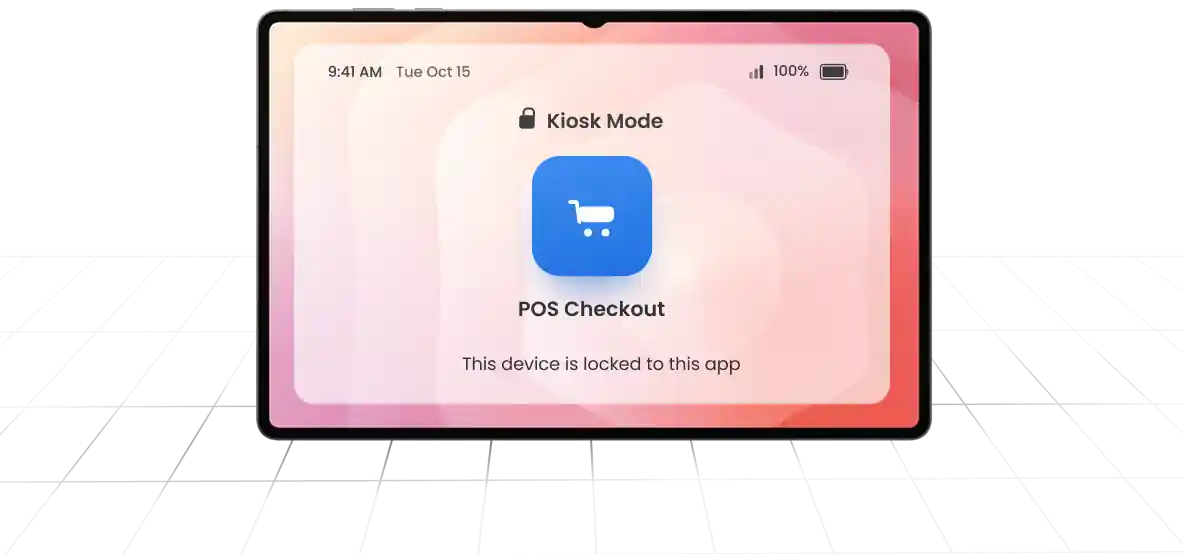
Lock a device to one application that launches automatically on boot and stays pinned in full-screen.
Need Help? We are right here!

Search Results:
×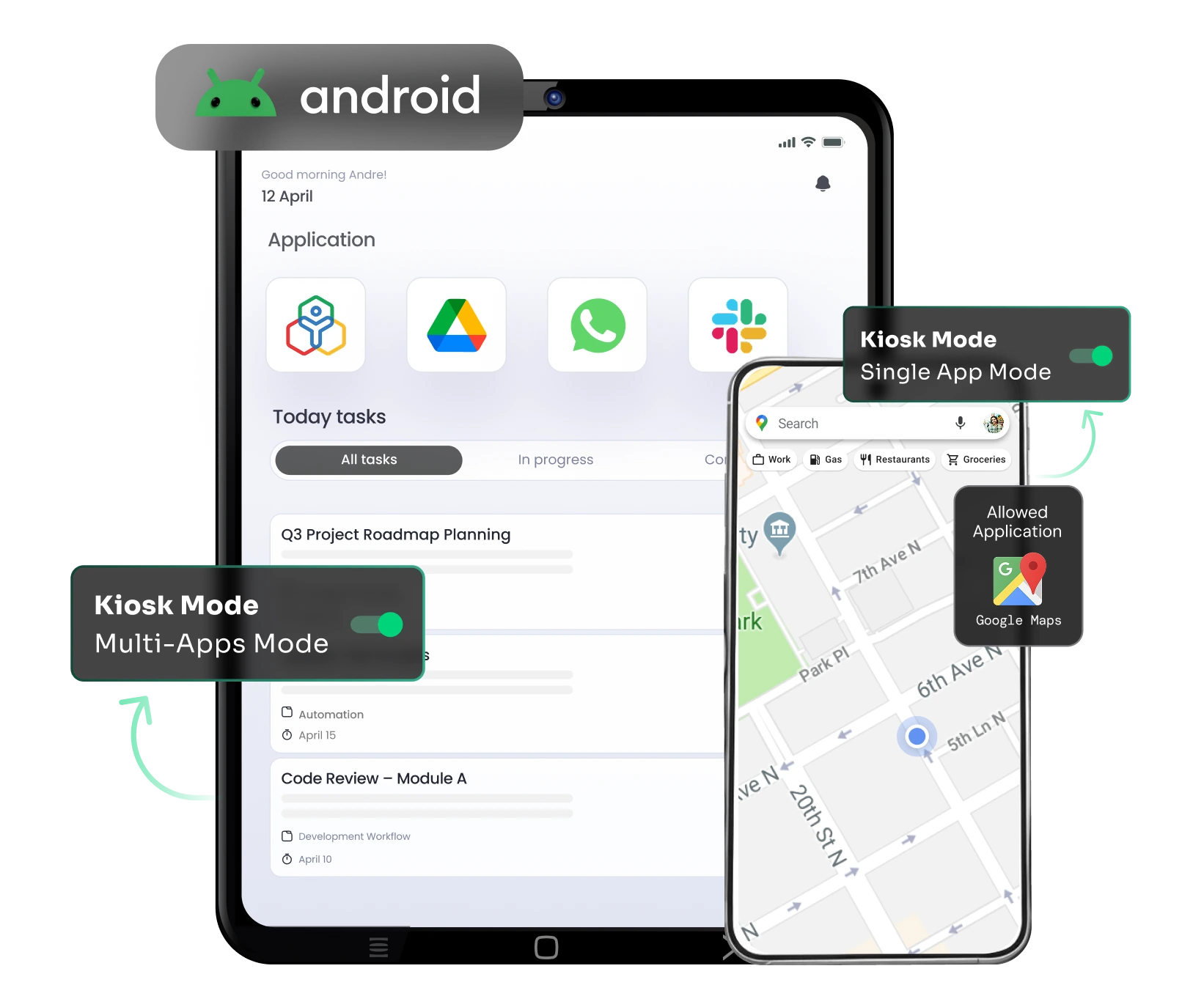
Android MDM kiosk mode gives IT admins the flexibility to restrict a device to one dedicated app or open
it up to a curated set of business apps.
Lock a device to one application that launches automatically on boot and stays pinned in full-screen.
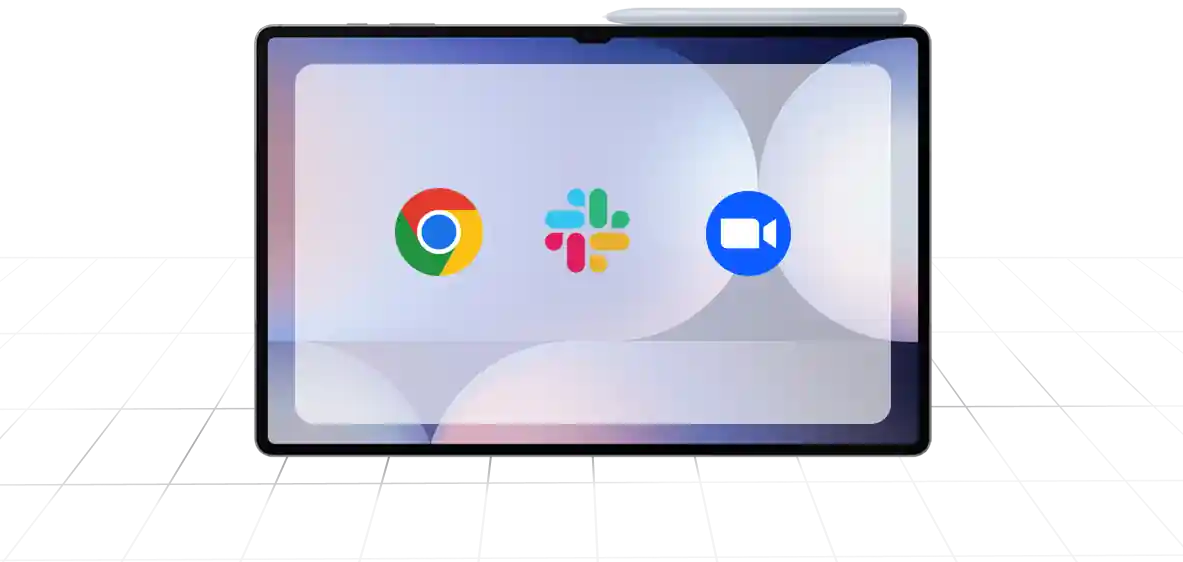
Give field teams and shared devices access to a defined set of approved apps, while keeping the Play Store, personal apps, and system controls out of reach.
A kiosk device is only as secure as the platform managing it. Android kiosk solution goes beyond app lockdown to cover location, health, content, and access, so every deployed device stays compliant and productive.
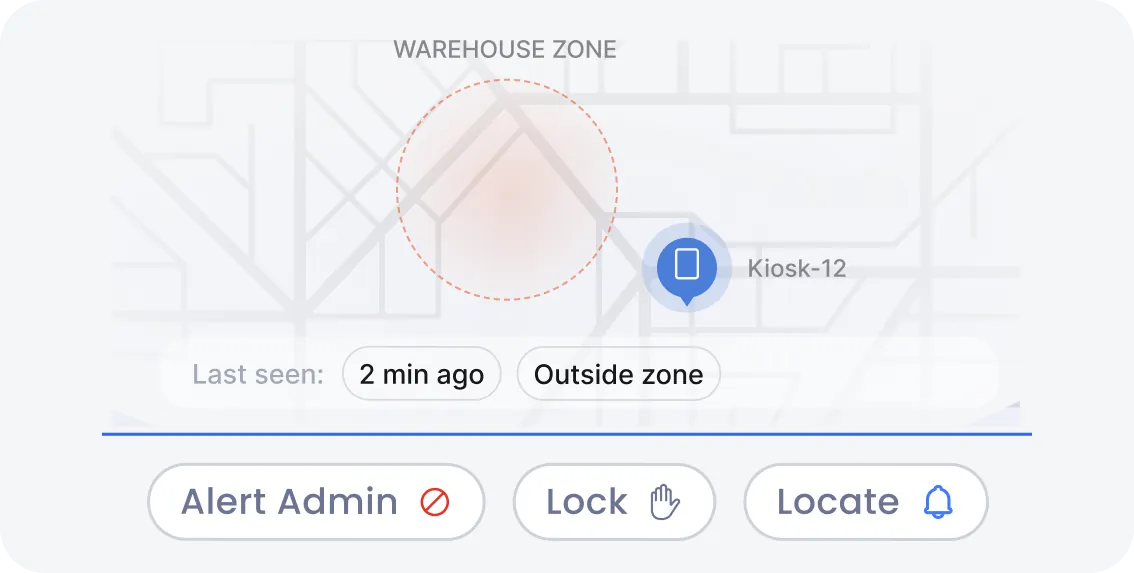
Track kiosk devices in real time and set geofenced boundaries around approved zones. If a tablet moves outside its assigned location, IT gets an alert and can trigger an automatic response.
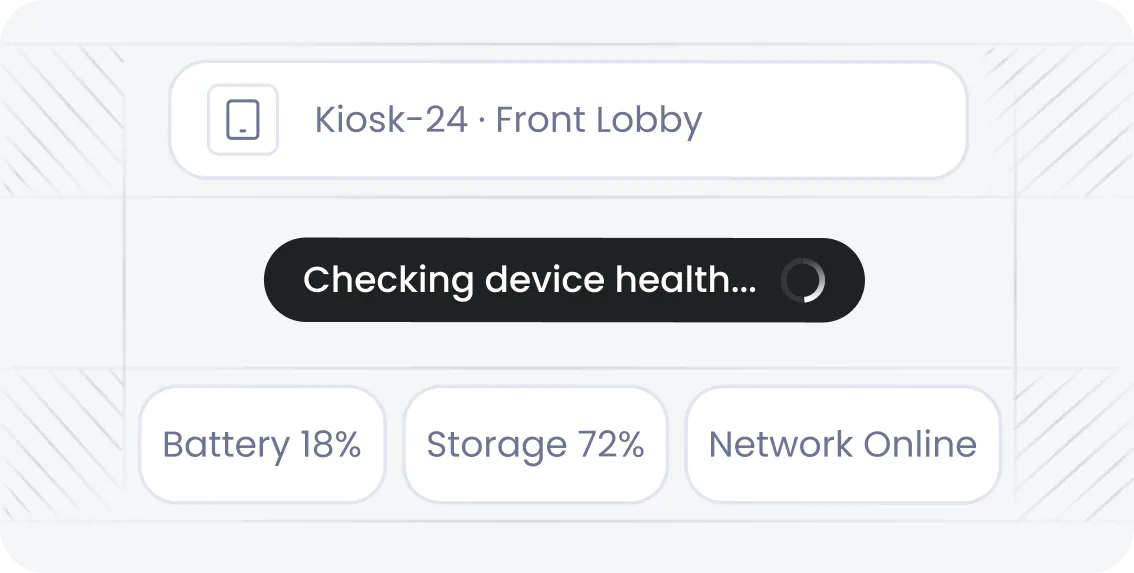
Monitor battery health, storage, network connectivity, and app performance across every kiosk device from one dashboard. Catch failing hardware or connectivity issues before they cause downtime.
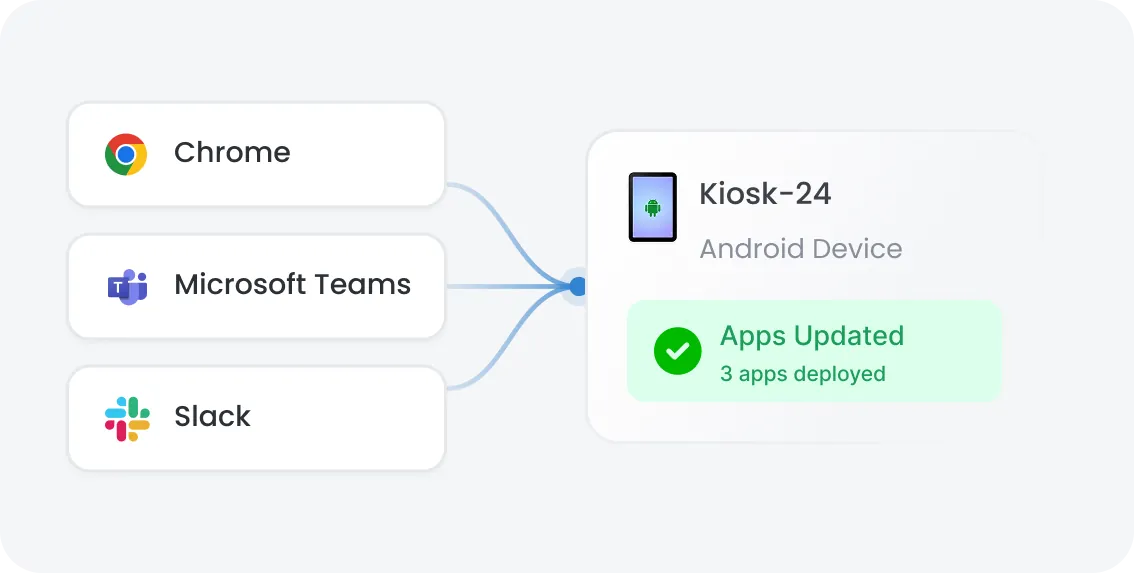
Push, update, and remove business apps remotely through Managed Google Play, without physical access to the device. Keep every kiosk running the same approved apps, every time.
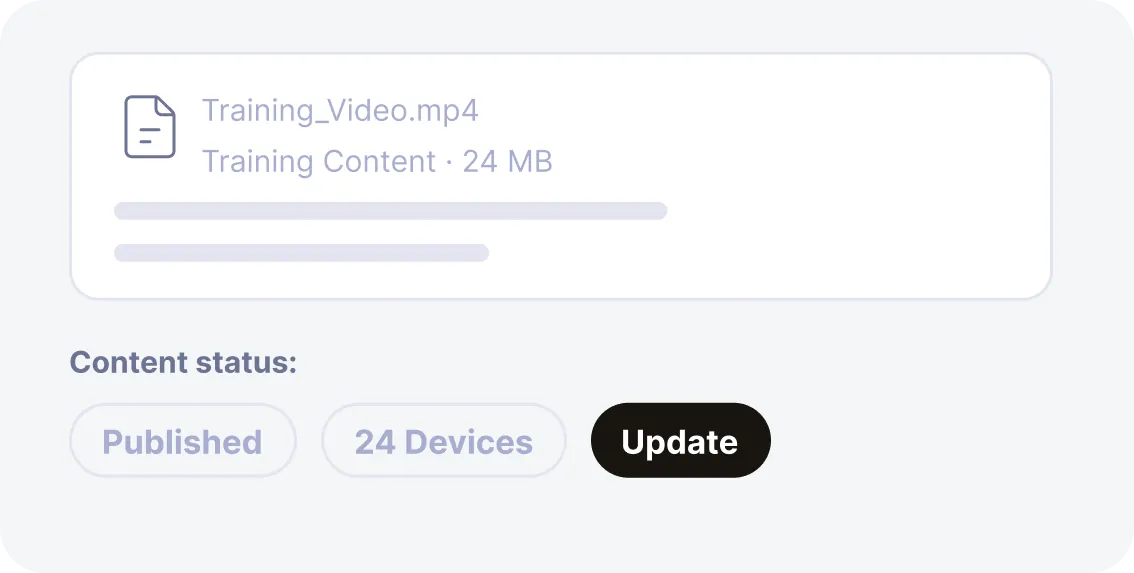
Distribute and update digital signage content, training videos, and reference documents directly to kiosk devices. Check and monitor what's on screen without sending a technician on-site.
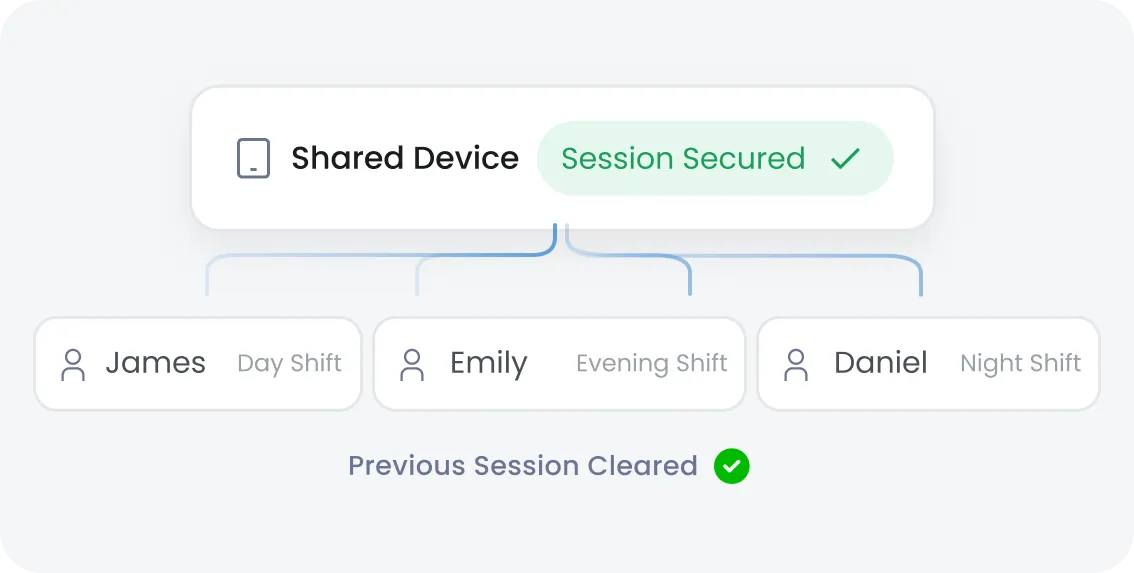
Allow multiple employees or shift workers to use the same tablet safely. Each session starts clean, with no access to the previous user's data, apps, or settings.
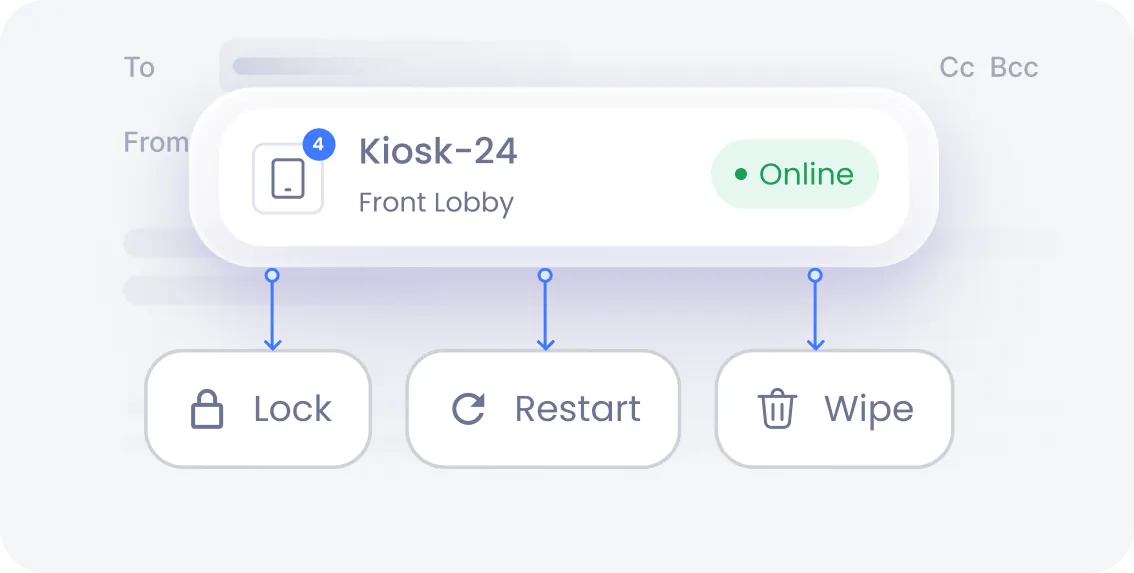
Manage every enrolled kiosk device from a centralized console. Push configuration changes, troubleshoot issues, remotely wipe and lock, or reset a device, without an in-person technician.
Android enterprise kiosk mode gives IT teams full lifecycle control over the apps running on every kiosk, from deployment to daily use.
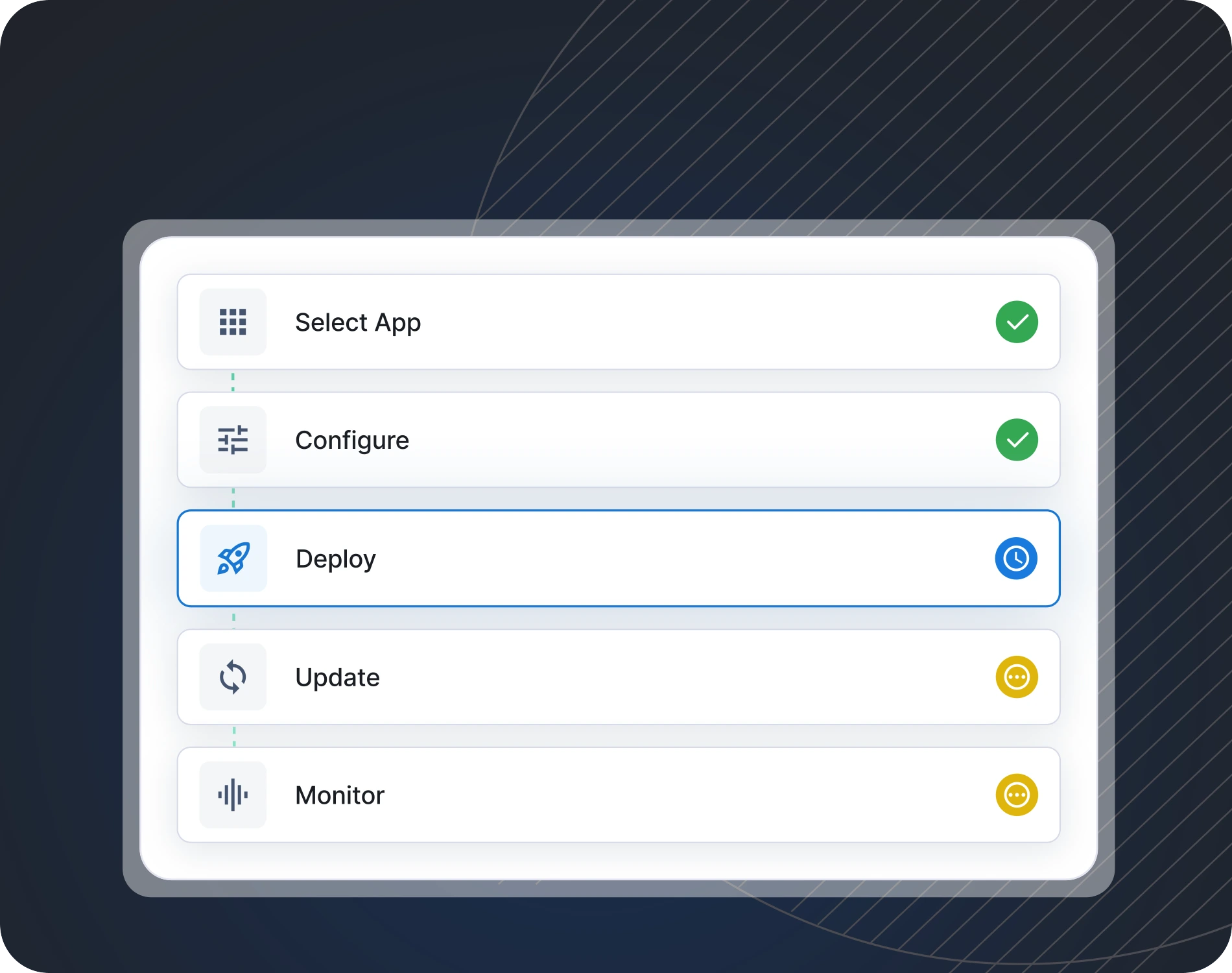
From sourcing to updates, manage the entire app lifecycle through one console.
Decide which apps a kiosk device can control, including specific in-app features.
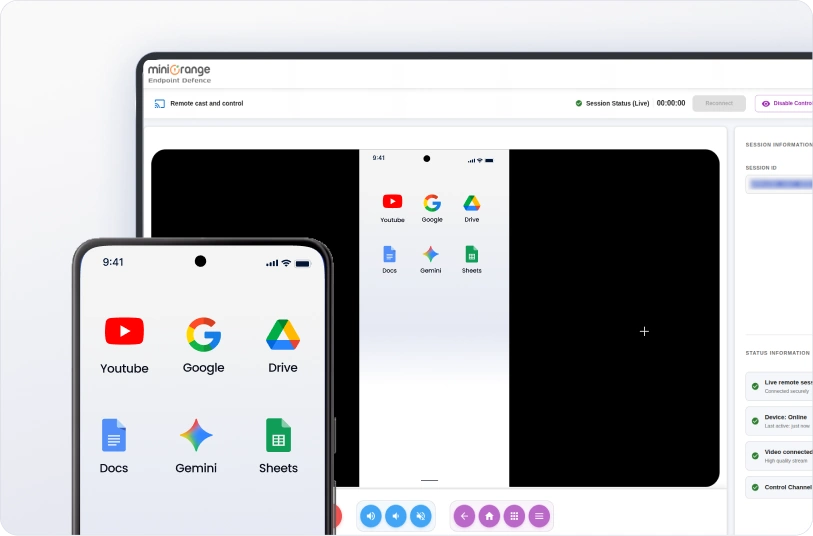
miniOrange's MDM Android kiosk mode doesn't stop at lockdown. Admins can securely cast a live view of any kiosk device's screen to diagnose problems, walk staff through fixes, or verify configurations.
That means faster issue resolution, less on-site downtime, and full visibility into how kiosk devices are actually performing in the field.
Android kiosk mode locks a phone or tablet to approved apps, blocking access to personal apps, settings, and other
distractions. It gives IT teams control over shared, public-facing, or dedicated devices.
Android Phones
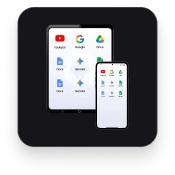
Multi app kiosk
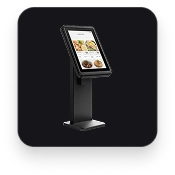
Single app kiosk
Digital Signage
Android TVs
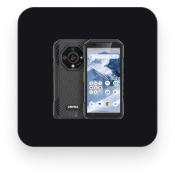
Rugged Devices
Layer enterprise-grade security controls under every Android tablet kiosk mode deployment, so lost, stolen, or tampered devices never become a data breach.

Centrally issue, renew, and revoke digital certificates for secure Wi-Fi, VPN, and app authentication, without asking end users to manage credentials manually.

Instantly erase corporate data from a lost, stolen, or decommissioned kiosk device to prevent unauthorized access to business information.

Enforce strong passcode and lock-screen requirements across every kiosk device, closing off a common entry point for unauthorized use.

Push and enforce VPN settings automatically so kiosk devices always connect through an encrypted, approved network path.

Apply endpoint-level controls that block copy-paste, screenshots, or unauthorized data transfer out of approved apps, keeping sensitive business and customer data contained.

Block unauthorized factory resets so a stolen or misplaced device can't simply be wiped and reused outside your organization's control.
Android kiosk mode helps to fit the workflow, and not the other way around. Discover how organizations across sectors put locked-down Android devices to work.





Locking a device is easy. Managing it well for years afterward is what separates a real Android kiosk solution from a basic app locker. Explore what sets miniOrange apart.

Manage every kiosk device from a single admin console. Push policies, apps, and content updates without touching a single device by hand.

Combine kiosk lockdown with certificate management, DLP, remote wipe, and FRP in one platform, so locking the interface never means leaving the data unprotected.

Onboard new kiosk devices through zero-touch enrollment and apply consistent policies as your fleet grows.
Yes, Android supports single-app kiosk mode through its dedicated device (COSU) framework, which lets an MDM pin one designated app to the foreground on boot using lock task mode. The device stays locked to that app, with no access to the home screen, settings, or other apps, until an administrator changes the policy.
You can enable a basic version of kiosk mode manually on individual devices using Android's built-in screen pinning feature. But this approach doesn't scale, offers no remote management, and lacks security controls like remote wipe or certificate management.
The best Android kiosk software for business combines app lockdown with remote management, security controls, and scalability. Look for a platform that supports both single-app and multi-app kiosk modes. miniOrange is one of the best Android kiosk software options that businesses can consider.
System-level control requires enrolling devices as fully managed, dedicated devices through Android Enterprise. Once enrolled, an MDM platform like miniOrange can push a Device Owner-level policy that controls app access, system settings, hardware buttons, and security restrictions at the operating system level, not just the app level.
Yes, most Android kiosk platforms, including miniOrange MDM, let admins customize the kiosk launcher with a branded home screen, custom wallpaper, and a defined layout of approved apps.
Kiosk mode reduces device misuse, blocks access to personal apps and system settings, and keeps shared or public-facing devices focused on their intended business purpose. It also lowers IT support overhead through centralized app deployment and remote troubleshooting.
Setting up Android kiosk mode with MDM typically involves four steps: enroll the device, select single-app or multi-app kiosk mode, choose and configure the approved app or apps, and apply the kiosk policy. Once applied, the device reboots directly into the locked kiosk configuration.
