Hello there!
Need Help? We are right here!

Need Help? We are right here!
Search Results:
×
Gain complete visibility and control over your Active Directory environment
with active directory auditing software designed for security and compliance.

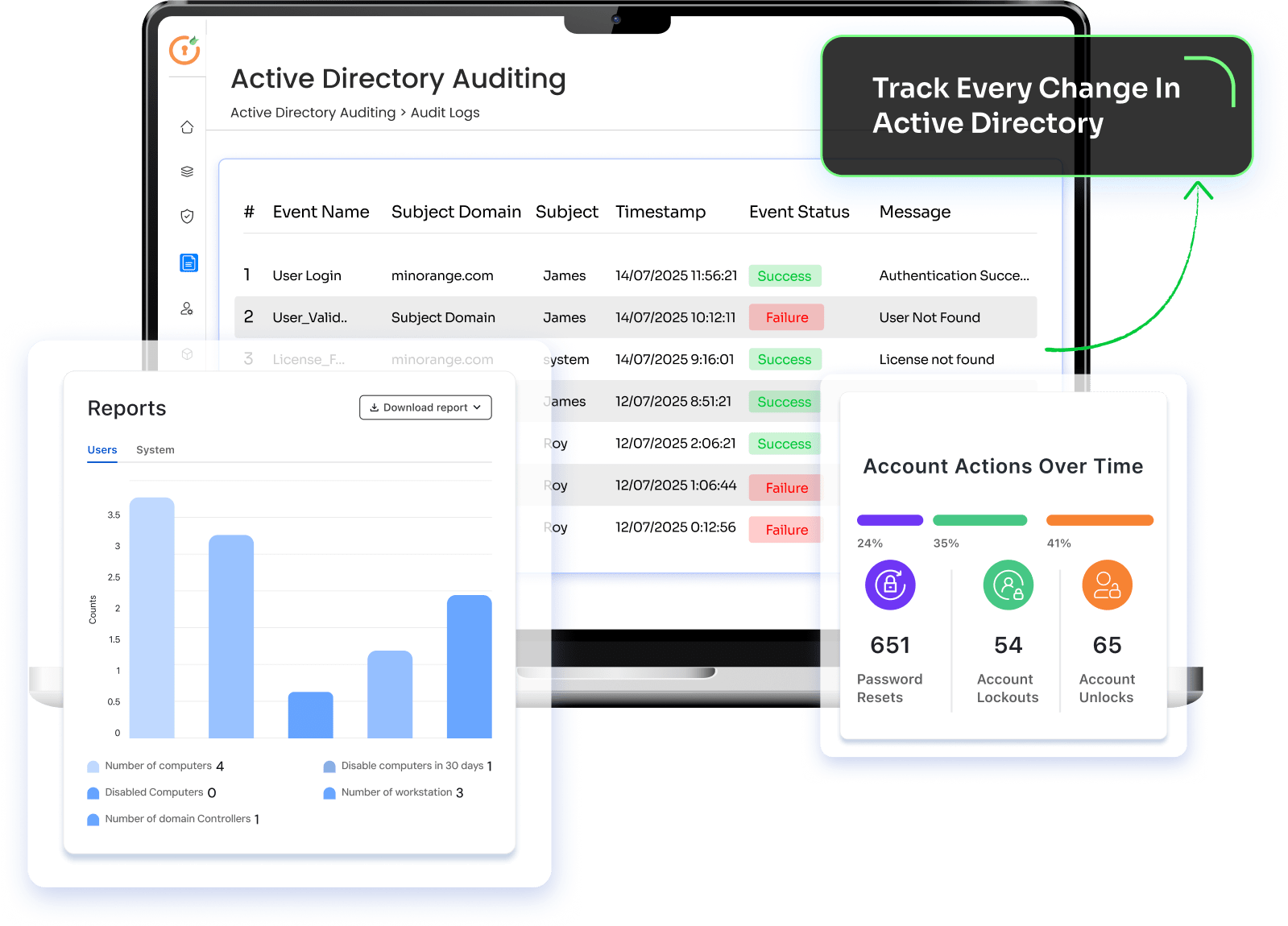
Track successful and failed login attempts across domain-joined systems. Identify suspicious authentication patterns, brute-force attempts, and unusual login activity.

Monitor activity performed by Domain Admins and other privileged accounts. Track administrative actions to detect privilege misuse and maintain accountability across critical systems.

Audit account lockout and unlock events to identify the root cause of frequent lockouts. Reduce support overhead while detecting potential password attacks.

Track every Group Policy Object (GPO) change, including who made the modification, what was changed, and when the change occurred.

Monitor password resets and password changes across user accounts to detect unauthorized access attempts and support security investigations.

Review and audit password policy configurations to ensure they align with security best practices and organizational compliance requirements.
Monitor every AD change, detect suspicious activity in real time, and strengthen security with the best AD auditing tool built for powerful, compliance-ready auditing.
Our AD audit tool simplifies Active Directory monitoring by turning complex event data into clear, actionable security insights.
Windows event logs record activity but are difficult to analyze and correlate. Our solution surfaces important AD changes instantly so security teams can identify risky activity without manually parsing event logs.
View all directory activity in one place. Security and IT teams can track user changes, group updates, login events, and policy modifications through a single dashboard.
Generate structured reports that support compliance initiatives and internal audits. Reports help document access changes, administrative actions, and policy updates for regulatory frameworks.
Quickly trace the history of directory changes. Identify who performed an action, what was modified, and when it occurred to accelerate incident response.
Start monitoring quickly without complex infrastructure changes. The platform integrates with existing Active Directory environments and begins collecting audit data with minimal setup.


Instantly detect unauthorized AD modifications before they create security risks.
Detect and respond to unauthorized Active Directory changes in real time before they impact security or operations.

Use Case
Organizations require immediate visibility into unauthorized changes made to users, groups, permissions, or policies in Active Directory. Without monitoring, these changes can introduce security vulnerabilities or disrupt access.

miniOrange Solution & Value
miniOrange continuously monitors critical Active Directory changes and alerts administrators when unauthorized or high-risk modifications occur. This enables teams to quickly identify the source of the change and respond before security or operational impact.
Our active directory security audit tool helps organizations across industries monitor directory activity, detect security risks, and maintain compliance with regulatory requirements.
Healthcare organizations rely on Active Directory to manage access to clinical systems and sensitive patient data. Continuous auditing helps track account activity, monitor administrative actions, and support compliance with healthcare security regulations.
Financial institutions must closely monitor privileged access and configuration changes. Active Directory auditing provides visibility into account activity and administrative changes to support regulatory oversight and protect financial systems.
Large enterprises operate complex Active Directory environments with thousands of users and multiple domains. Centralized auditing helps security teams monitor changes, investigate incidents, and maintain consistent access controls.
Universities and research organizations manage large numbers of user accounts across students, faculty, and staff. Active Directory auditing helps monitor account activity, manage access permissions, and protect academic and research data.
Government agencies must maintain strict visibility into directory activity to support security frameworks and internal governance policies. Continuous auditing helps track changes, monitor privileged activity, and maintain accountability across systems.
Designed for enterprises that demand uncompromised Active Directory security and control with a powerful Active Directory auditing tool.
Choosing the right active directory auditing software helps organizations strengthen security visibility while reducing operational complexity. Our platform is designed to give IT and security teams clear insights into directory activity and potential risks.
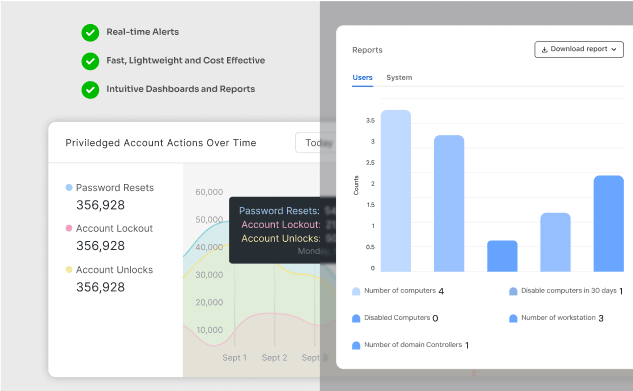
Designed for administrators, auditors, and security analysts who need fast access to audit data. Customizable views and filters make it easy to investigate activity and monitor changes across the directory.
Receive immediate notifications when critical events occur such as suspicious logins, privilege changes, or configuration modifications. Alerts focus on high-risk activity so teams can respond quickly without unnecessary noise.
Deploy across Active Directory environments without adding significant system load. The platform is designed to support growing organizations and complex infrastructures while maintaining reliable performance.
Visual dashboards highlight important activity such as user changes, policy updates, and administrative actions. Reports can be exported for audits, compliance reviews, or internal security assessments.
Generate reports aligned with security and regulatory frameworks, including SOX, HIPAA, GDPR, and PCI-DSS. This simplifies documentation and supports both internal governance and external audits.
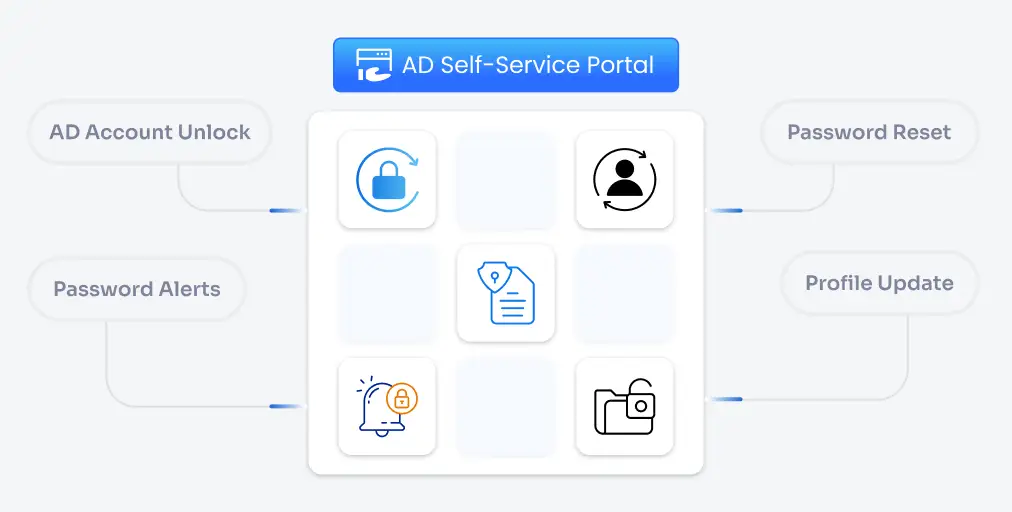
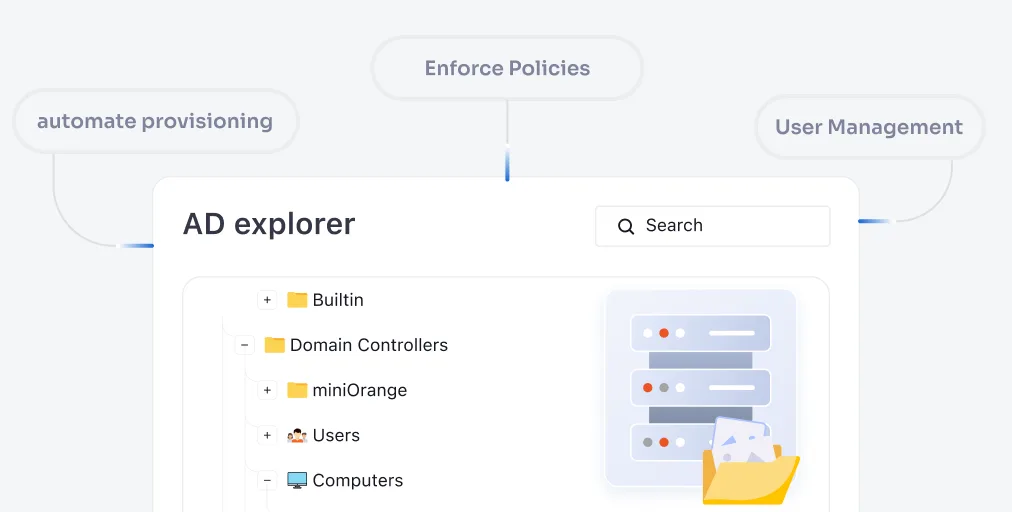
miniOrange AD Tools combine self-service, automation, management, and auditing into a single platform
to reduce IT workload, improve security, and stay audit-ready at all times.