AD Tools
Top Active Directory Security Best Practices
Jul 22, 2025
Need Help? We are right here!

Search Results:
×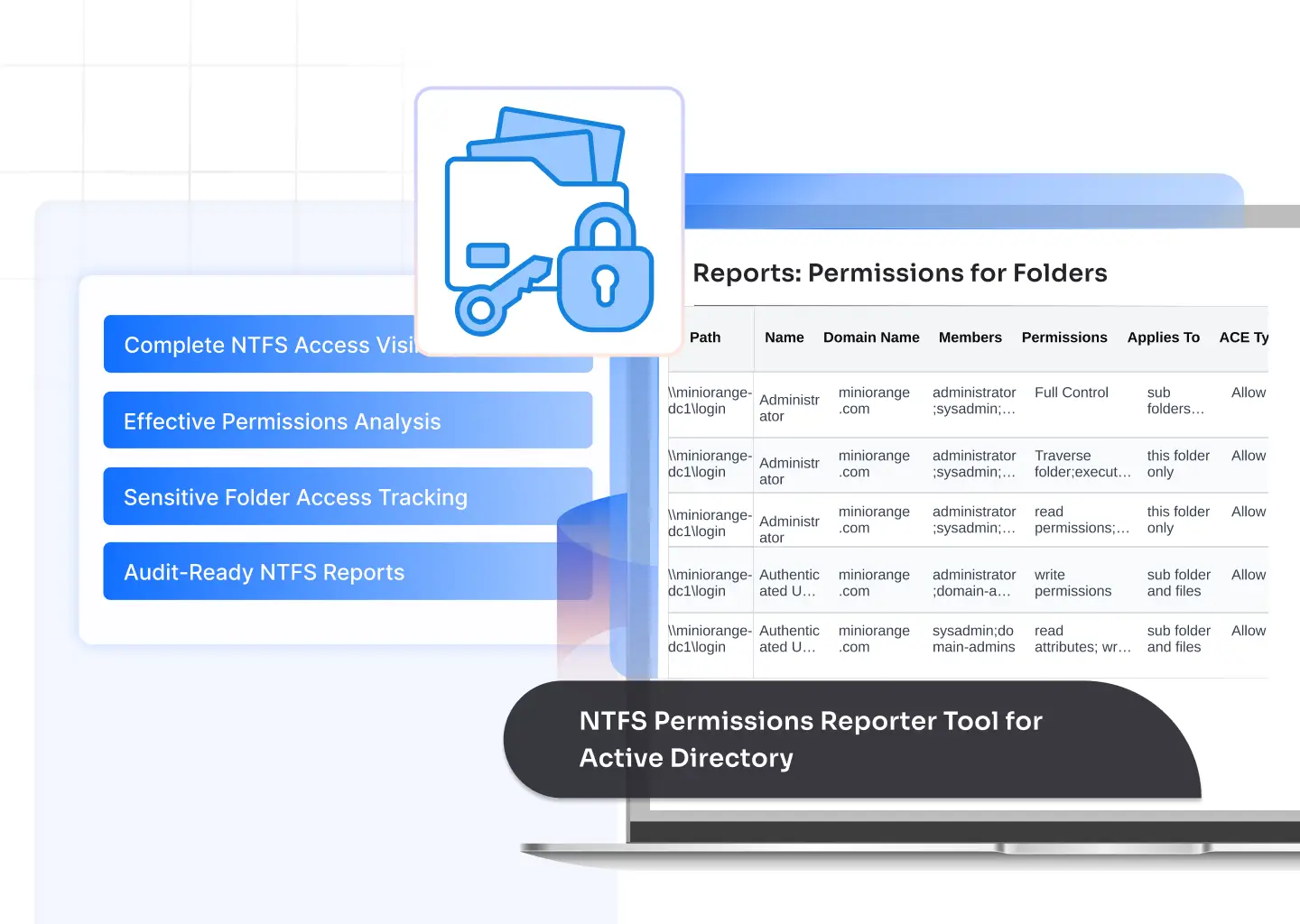
Get a clear view of permissions across your file servers with an NTFS permissions reporter tool built for accuracy, speed, and audit readiness.

Track who has access to every file and folder, including inherited and explicit permissions.

Identify access paths through users, groups, nested groups, and security principals.

See the real access a user holds, even in complex AD structures.

Generate detailed NTFS reports for audits, reviews, and internal security checks.

Spot full control, modify, or write permissions that violate least-privilege rules.

Highlight stale groups, orphaned SIDs, disabled accounts, and unused access.

Download permission data as CSV, PDF, or Excel for audits or internal reviews.

Run recurring NTFS permission audits and email the reports to your team.
Our NTFS folder permissions reporting tool collects, analyzes, and presents file system permissions in a clear, structured way, allowing administrators to act quickly and stay audit-ready.
Automatically scan file servers, map permissions to Active Directory, and generate clear NTFS reports with zero manual effort.
The tool crawls folders and subfolders, capturing every ACL entry, inherited rule, and effective permission.
It resolves users, groups, and nested groups to show clear access paths linked to your AD environment.
All rights, including read, write, modify, full control, and special permissions, are captured for each folder.
It highlights excessive rights, broken ACLs, orphaned SIDs, and accounts that should not have access.
You get structured reports that make permission reviews, audits, and security checks straightforward.
Schedule scans, deliver reports to stakeholders, and maintain continuous visibility into folder-level access.
Get a dependable way to manage and audit Active Directory NTFS permissions without manual effort or fragmented tools.
Understand who can access what, across users, groups, nested groups, and shared folders.
The tool converts complex ACLs into clean, human-readable insights that help teams act fast.
Generate accurate NTFS permission reports for audits, internal reviews, and security assessments.
Detect excessive access, outdated permissions, and misconfigurations before they create exposure.
A centralized platform to analyze Active Directory NTFS permissions and maintain least-privilege access.
Set up the tool in minutes and start scanning folders without lengthy configurations.
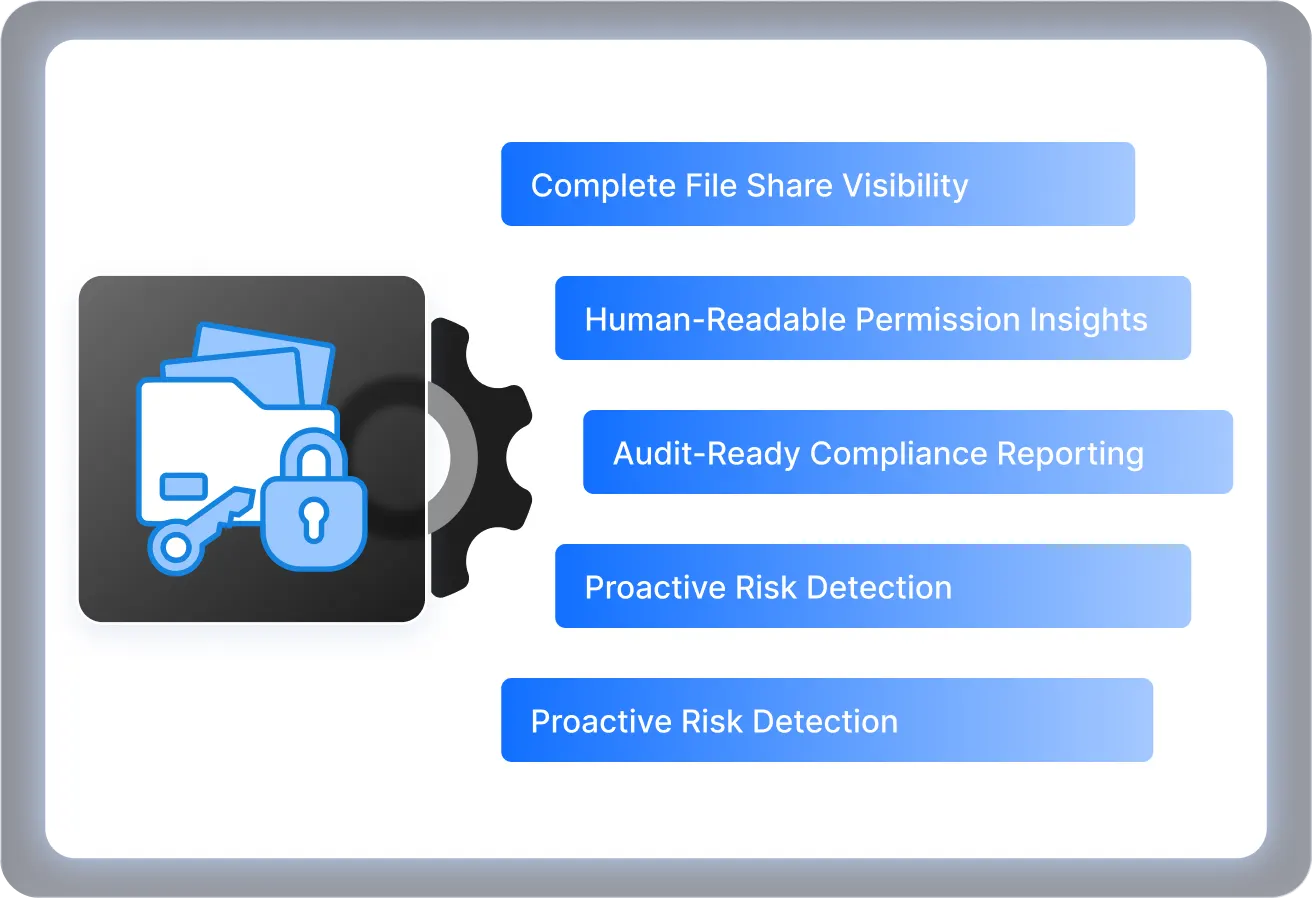
Gain comprehensive access insight into every critical folder with an NTFS permissions reporter designed for audits, security reviews, and day-to-day administration.
Generate detailed NTFS permission reports for users, folders, effective access, privileged rights, and sensitive data across your file servers.
Lists all permissions assigned to files and folders, including inherited and explicit ACLs.
Shows every folder a selected user or group can access, including nested group paths.
Displays the real access a user holds after evaluating all AD group memberships.
Highlights accounts with modify, write, or full control permissions across file shares.
Identifies permissions assigned to deleted or inactive AD accounts.
Tracks added, removed, or updated ACL entries to support audit trails.
Flags access to critical locations like HR, Finance, and confidential project folders.
Create targeted reports filtered by path, user, permission type, or access level.
Active Directory NTFS permissions define who can access files and folders stored on Windows file servers. These permissions control actions like read, write, modify, or full control and are linked to AD users and groups. Managing Active Directory NTFS permissions is essential to prevent data exposure and maintain least privilege access.
Yes. The NTFS permissions reporter Tool for Active Directory includes automated scheduling so you can run recurring scans, generate reports, and email them to stakeholders without manual effort.
You can secure NTFS partitions by scanning folder structures, identifying excessive or outdated access, and applying corrected permissions. The tool highlights risky ACLs, orphaned SIDs, and over-permissioned accounts so you can enforce proper access rules and maintain secure file shares.
You can add NTFS permissions through the folder's Properties panel under the Security tab or by using scripts and management tools. In Active Directory NTFS environments, permissions should be assigned to AD groups rather than individual users to maintain clean, scalable access control.
Inherited permissions flow down from parent folders to child folders and files. They simplify management but can unintentionally grant broader access. The tool shows inherited vs explicit permissions clearly, so admins can review and adjust access without breaking existing ACL structures.
Yes. The NTFS permissions reporter Tool for Active Directory identifies orphaned SIDs, disabled accounts, and stale AD objects that still hold permissions. This helps you clean up legacy access and maintain a secure, compliant NTFS environment.