

Shopify Customer Accounts already let shoppers skip the password, but only by email. For stores whose customers live on their phones, that isn’t always enough. Remembering passwords, recovering forgotten credentials, or switching between devices to complete verification can make it harder for returning customers to access their accounts.
Shopify OTP login for Customer Accounts lets shoppers verify their identity using a one-time password (OTP) instead of a traditional password. Shopify Customer Accounts use a six-digit email verification code by default, while merchants who prefer phone-based OTP delivery methods need to configure a compatible solution on Shopify Plus.
Understanding Shopify’s default authentication methods and the capabilities available through third-party solutions helps merchants choose an appropriate login experience.
This guide explains how customer authentication in Shopify Customer Accounts works, compares OTP and password-based login, and explores the OTP methods merchants can implement in their stores using a dedicated solution like miniOrange.
Key Takeaways
- Shopify’s default authentication: Shopify Customer Accounts use passwordless email verification, with a six-digit code sent to the customer’s email address.
- Additional OTP methods: Phone-based OTP login through a third-party identity provider requires Shopify Plus when using Customer Accounts. Supported delivery channels depend on the integration and its configuration.
- miniOrange OTP login: The miniOrange OTP Login/Register app supports OTP authentication for Shopify Plus Customer Accounts and Legacy Customer Accounts. It also adds OTP verification at registration and before checkout.
How Shopify Customer Accounts Authentication Works
Shopify Customer Accounts are available to stores on Shopify Plus and non-Plus plans. Customers sign in through a Shopify-hosted page to view orders, update their profiles, manage addresses, and access other available account features. Legacy Customer Accounts, by contrast, use a traditional email-and-password login.
By default, Shopify Customer Accounts use passwordless email authentication. The process involves three main steps:
- Enter an email address: The customer provides the email address associated with their Shopify customer profile.
- Verify the email address: Shopify sends a six-digit verification code to the supplied email address. The customer enters this code on the sign-in page.
- Access the account: After successful verification, the customer can access their account and its available features.
Shopify also supports other sign-in options, including Sign in with Shop and social sign-in through supported providers such as Google or Facebook. Shopify Plus merchants can connect an external OpenID Connect (OIDC)-compliant identity provider to replace the default sign-in experience.
What If You Want Phone-Based OTP Login?
Shopify’s default email-code flow provides passwordless authentication, but it does not offer a built-in option for sending that same verification code through other delivery channels like SMS or WhatsApp. Merchants who want customers to sign in using a phone number need a dedicated solution that supports their Shopify account setup.
Consider a merchant whose customers frequently shop on mobile devices. The merchant wants shoppers to enter their phone numbers and receive verification codes directly, rather than switch to their email inboxes. Another merchant might want to verify phone numbers or email addresses during registration to reduce fake accounts.
These requirements call for capabilities beyond the default email-code flow. For Shopify Plus Customer Accounts, an integration such as miniOrange can use Shopify’s custom OIDC identity provider capability to provide an alternative OTP sign-in experience.
Before we dive into how an app can help achieve this, it is important to understand how OTP authentication differs from password-based login and what problems it can address.
OTP Login vs. Password-Based Login
The differences between password-based and OTP login are especially relevant when comparing Legacy Customer Accounts with Shopify’s current Customer Accounts experience.
| Factor | Password-Based Login | OTP Login |
|---|---|---|
| What the customer needs | A password | Access to the registered email inbox or phone |
| Sign-in steps | Enter an email address and password | Enter an email address or phone number and verify a code |
| Forgotten credentials | May require a password reset | No password to remember; request a new code |
| Credential reuse | Passwords may be reused across websites | Each OTP is intended for a single verification and expires |
| Mobile experience | Requires entering a password | A short code may be easier to enter or autofill |
| Verification channels | The password is the credential | Email, SMS, or WhatsApp when configured through an app |
| Main dependency | Password management | Reliable code delivery and verification |
Some merchants offer multiple login methods on Shopify, making OTP the primary option while keeping a password-based alternative for customers who prefer a familiar experience. The appropriate approach depends on the store’s account system, customer preferences, delivery costs, and authentication requirements.
Why Use OTP Login Instead of Password-Based Login?
OTP login removes the need to create and remember a traditional password. Merchants can use a compatible integration to offer additional OTP methods when their Shopify plan and account configuration support them.
OTP authentication can provide several practical benefits:
- Passwordless access: Customers never create, store, or reset a password.
- Simpler authentication: A short code takes seconds to enter on mobile.
- Fewer password-related barriers: Fewer reset emails and fewer abandoned sign-ins.
- Flexible verification channels: Email by default, or phone-based verification via SMS or WhatsApp (through a dedicated app).
OTP verification is also a possession check: the customer must have access to the email inbox or phone receiving the verification code, although that alone does not prove their identity in every situation.
Effective OTP authentication still requires appropriate security controls. Code expiration, limits on repeated requests, resend restrictions, and protection against automated attempts help reduce the risk of abuse.
For stores using Shopify Customer Accounts, email OTP already provides the standard passwordless login experience. Additional methods, such as phone-based OTP, require a compatible third-party integration that supports the store’s account configuration.
How miniOrange Enables Phone OTP Login for Shopify Plus Customer Accounts
Shopify’s default Customer Accounts sign-in sends a verification code by email. Merchants who want to offer phone-based OTP login can use a compatible third-party integration to change the authentication experience on Shopify Plus.
Flexible channels are where Shopify’s built-in login for Customer Accounts reaches its limit, since it sends codes by email only. Stores that want customers to receive codes via phone-based delivery channels need an app that extends the login flow. miniOrange offers a solution that can handle this.
The OTP Login/Register app supports OTP-based login for Shopify Plus Customer Accounts. It also supports Legacy Customer Accounts on Shopify Plus and non-Plus plans, with features and configuration options depending on the account system in use.
The app extends OTP authentication across the customer journey through several capabilities:
- Passwordless login and registration: Customers can sign in or register using supported OTP methods. Existing customers can link a phone number to their account, while new customers can verify their contact details during registration.
- OTP verification beyond login: Merchants can configure OTP verification during registration and before checkout to help reduce fake accounts and bot-driven activity.
- OTP delivery management: The app supports email and SMS, with WhatsApp OTP available through supported configurations. Merchants can use miniOrange’s built-in gateway or configure a custom gateway on supported miniOrange plans.
- Authentication monitoring: Login and sign-up analytics help merchants monitor authentication activity. Available protections can also help identify suspicious OTP requests, SMS pumping, and other forms of abuse.
These capabilities help merchants manage OTP delivery, monitor login activity, and reduce fraudulent verification requests from registration through checkout.
Configure the Customer OTP Experience
Setting up OTP login for Shopify Plus Customer Accounts involves configuring the miniOrange app, connecting it to Shopify, and testing the authentication flow. Follow these steps to prepare the integration.
- Configure OTP login: Open the miniOrange app and enable OTP login. If new customers should be able to register after verification, enable the new-user registration option. For phone-based login, configure the default country code for the phone-number field.
- Connect the app to Customer Accounts: In Shopify Admin, navigate to Settings → Customer accounts → Authentication → Manage. Connect miniOrange as a custom identity provider and enter the OIDC configuration details provided by the app. Save the configuration and activate the provider to use the miniOrange sign-in experience.
- Configure delivery and test: Enable the supported OTP delivery methods required by your store. Configure the appropriate gateway and message templates, then test the login flow to confirm that customers can receive and verify their codes before accessing their accounts.
OTP Login Methods for Shopify Plus Customer Accounts
OTP login on Shopify reaches customers through two routes: their phone or their email inbox. Email is built into the default Shopify Customer Accounts experience. With a solution like miniOrange configured for Shopify Plus Customer Accounts, merchants can send codes to customers’ registered mobile numbers.
Although these methods follow the same basic principle, they differ in how customers receive their verification codes and what merchants need to configure. Understanding these differences helps Shopify merchants determine which options are appropriate for their store.
Email OTP Login
Email OTP login uses a temporary verification code sent to the customer’s email address. Shopify already provides this authentication method by default in Shopify Customer Accounts.
The process is straightforward. Customers enter their email address, retrieve the six-digit code from their inbox, and submit it on the sign-in page. Shopify’s default flow verifies the code and grants access to the corresponding account.
Email verification offers several practical benefits:
- No password to remember: Customers can sign in without creating or maintaining a separate password.
- Familiar authentication: Customers use the email address associated with their Shopify profile.
- Simpler account access: Customers do not need to reset a forgotten password to complete an OTP-based sign-in.
- Support for existing customers: Customers can continue accessing their accounts through their associated email addresses.
For merchants evaluating Shopify customer account OTP options, email verification is the natural starting point because it is already part of Shopify’s standard login experience.
Phone-Based Login
Phone OTP login lets a customer sign in with a mobile number. They enter the number, receive a code on their phone, and type it into the login page. With miniOrange, existing customers can link a phone number to their current account instead of creating a new profile, so they can start using phone OTP right away.
The main appeal is speed; phone OTP is fast because the code arrives on the mobile device the customer is already using, and many phones autofill SMS codes. Phone-based login works through two delivery formats, SMS and WhatsApp, covered below.
SMS OTP Login
SMS OTP login sends a temporary verification code to a customer’s mobile number through a text message. The customer enters the code on the sign-in screen to complete authentication.
For example, a returning customer who wants to check an order can enter their registered phone number, request a verification code, and submit the code received by SMS. After successful verification, the configured authentication solution completes the sign-in process.
SMS verification can suit customers who prefer mobile-based authentication or do not want to retrieve codes from their email inboxes. Before enabling SMS OTP, merchants should plan for the following factors:
- Phone number association: The customer’s phone number must be correctly associated with the intended account when required by the login flow.
- Message delivery: Code delivery depends on network coverage, carrier availability, and the configured messaging service.
- Code expiration: Verification codes should expire after a defined period to reduce the risk of unauthorized reuse.
- Request controls: Rate limits and resend restrictions help prevent repeated requests and automated abuse.
- Delivery costs: SMS usage can involve transaction fees, which merchants should account for when estimating authentication costs.
The gateway also affects how messages are delivered. The miniOrange app offers a built-in gateway option and supports custom gateway integrations on supported plans, allowing merchants to configure a compatible provider according to their requirements.
WhatsApp OTP Login
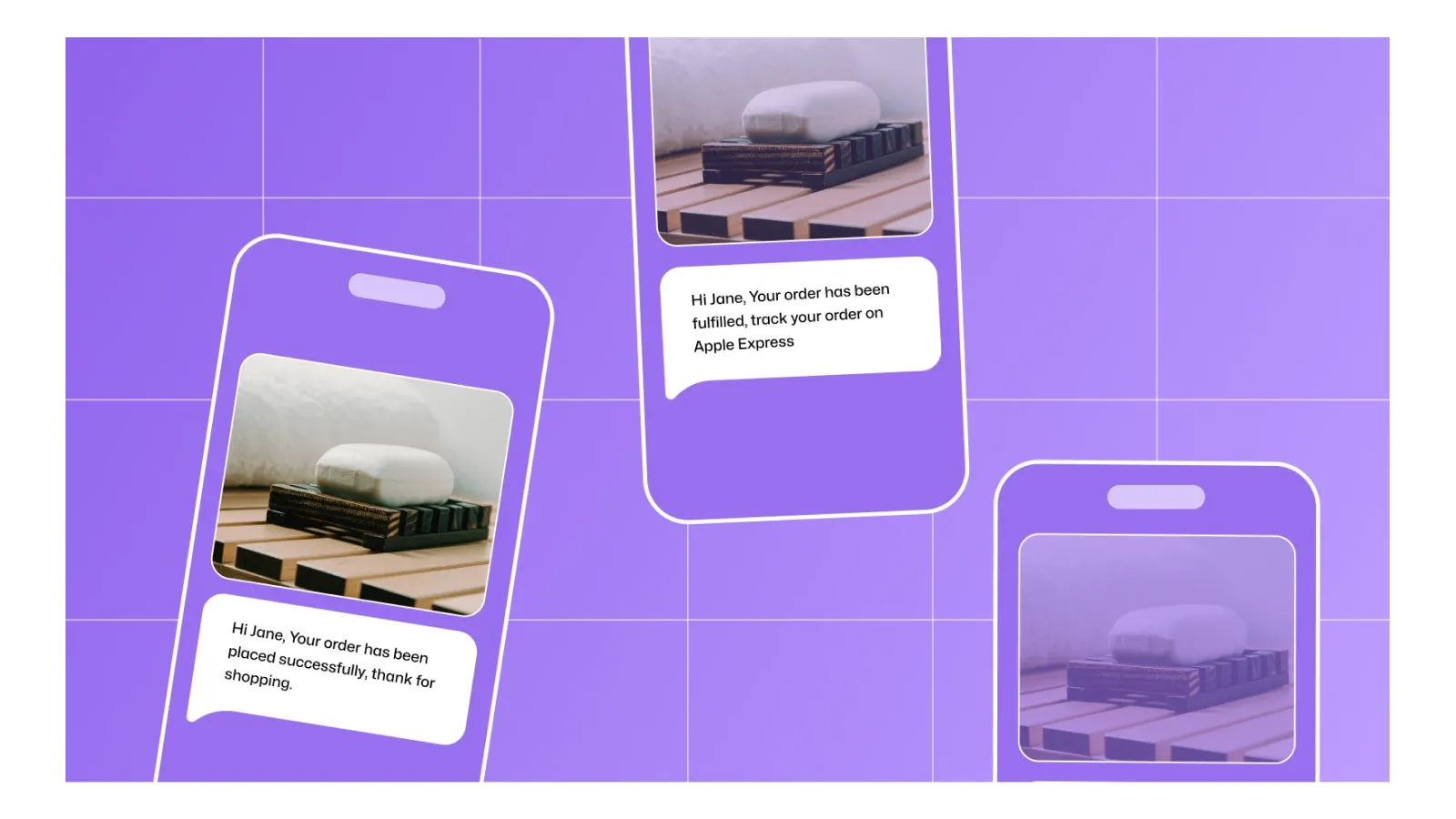
WhatsApp OTP login sends a verification code through WhatsApp rather than SMS. Customers receive the code through the configured messaging integration and enter it on the login screen to verify their identity.
This method can suit businesses whose customers already use WhatsApp for everyday communication. It offers another delivery channel for authentication codes, reducing reliance on customers checking their email inboxes or receiving conventional text messages.
Frequently Asked Questions About Shopify OTP Login
How does OTP login work on Shopify Customer Accounts?
Shopify Customer Accounts use passwordless email authentication by default. Customers enter their email address, receive a six-digit verification code, and enter that code to access their account. Additional methods, such as phone-based OTP login, require a dedicated integration that supports the Shopify plan and account configuration of the store.
Can Shopify Plus customers log in without a password?
Yes. Shopify Customer Accounts use passwordless email verification by default. Customers enter their email address and verify their identity using the one-time passcode (OTP) they receive. Merchants can also configure additional passwordless authentication methods through a compatible third-party Shopify OTP login solution on Shopify Plus.
Can new customers register with OTP login in Shopify?
Yes. The miniOrange OTP Login/Register app supports OTP-based registration, allowing first-time shoppers to verify their contact details during account creation. Merchants can configure whether new customers can register after verification, subject to the account system and integration being used.
Can I use a custom SMS gateway for OTP delivery?
Yes. The miniOrange app provides its own built-in gateway option and supports custom gateway integrations on supported plans. Merchants can configure a compatible provider using the gateway details and authentication settings required by that provider.
Can I customize the email template used for OTP delivery?
Yes. The miniOrange app supports custom email templates, including the sender address, subject line, and message body. When configuring the template, retain the required OTP placeholder so the generated verification code appears in the message.
Conclusion
Shopify Customer Accounts already provide passwordless email sign-in, but merchants may need additional capabilities when customers prefer phone-based login or when registration and checkout require further verification.
The miniOrange OTP Login/Register app extends these capabilities through supported OTP delivery methods and configurable verification controls, with availability depending on the Shopify plan and account type.
Before implementing additional OTP methods, consider whether Shopify’s default email verification meets your requirements, which verification steps your store needs, and the reliability and cost of delivering codes.
Leave a Comment