

Managing a WordPress site no longer means logging in to the dashboard for every update or routine task. With the Model Context Protocol (MCP), AI assistants such as ChatGPT, Claude, and Cursor can securely interact with your WordPress site through natural language. They can retrieve content, update posts, manage WooCommerce stores, and perform other actions without custom integrations.
To enable these AI interactions, you need an MCP server plugin for WordPress. With several options available, deciding which one deserves a place on your site isn't always easy. Some plugins focus on simplicity, while others prioritize security, developer tools, or enterprise governance.
To help you choose, we evaluated the top MCP server plugins for WordPress using the criteria that matter most. This guide highlights what each plugin does well, where it falls short, and who it is best suited for.
Best MCP Server Plugins for WordPress at a Glance
| Plugin | Best For | Free/Paid | Authentication | AI Clients | Ability Count for Easy AI Adoption | AI Agent Identity | WordPress Support |
|---|---|---|---|---|---|---|---|
| miniOrange Secure MCP Server | Governance, approvals, and audit control | Free and Pro plans start from $79 per year | OAuth 2.1 with identity controls | ChatGPT, Claude, Cursor, Gemini, and all MCP-compatible AI clients | 426+ WordPress abilities and AI tools | AI Agent Registry | WordPress 6.9+ |
| Official WordPress MCP Server | Enterprise deployments, developers building custom AI integrations | Free and open source | OAuth 2.1, JWT, Application Passwords | Claude Desktop, Cursor, Windsurf | Unlimited | Host Implementation | Host Dependent |
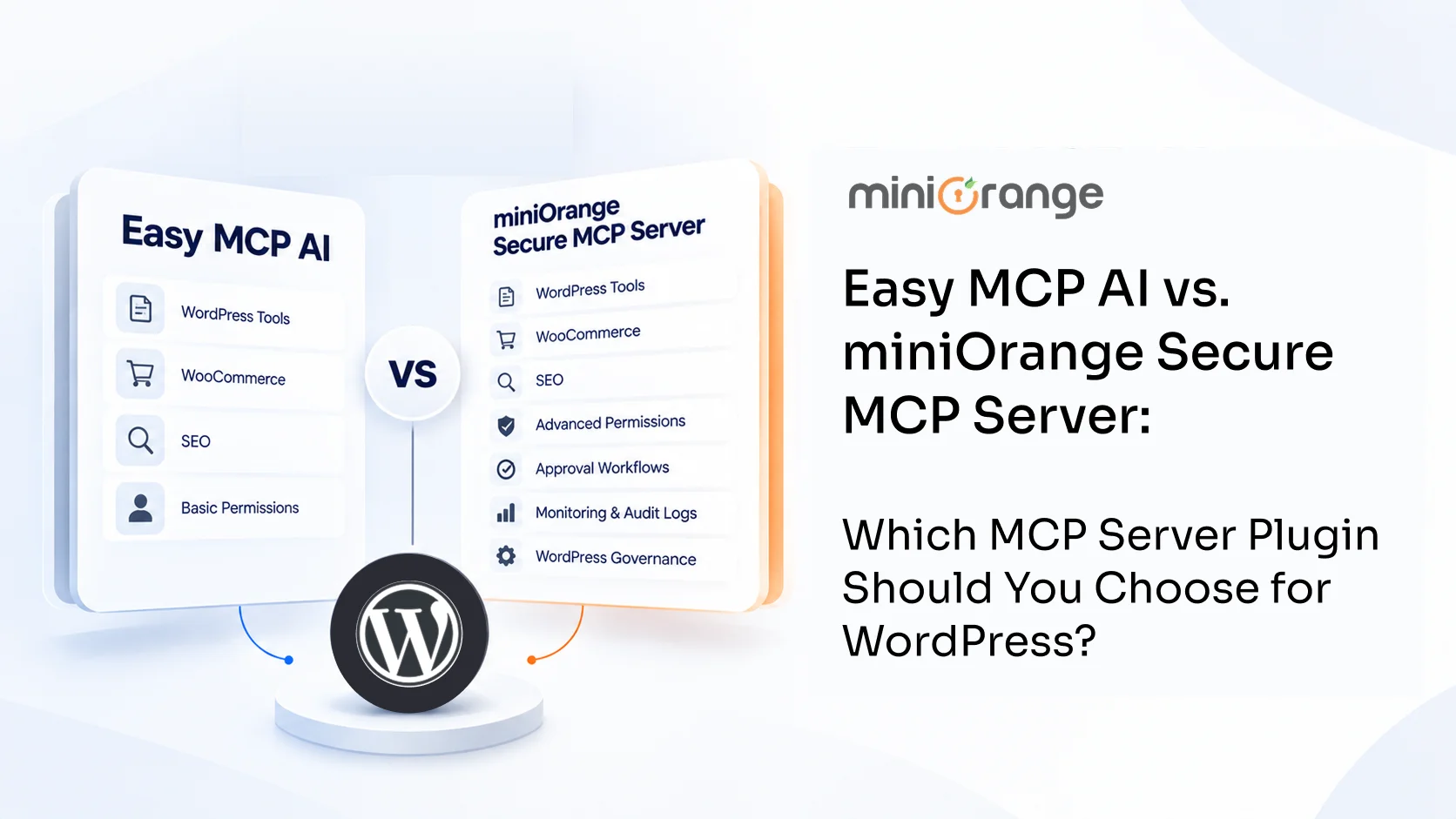
| Easy MCP AI | SEO and content automation | Free and open source | 1-click OAuth 2.1, bearer token | Claude, ChatGPT, Cursor, Gemini, n8n | 280+ | No | WordPress 6.0+ |
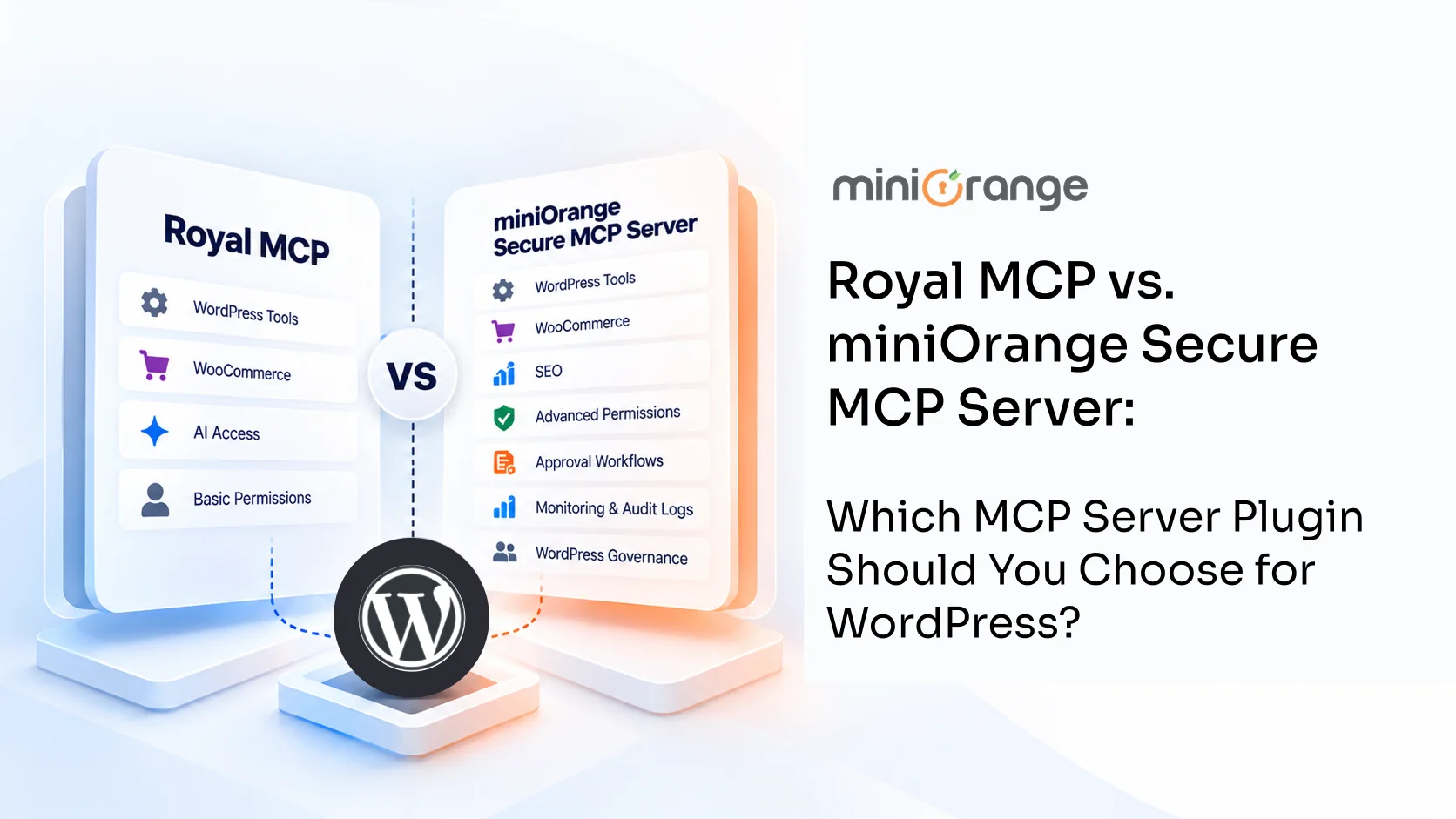
| Royal MCP | A focused, security-first connection | Free with paid pricing plans | API key and OAuth 2.1 | Claude, ChatGPT, Gemini, local models | 226 | No | Broad WordPress support |
| AI Engine | An on-site AI chatbot plus MCP | Free, with Pro tiers | OAuth or bearer token | ChatGPT, Claude, Claude Code | 10+ | No | WordPress 6.0+ |
Why Use an MCP Server Plugin for WordPress?
An MCP server plugin lets your AI agent act on your site instead of only talking about it. That opens up several practical wins:
-
Content management. Writers can create, update, schedule, publish, and delete posts and pages by chatting with AI. Drafting a new article, refreshing an old one, or removing outdated content all happen in a single conversation instead of across many admin screens.
-
WooCommerce automation. Store owners can add new products, update prices and stock levels, and remove items that no longer sell with plain-language requests. Orders, refunds, and coupons work the same way, so a store owner can look up an order, issue a refund, or create and delete a coupon by asking.
-
SEO management. Marketers can ask AI to write missing meta descriptions, update SEO titles, and set focus keywords across many posts at once. AI can also clear outdated SEO settings in bulk, which keeps your pages clean and consistent.
-
Page builder management. Teams can build new page layouts, update text, images, and links, and delete sections they no longer need, all through chat. Small changes no longer require opening the visual builder.
-
Forms and lead handling. Teams can review form entries, mark them as read or unread, restore or delete old ones, and export them as CSV files by asking AI. Supported form plugins also let AI create, update, and test email notifications and confirmation messages. Lead follow-up starts sooner because the data is easy to reach.
-
Everyday site maintenance. Site owners can ask AI to activate, update, and deactivate plugins, clear caches, refresh permalinks, and read the error log. AI can also update the site title, tagline, and timezone, and run scheduled tasks on demand. Routine upkeep becomes a quick conversation.
-
Safe theme and code editing. AI can create and update templates, global styles, patterns, and theme files through chat. Each change goes to a private draft first. The plugin checks the code, shows a preview, and creates an automatic backup before anything goes live. One restore can undo a published change.
-
Media library management. Content teams can upload images from a link or a file and update alt text and captions through chat. Keeping the media library organized takes a quick message instead of a long manual cleanup.
-
Comment moderation. Site owners can ask AI to search comments, reply to readers, and mark spam. Busy discussion sections stay tidy with far less manual review.
-
User and role management. Admins can create new users, assign roles, update profiles, and send password reset links by asking AI. Onboarding a new team member becomes a short conversation.
-
Custom post types and fields. Developers and editors can create and update items in custom post types, along with their terms and custom field values. AI can also set up new field groups and check a value before saving it, so complex content structures stay as easy to manage as regular posts.
How We Evaluated These MCP Plugins
We looked at each plugin through the eyes of a site owner who wants results without a security headache. Our criteria included:
-
AI adoption. How easily a team can start using AI through the plugin, and how many WordPress abilities the plugin provides. We check whether AI can create, update, and delete items instead of only reading them, and whether a team can undo a change when needed.
-
Security and authentication. How the plugin verifies agents, using methods like OAuth (for example, signing in with your WordPress login) or API keys.
-
AI client compatibility. Which AI providers connect, such as ChatGPT, Claude, Cursor, and Gemini.
-
Governance features. Controls like approvals, data masking, and permission rules.
-
Ease of setup. How quickly a non-developer gets the plugin running.
-
Performance. How the plugin handles requests without slowing the site.
-
Enterprise readiness. Support for larger teams, audits, and compliance needs.
-
Integrations: We check how easily the plugin integrates with popular WordPress plugins like WooCommerce, Yoast SEO, Rank Math, Elementor, Divi, Kadence, and popular form builders.
-
Community and support. The quality of documentation and technical support behind each plugin.
Best MCP Server Plugins for WordPress
Each review breaks down how the plugin works, its main features, and the trade-offs to weigh before you install.
1. miniOrange Secure MCP Server
miniOrange Secure MCP Server connects AI tools like Claude, ChatGPT, Cursor, Gemini, and other MCP-compatible AI providers to your WordPress site. It lets AI handle everyday WordPress tasks while giving you control over what each agent can access, change, and share. With role-based permissions, approval checks, data protection, and activity logs, it helps you balance AI automation with security.
Key Features:
- Access 426+ MCP abilities to work with WordPress posts, pages, media, categories, tags, custom post types, users, roles, comments, site settings, plugins, themes, updates, and maintenance.
- Register AI agents by name and choose which abilities each WordPress role can access. For example, an editor’s AI agent can write and publish posts without receiving permission to install plugins or change site settings.
- Connect AI clients such as ChatGPT, Claude, Gemini, Cursor, and other MCP-compatible AI models to your WordPress site through a guided setup.
- OAuth 2.1 with PKCE helps secure the connection without exposing your WordPress password to the AI client.
- Create new WooCommerce products, update prices and product details, work with orders and customers, prepare coupons, process refunds, and review sales reports through AI.
- Build new page layouts and edit existing designs in supported page builders, including Elementor, Elementor Pro, Divi 4, Divi 5, and Kadence Blocks.
- Add or update SEO titles, meta descriptions, focus keywords, and other supported settings in Yoast SEO and Rank Math.
- Add or update custom information, such as product dimensions, materials, or author details, using Advanced Custom Fields (ACF).
- Review form submissions and entry details from Contact Form 7 through Flamingo, WPForms, Gravity Forms, and Fluent Forms.
- Control which WordPress abilities, REST API actions, and WP-CLI commands AI agents are allowed to access.
- Review the Activity Log to see which agent performed an action, which ability it used, who initiated the request, when it happened, and whether it succeeded or failed.
- Restore earlier versions or undo supported changes when an AI action produces an unwanted result.
- Require human approval for selected sensitive actions before they proceed.
- Apply Data Rules for Data Loss Prevention (DLP) to mask sensitive information, such as email addresses, phone numbers, and secrets, before it is shared with AI models.
- Monitor AI activity with Shadow MCP to track how AI agents interact with your WordPress site.
- Apply access controls across multiple WordPress sites from one place, depending on your plan.
Pros:
- Offers a free plan with a wide range of MCP abilities and security controls.
- Automatically enables abilities for supported plugins when they are installed and active.
- Includes a Debug Log to help find connection problems and failed AI actions.
- Delivers responsive customer support with quick troubleshooting, even on the free plan.
- Supports multiple WordPress sites from one place.
Cons:
- The free plan includes 100 requests per day, which refreshes daily. Heavy users might need a higher limit.
- A few advanced features are available only on paid plans.
Verdict: Overall, miniOrange Secure MCP Server is a great choice for WordPress users who want more control over AI and site security. It offers 426 MCP abilities, with more added over time, so you have plenty of options for your WordPress tasks. It also supports single and multiple WordPress sites, so you have the flexibility to manage AI access based on your needs.
2. Official WordPress MCP Server
The Official WordPress MCP Server is Automattic's open-source implementation of the Model Context Protocol for WordPress. It gives developers a standard way to connect AI assistants with WordPress through MCP tools, resources, and prompts. The project focuses on developers who want to build custom AI integrations using the official WordPress implementation.
Key Features
- JWT authentication that verifies AI clients before they access your WordPress site
- Support for Claude Desktop, Cursor, Windsurf, and other MCP-compatible clients, making it easy to connect popular AI assistants
- Unlimited custom tools that let developers expose their own WordPress features and workflows to AI agents
- STDIO and Streamable HTTP transport support, giving flexibility to run the server locally or connect it over HTTP
- Open source architecture that developers can inspect, customize, and extend for their own use cases
- WordPress 6.9+ compatibility, built to work with the latest WordPress AI capabilities
Pros
- Official implementation from Automattic, aligned with WordPress MCP standards and development
- Supports multiple AI clients through standard MCP protocols and transport methods
- Unlimited custom tools help developers build tailored AI workflows for WordPress
Cons
- Requires command-line setup and developer experience for installation and configuration
- REST API CRUD tools are experimental and may change in future releases
Verdict
The Official WordPress MCP Server is a great fit for developers who want an open-source, standards-based MCP implementation from Automattic. It provides a flexible foundation for custom AI integrations, but organizations that need built-in governance, approval workflows, and AI agent identity management will require additional solutions.
3. Easy MCP AI
Easy MCP AI connects any MCP-compatible AI client to your WordPress site and hands it a large set of tools for content, SEO, and store tasks. The plugin runs in pure PHP with no external proxy, so setup stays simple. It fits writers, marketers, and site owners who want an AI assistant to research, publish, and optimize content directly.
Key Features:
-
More than 240 MCP tools covering posts, pages, media, users, menus, and WooCommerce (for example, creating a post or updating a product)
-
A 1-click OAuth 2.1 connection with per-scope consent, so each token reaches only the tools you allow
-
Plugin integrations with Yoast SEO, Rank Math, All in One SEO, WooCommerce, ACF, The Events Calendar, and BuddyPress
-
Google Analytics 4 and Search Console access, plus optional Semrush and DataForSEO data
-
Abilities auto-discovery for any plugin that registers WordPress Abilities, the standard introduced in WordPress 6.9
-
Security through bearer token auth with SHA-256 hashing, per-token permissions, rate limiting, IP whitelisting, and full audit logging
Pros:
-
Free and open source, with no paid tiers or usage limits
-
Wide tool coverage for full content and SEO workflows
-
Runs entirely inside WordPress, with no Node.js or proxy
-
Granular per-token control over what each AI client reaches
Cons:
-
The large tool set adds a learning curve for first-time users
-
Governance features like human approvals fall outside the plugin's scope
Verdict: Easy MCP AI is a great choice for SEO and content teams that want AI-powered publishing and analytics. The free feature set and simple PHP setup make it easy to install and start using on content-focused websites.
4. Royal MCP
Royal MCP is a security-first MCP server that connects AI assistants like Claude, ChatGPT, and Gemini to WordPress. It does one job and does it carefully, with API key and OAuth login, rate limits, and a full activity log. The plugin runs entirely on your server and makes no outside calls, which appeals to owners who value privacy and a small footprint.
Key Features:
-
API key and OAuth 2.1 authentication on every request
-
Around 69 built-in operations for posts, pages, media, users, and settings, with extra tools that auto-load when WooCommerce, Elementor, or ACF is active
-
Rate limiting at 60 requests per minute per IP, which controls how often an agent acts
-
A full activity log that records each tool call and its result
-
MCP 2025-11-25 Streamable HTTP transport on a single /mcp endpoint, with origin header validation that guards against DNS rebinding attacks
-
Elementor clone-and-customize tools for page building through the AI
Pros:
-
It is free, with paid plans starting at $79 per month
-
Credentials and logs stay on your server, with no telemetry
-
Works with cloud and local AI models, including Ollama and LM Studio
-
A clear security design for owners who want a narrow, auditable tool
Cons:
-
The plugin covers the MCP connection only, so it skips chatbots and content generation
-
Human approval steps for high-risk actions are absent
Verdict: Royal MCP suits site owners who want a focused, security-first connection and nothing extra. If a clean, private, and dedicated connector is your goal, this plugin delivers exactly that.
5. AI Engine
AI Engine by Meow Apps is a broad WordPress AI plugin that now includes a native MCP server. Alongside MCP, it runs a chatbot, image generation, AI forms, and knowledge bases. Agents like ChatGPT, Claude, and Claude Code connect to browse content, edit posts, and manage media. It fits owners who want visitor-facing AI and agent access in the same place.
Key Features:
-
A native MCP Server with OAuth or bearer token login and a Streamable HTTP option for clients like Claude Code
-
MCP Feature groups that let you expose WordPress, Plugins, Themes, Polylang, and WooCommerce tools by choice
-
A Connected Apps view that lists every OAuth grant and revokes access in one click
-
MCP Logs and Insights that capture each tool call with its status and duration
-
Extra MCP Tools in the Pro version for plugin, theme, database, Polylang, and WooCommerce management
-
Model connectors for OpenAI, Anthropic, Google, xAI, and Mistral, plus self-hosted options like Ollama and LM Studio
Pros:
-
Combines an AI chatbot and MCP access in one familiar plugin
-
A free version on WordPress.org with a clear upgrade path
-
Permission-aware tools with one-click access revocation
-
A wide choice of AI model providers
Cons:
-
MCP is one feature within a larger suite, which may feel heavy for MCP-only needs
-
Several MCP tools require the Pro version
Verdict: AI Engine is the right call for sites that want an on-site AI chatbot and an MCP server in one plugin. It covers both a public chatbot and AI agent access in a single install, which keeps your setup simple.
Which Plugin Should You Choose?
Your best choice depends on what you want the AI to do.
-
Use case: Choose a plugin that matches your goals, whether it's AI-powered content creation, development, customer support, or workflow automation.
-
Security and governance: If AI agents interact with sensitive data or business workflows, look for features such as policy enforcement, approval workflows, and audit logging.
-
MCP compatibility: Ensure the plugin works with the AI assistants and MCP clients your team uses today and plans to adopt in the future.
-
Technical support: Look for responsive technical support, regular updates, and active maintenance, especially if you plan to use the plugin in production.
-
Scalability: Choose a solution that can support multiple AI agents, growing workloads, and evolving business requirements.
-
Data privacy and compliance: If you process sensitive information, prioritize features such as self-hosting, data redaction, and compliance-friendly controls.
Final Thoughts
The right MCP server plugin for WordPress depends on what you want AI to do on your website. Some plugins focus on content creation, while others are designed for development, security, or advanced AI workflows. Before making a decision, consider your requirements, ease of setup, security, ongoing support, and how well the plugin can scale with your website.
For organizations that need enterprise security, the miniOrange Secure MCP Server is the clear choice. See how it protects your WordPress site from AI risks and book a demo.
FAQs
Does Claude AI work with WordPress?
Yes, Claude works with WordPress once you connect it through an MCP server plugin. After you install one and link Claude Desktop, the web app, or Claude Code, it reads and edits content within the permissions you set.
Is there an MCP server for WordPress?
There are several. Each plugin in this guide turns WordPress into an MCP server and exposes site actions as tools that an AI agent calls.
Can ChatGPT connect to WordPress using MCP?
It can. ChatGPT supports MCP connectors, so it links to WordPress through plugins like miniOrange Secure MCP Server, Easy MCP AI, Royal MCP, and AI Engine using OAuth.
Does Claude support MCP?
Yes, and it helped start the standard. Anthropic created the Model Context Protocol, and Claude supports it across Claude Desktop, the web app, and Claude Code.
Do I need coding knowledge?
For most of these plugins, you do not. miniOrange, Easy MCP AI, Royal MCP, and AI Engine install straight from the dashboard. The WordPress MCP Adapter is the one exception, since it needs command-line setup.
Can I use MCP with WooCommerce?
Yes, MCP works with WooCommerce. Several of these plugins include WooCommerce tools, so an AI agent handles products, orders, and customers through MCP.
Leave a Comment